
1
Upload two portraits
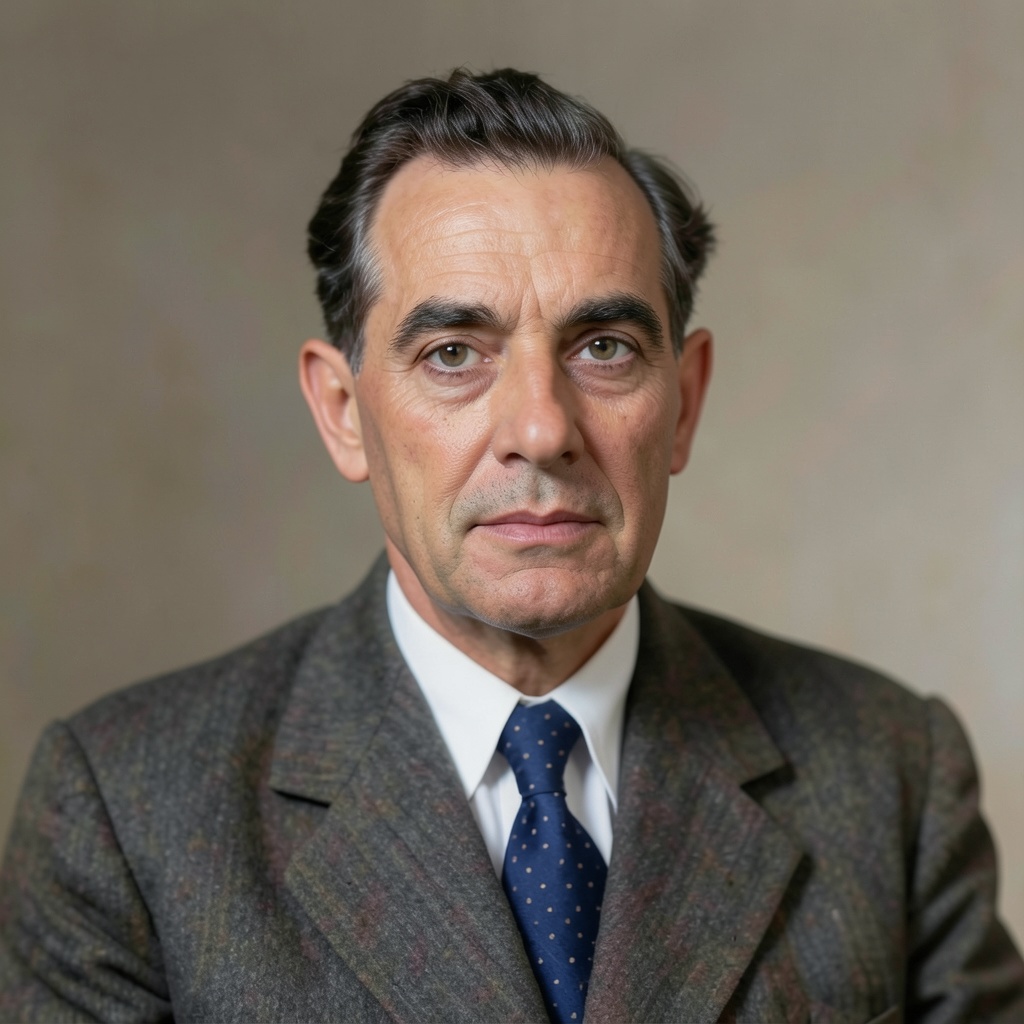
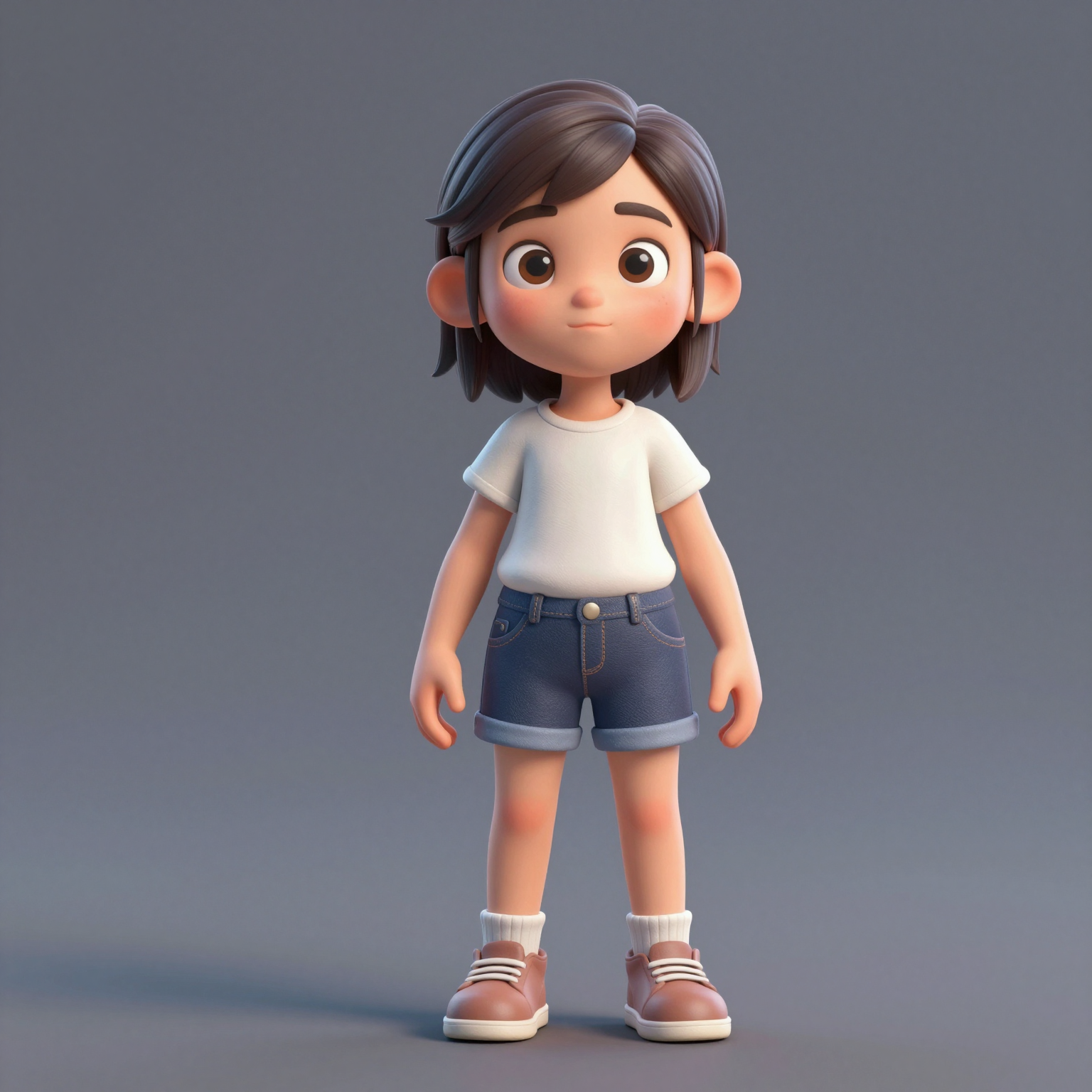
Add one clear, front-facing portrait of each performer — shoulders up, decent light. Prefer a single shot of both? Switch to One Photo mode.
Turn two photos into the viral hotel lobby ai video — the orange-booth rap duo performance from COLORS. Free to try, no green screen, no editing skills.
Your video may be selected and published to the public Explore feed to inspire other creators.
Trend templates
Generate the classic orange-booth video above, or pick a viral template — Halloween, gas station dance, money flex, werewolf and more — each with its own playground.
New templates
The 16 latest generator pages added to the hub — newest first. Pick a trend and make your own clip in minutes.
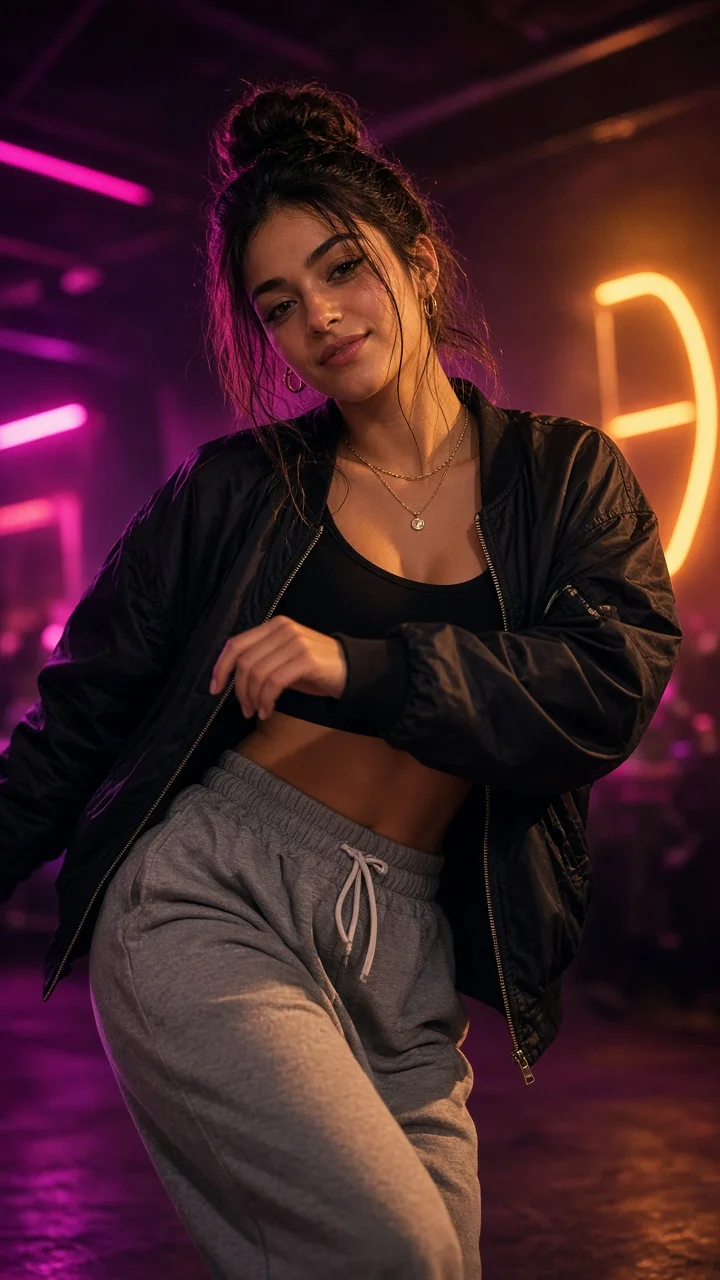
Playful sassy nightclub dance remake from one photo — confident hip sways, sass-face attitude and a fierce crouch-pose finish under club lights.
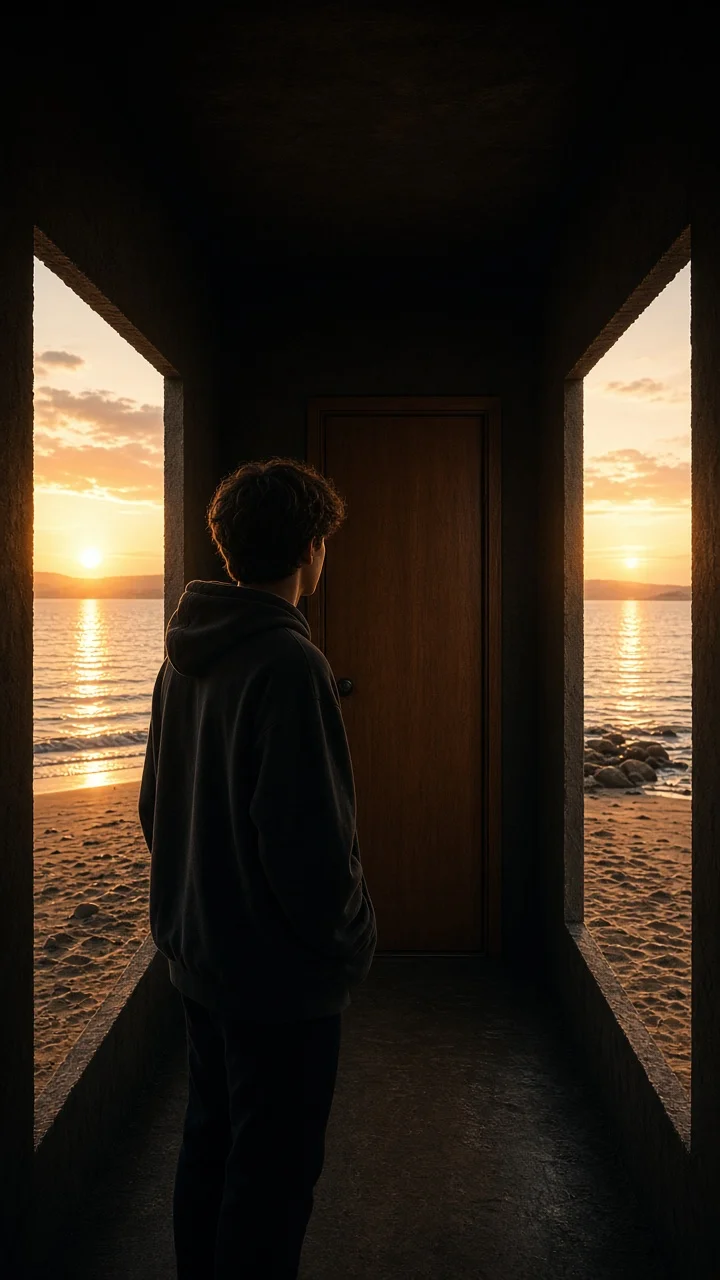
Dark hallway, three knocks, and the walls swing open onto a lake-and-sunset world while the door stays shut — surreal hopeful reveal from one photo.
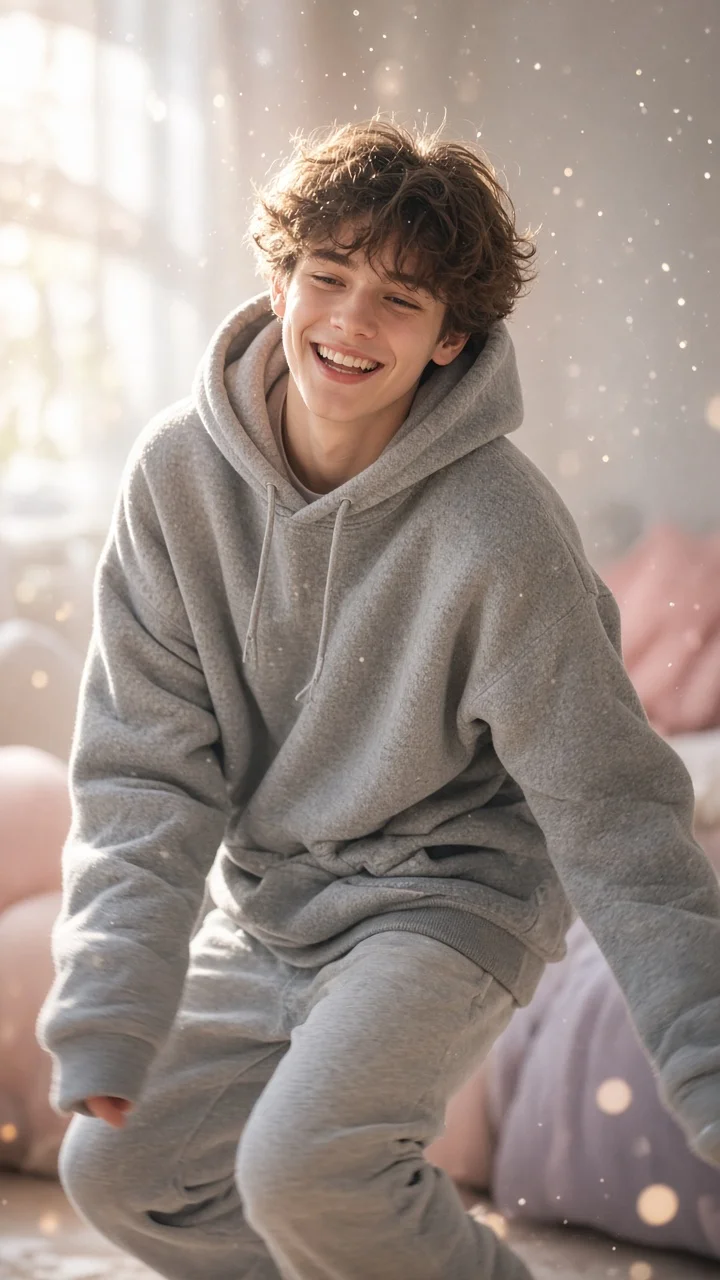
Soft dreamy squat-bounce-shake dance from one photo — cozy oversized hoodie, pastel morning light and a sleepy little smile.
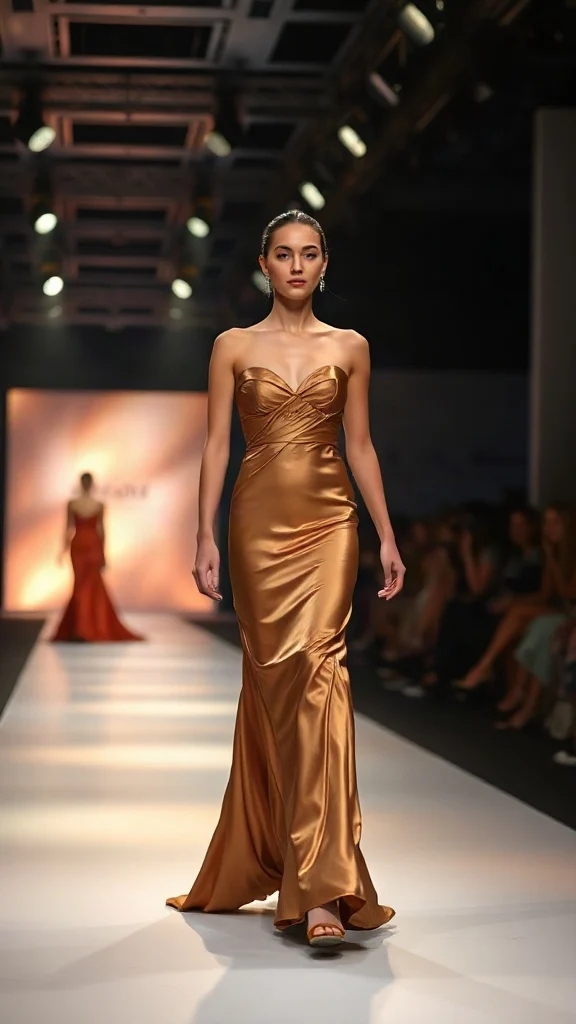
Not all angels walk the runway — upload one photo and transform into a glamorous high-fashion runway walk in a sleek evening look with flash-popping catwalk lighting.
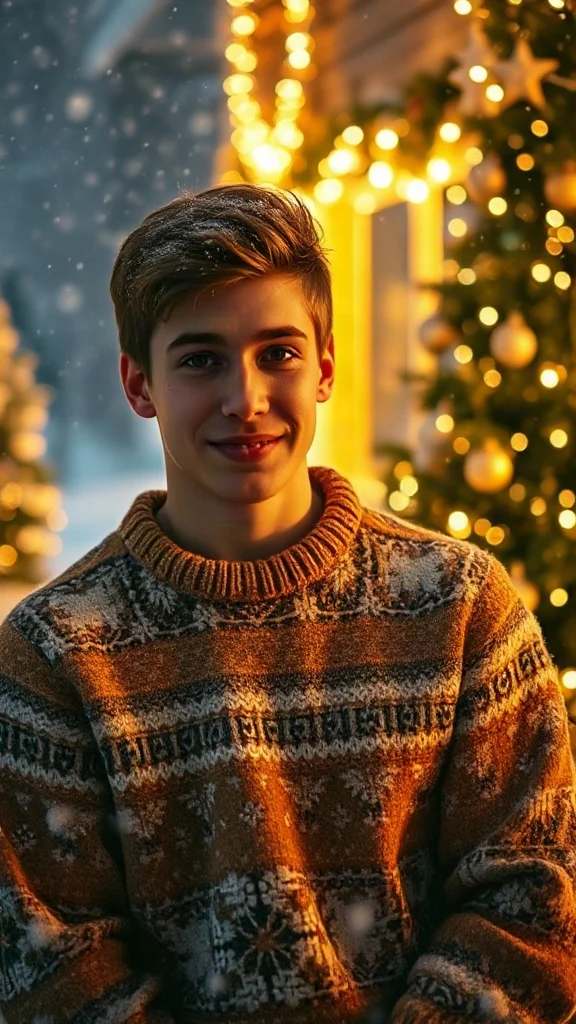
Cozy 90s holiday rom-com remake from one photo — chunky knit sweater, soft snowfall, golden fairy lights and a playful snowball meet-cute.
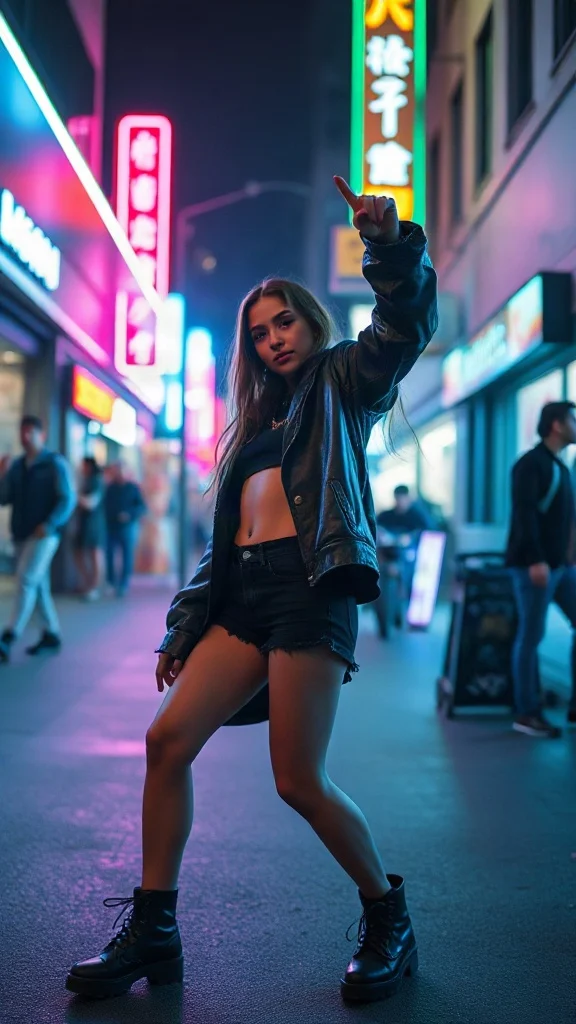
Empowered breakup-anthem dance remake from one photo — confident walk-away, freestyle dance energy, outfit glow-up and sassy neon night vibes.
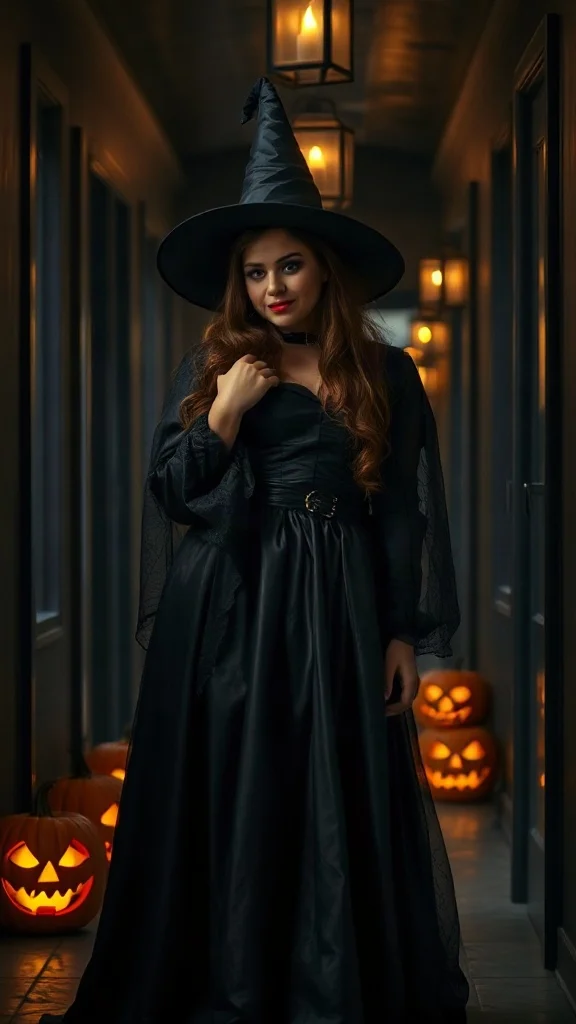
Halloween 2026 costume reveal — sweet innocent look first, then a dramatic witch, vampire or ghost-bride transformation from one photo.
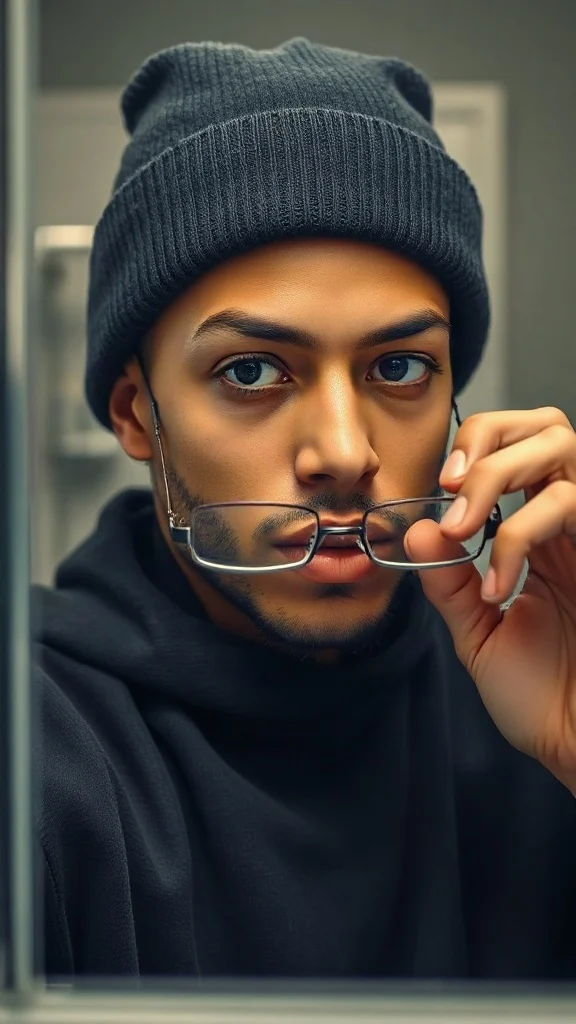
Glasses off, knit skull cap on — glow up into a chiseled confident version of yourself under dramatic light.
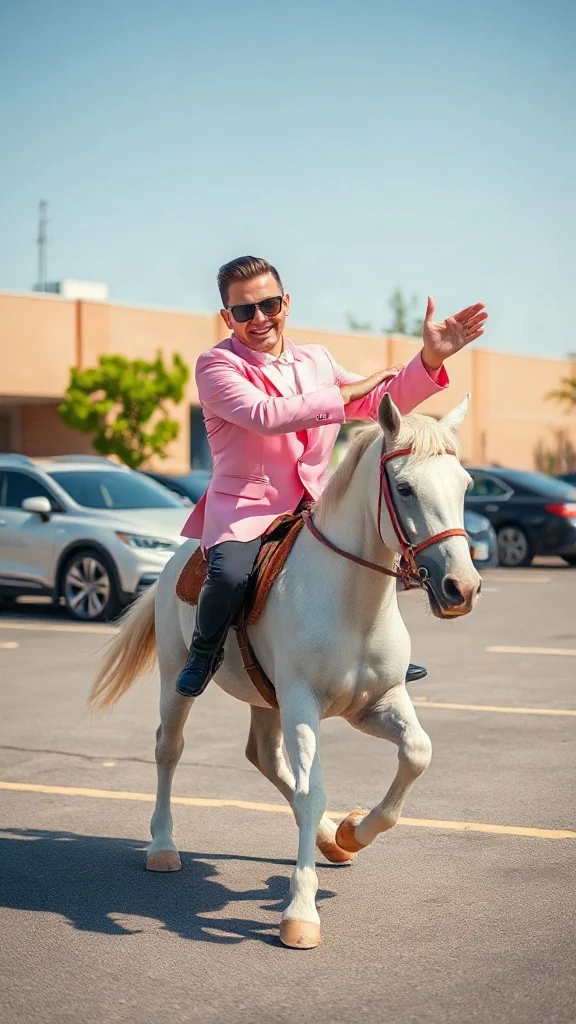
Pastel tux, sunglasses, crossed-wrist horse gallops — remake the retro party dance trend from one photo on an original beat.
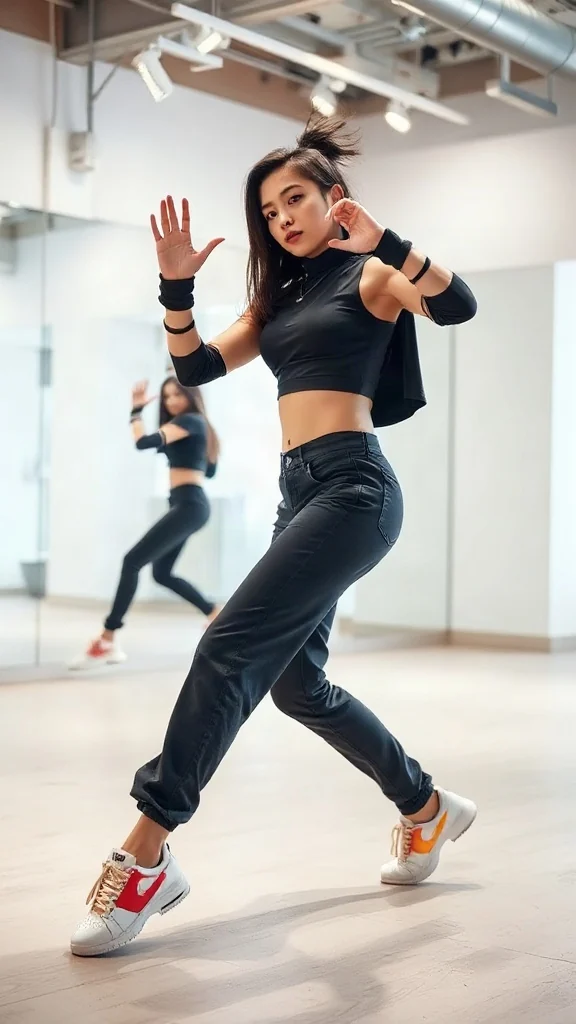
One photo, sharp idol-style streetwear moves — snap-freezes on every beat with a fully original instrumental.
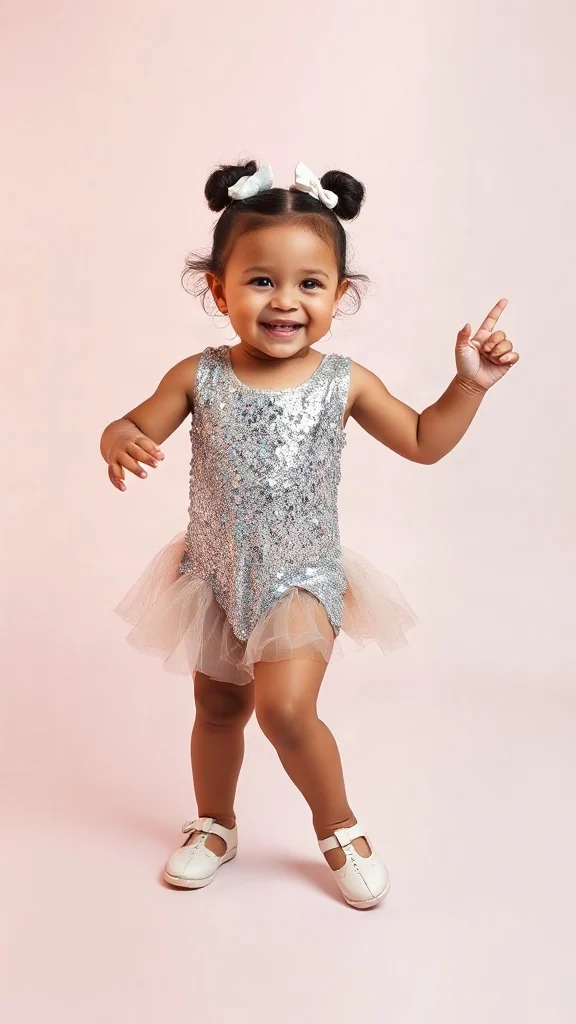
Become an adorable glam toddler mini-diva — sunglasses up, feather boa spinning, sassy runway struts.
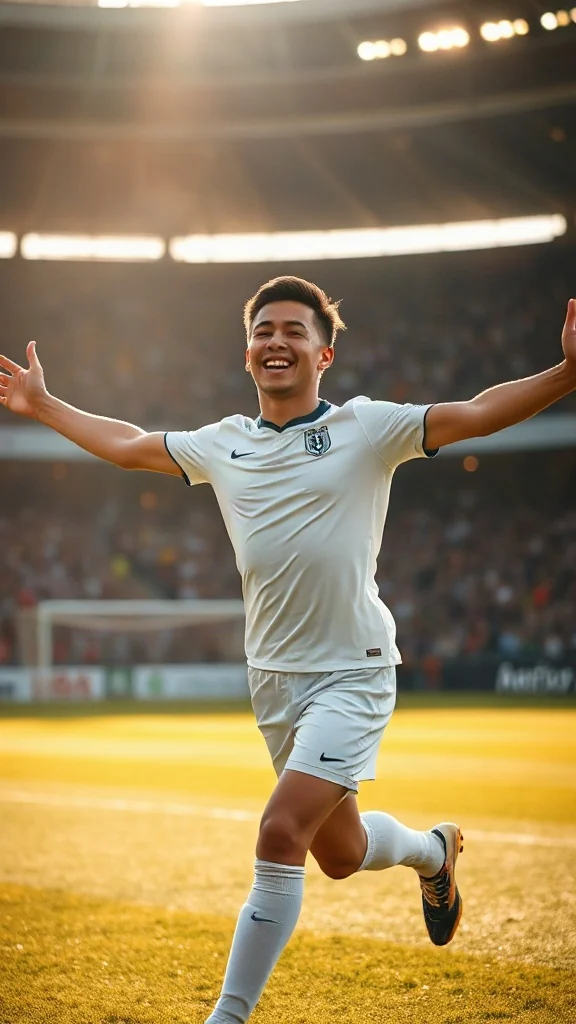
Score in a plain white kit and wheel away arms-wide under the floodlights — the classic celebration from one photo.
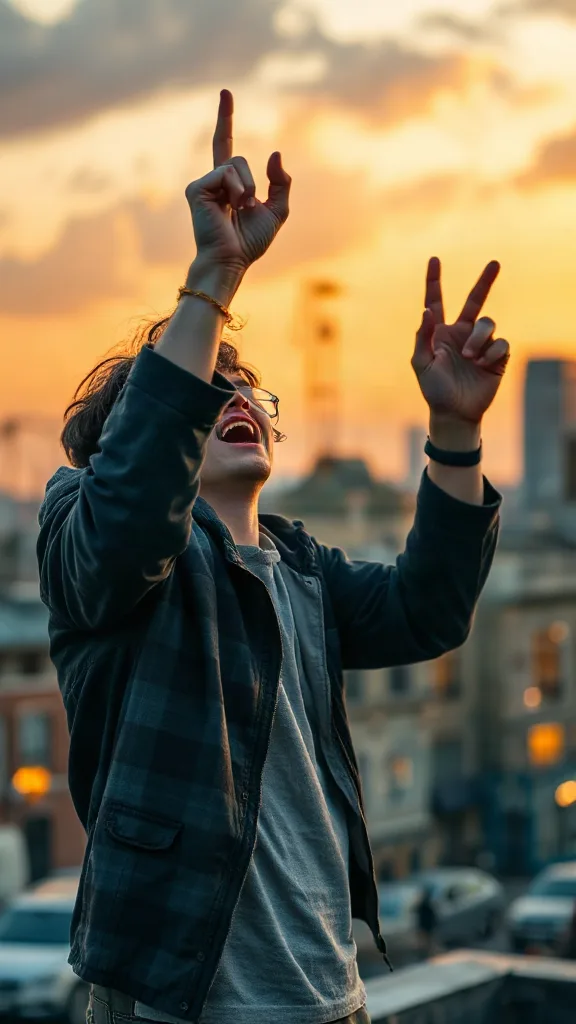
Rooftop at dusk, rock horns up — belt an original emo anthem from one photo. No real songs, just glory.
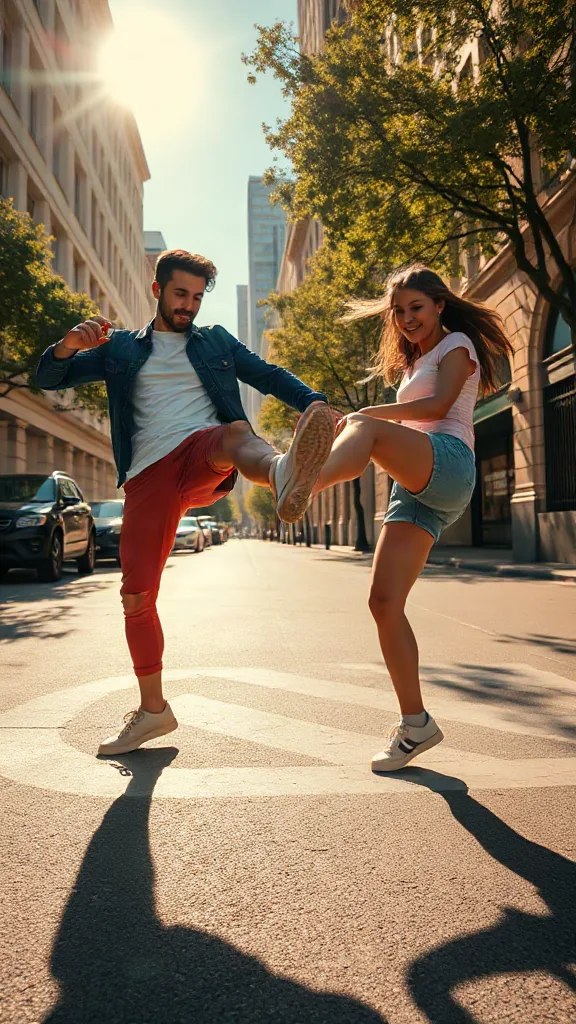
You and a friend — or two pets — take turns kicking toward the camera, every strike landing on a bing hit.
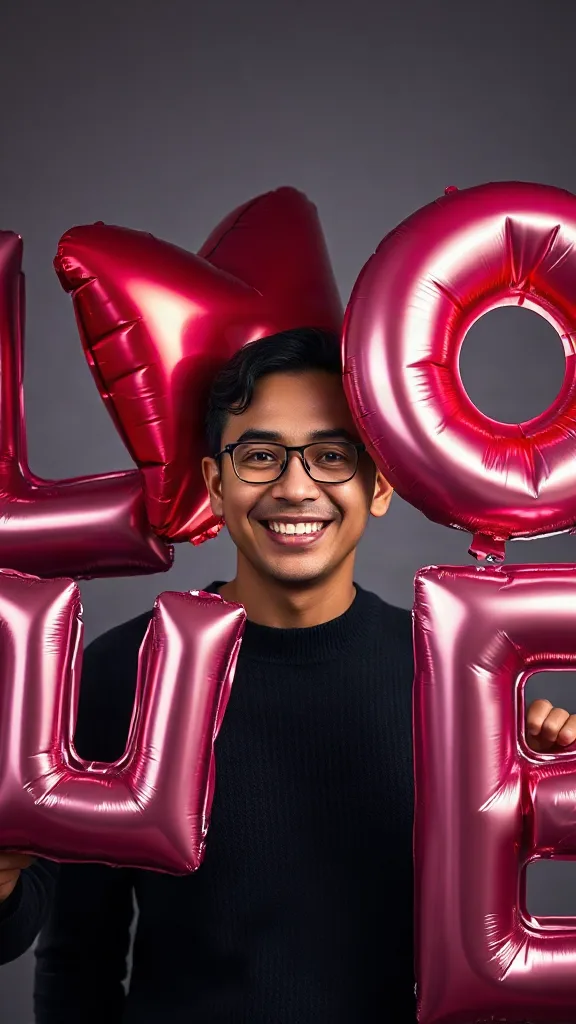
Giant glossy 3D letters L, V and E float in around you — and the round object you hold completes LOVE.
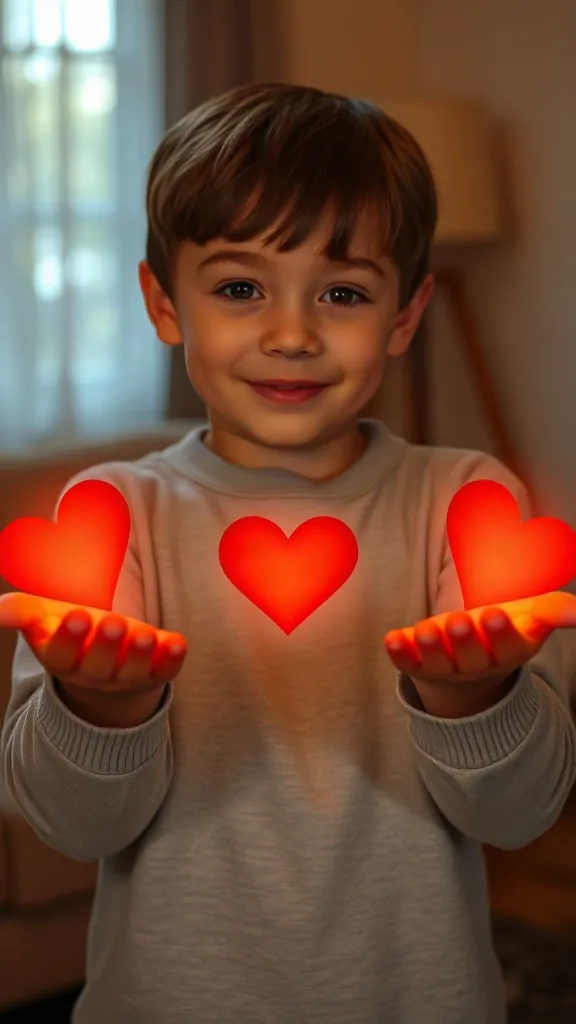
Flick little red hearts to Mom, Dad and Sister — then hand Brother your entire glowing heart. One photo.
How to Use
A real example made with the generator above: two everyday portraits become a rap-duo performance in the orange hotel lobby booth. Follow the same flow to make yours.
Add one clear, front-facing portrait of each performer — shoulders up, decent light. Prefer a single shot of both? Switch to One Photo mode.
Using the first uploaded image as the identity reference for the left performer and the second uploaded image as the identity reference for the right performer, place them side by side in a vast monochrome orange room with a high ceiling and the wall sweeping far back behind them, like two rappers trading verses on a live music showcase
The Hotel Lobby prompt is prefilled for you. Expand the Prompt panel to tweak the booth color, vibe, or choreography — or leave it exactly as it is.
Press Generate and wait about two minutes. You get a vertical MP4 with sound — download it or share it straight to social.
Make yours nowReal demos
Every hotel lobby ai video below was generated from just two photos — no green screen, no editing. That is exactly what the hotel lobby generator produces for the viral hotel lobby trend: the orange colors stage, the single hanging mic, and your two performers in a tight two-shot.
Hotel lobby ai video demo — two photos turned into the colors stage rap duo performance.
Hotel lobby ai video demo — left performer takes verse one, right answers on the hook.
Hotel lobby ai video demo — friends rapping in the iconic orange booth with the hanging mic.
Hotel lobby ai video demo — 9:16 vertical HD clip ready for TikTok, Reels and Shorts.
🎃 Halloween edition · until Oct 31
Same orange booth, same moves — now in costume. Photo 1 becomes the vampire, photo 2 the skeleton, and both faces stay yours. Pets get dressed up too.
Make the Halloween versionExamples
Every hotel lobby ai video below follows the same recipe — two photos, the orange booth, the single hanging mic. Pick the duo that matches yours, upload the same style of portraits, and copy the prompt idea straight into the generator above.
Left gestures while rapping, right nods to the beat, casual streetwear.
Make this duoSuits swagger: confident opening verse, answering second verse.
Make this duoWant the full template gallery? Browse every hotel lobby ai template with one-click apply.
The trend
The Hotel Lobby AI trend recreates Quavo and Takeoff's 2022 “Hotel Lobby (Unc & Phew)” performance on A COLORS SHOW — two people singing side by side in an orange booth with a single microphone hanging between them. It went viral on TikTok and X in 2026, with people swapping in best friends, couples, siblings and parents. Hotel Lobby AI turns two ordinary photos into a short vertical 9:16 video of the two of you in that booth, matching the trend's moves and lip sync so the sound lines up — no original footage and no one else's face.
Updated October 11, 2026 · Sources: Quavo & Takeoff – “Hotel Lobby” | A COLORS SHOW (official), TikTok – Community Guidelines: AI-generated content
Hotel Lobby AI is an independent tool, not affiliated with Quavo, Takeoff, their label or COLORS.
You may also see this trend called Migos AI or the AI rap duo trend.
Tutorial
The whole hotel lobby ai video workflow takes about two minutes. Here is the exact process — the same three steps every tutorial video on the hotel lobby trend is teaching.
Add one clear, front-facing photo of each performer — friends, family, pets, or any duo you have the rights to. Two separate portraits give the strongest likeness.
Choose the orange-booth duo template. It recreates the solid orange backdrop, the single hanging microphone, and the tight two-person medium shot — no green screen required.
Hit Generate and preview your Hotel Lobby AI video free. Download the HD vertical clip, drop the song back in with CapCut or the TikTok editor, and post with #hotellobby and #genjutsu.
Need the long version with prompts and character ideas? Read the full how to make a hotel lobby ai video guide.
Templates
These hotel lobby generator templates preset the stage, the mic, the framing, and the motion — you only bring the two faces. Every card links to the full template gallery with one-click apply.
The original COLORS setup: orange stage, one hanging mic, medium two-shot, 9:16.
Open the hotel lobby ai template →Best for rap-battle duosLeft performer takes verse one, right answers on verse two with reactive cuts.
Open the hotel lobby ai template →Best for pet duosGentle head-bobs, blinking on the beat, one pet leans into the mic at the drop.
Open the hotel lobby ai template →Best for office memesBusiness-casual styling with confident hand gestures and a celebratory hook.
Open the hotel lobby ai template →Best for anime duosStylized anime rendering of the duo on the same orange stage, #genjutsu ready.
Open the hotel lobby ai template →Best for birthdaysFestive styling on the classic stage — one raps a birthday verse, the other claps along.
Open the hotel lobby ai template →Want every viral trend in one place? Browse all AI tools.
Compared
The main ways to make the trend, side by side.
| Hotel Lobby AI | Face-swap onto the clip | Subscription AI apps | CapCut / manual edit | |
|---|---|---|---|---|
| What you upload | 2 photos | 1–2 photos | 2 photos | Your own footage |
| Original COLORS footage or the artists' likeness in your video | No | Yes | Varies | No |
| Price | Free to try + one-time credit packs | ~$5 per clip | Weekly or monthly plan | Free but hours of work |
| Subscription | No | Sometimes | Yes | No |
| Both people need to film | No | Yes | Varies | Yes |
| Audio | Add “original sound - COLORS” in TikTok | Original song | Varies | Whatever you record |
Pricing
Every plan is a one-time purchase — no subscription and credits never expire. A 5s clip costs 2 credits and a 15s clip costs 6, so here is how many clips each pack gets you.
2 credits ≈ 1× 5s clip · 6 credits ≈ 1× 15s clip
See full pricing and all packsTwo photos are all the hotel lobby generator needs. Make your Hotel Lobby AI video free — no green screen, no editing skills, no login to preview.
Generate Your Hotel Lobby AI VideoHave questions or feedback about Hotel Lobby AI? Email us — we read everything.