Closed on Sunday trend
You stay still, the choir moves
Closed on Sunday AI turns one portrait into the viral choir clip: upload a single photo, pick a hall or cathedral preset, and get a vertical video where you are the calm, silent center while robed singers belt and sway around you. No prompt research — the contrast is built into the generator.
Closed on Sunday AI: upload one photo and star in the viral choir trend — you stay calm and silent at center while a gospel choir sings and sways around you. Vertical 9:16, free to preview.
Upload one clear front-facing photo of you, shoulders up. You stay still at center while the choir performs around you.
Your video may be selected and published to the public Explore feed to inspire other creators.
Made with this generator
Static preview stills for the choir contrast layout. Generate above for the full clip with gospel-choir instrumental.
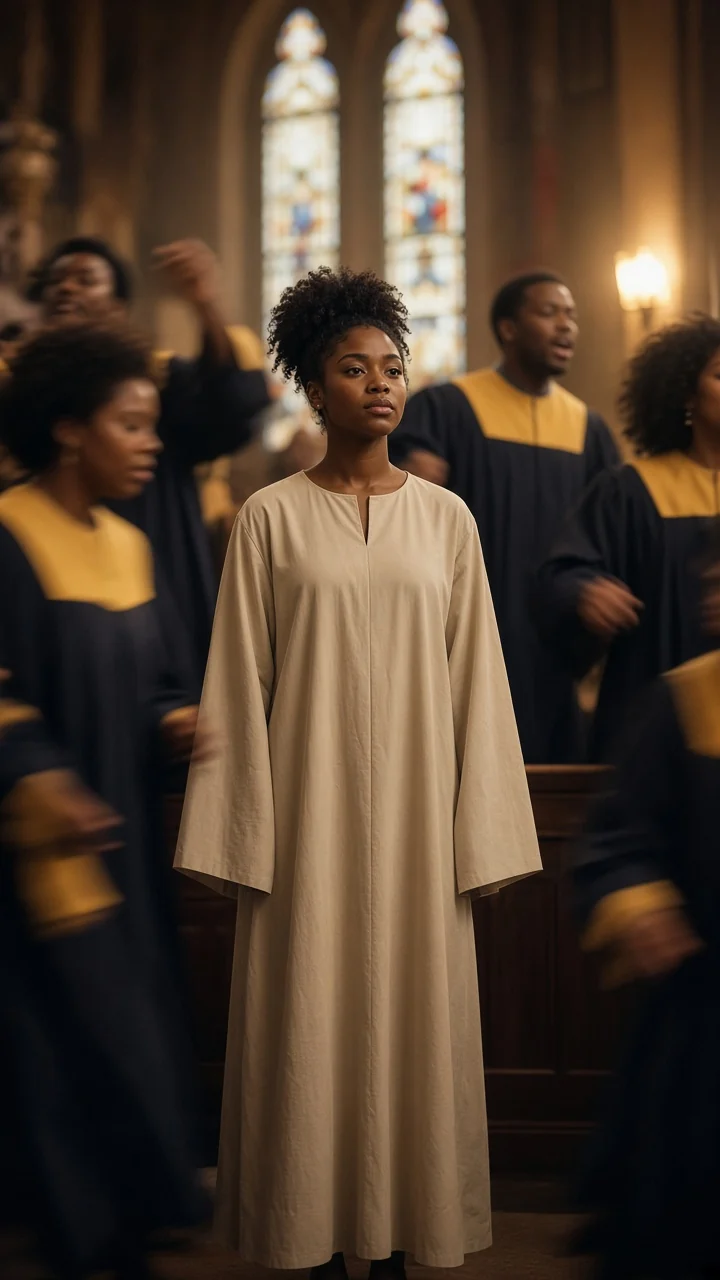
Example still: warm wood gospel hall framing for the still-center, moving-choir contrast.
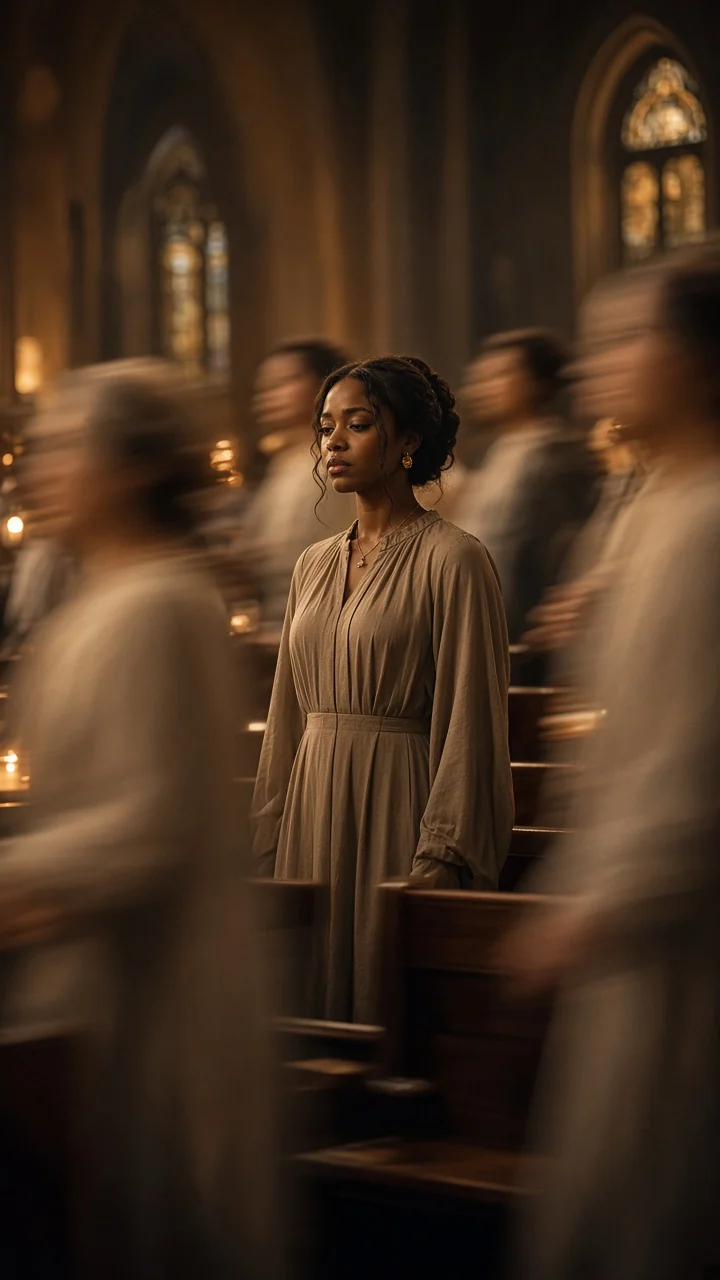
Second still for vertical 9:16 choir composition — generate above for full motion and audio.
The trend
The format is simple and extremely shareable: one person frozen at center — no lip-sync, no dancing — while a gospel choir performs with full energy behind them. That tension between still lead and moving chorus is what reads in the first second of the scroll.
Because the camera plan is fixed, a single photo is enough input. The generator places you in the scene, keeps your face locked, and animates only the choir around you.
The structure
Beat 1 · 0:00
You stand at center with a relaxed posture, neutral expression and mouth closed — the contrast that makes the trend work.
Beat 2 · 0:03
Robed singers behind and beside you sway, mouths open in song while you never move your lips.
Beat 3 · 0:06
The choir lifts hands and leans into the harmony; the camera stays locked on your still face.
Beat 4 · 0:08
On the last beat the choir steps one pace closer while you hold the same unmoved pose to the lens.
How it works
Step 1
One front-facing portrait, shoulders up. The generator locks your identity as the silent center of the frame.
Step 2
Gospel hall, cathedral, candlelight chapel, outdoor amphitheater or studio choir — each preset places a different choir world behind you.
Step 3
Preview for free, then post the vertical MP4. Add the official trend audio in TikTok to land on the sound page — the clip ships with an original gospel-choir instrumental only.
Scene presets
Warm wood panels and stained-glass light — the classic Sunday-service read of the trend.
Gospel Hall preset
Stone arches and soft daylight for a grand, reverent choir backdrop.
Cathedral preset
Dim chapel, golden candles and white robes — intimate and cinematic.
Candlelight Choir preset
Golden-hour stage with colorful robes under open sky.
Outdoor Amphitheater preset
Single spotlight on you, tight semicircle of singers on black — music-video clean.
Studio Choir preset
Your pet sits calm at center while the human choir performs behind them — species and markings stay true.
Pet Center preset
Prompts
1.Lead stays silent — mouth closed, no lip-sync, neutral eyes to lens while only the choir sings and moves.
Add to prompt2.SAME IDENTITY — preserve face, hairstyle, skin tone, outfit and accessories on the center subject throughout. No face morphing or outfit flicker.
Add to prompt3.Choir only moves — swaying bodies and raised hands on the singers; the lead does not dance, point or emote dramatically.
Add to prompt4.Respectful tone — no political symbols, no real church names; keep lighting warm and PG.
Add to promptClosed on Sunday AI on this site is an independent fan-made entertainment tool. It is not affiliated with, endorsed by, or sponsored by any artist or label, and it does not reproduce copyrighted recordings. Only upload photos you have the right to use.
