
1
Upload two portraits
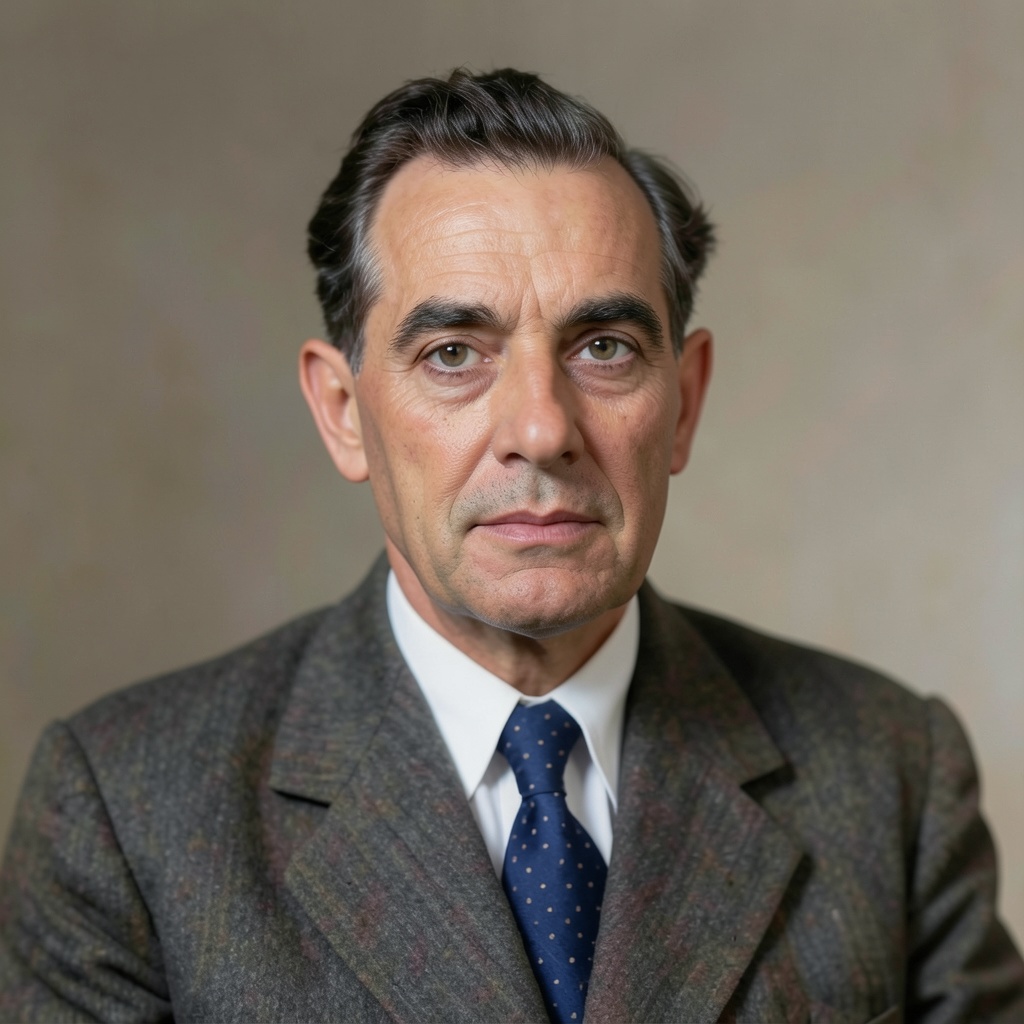
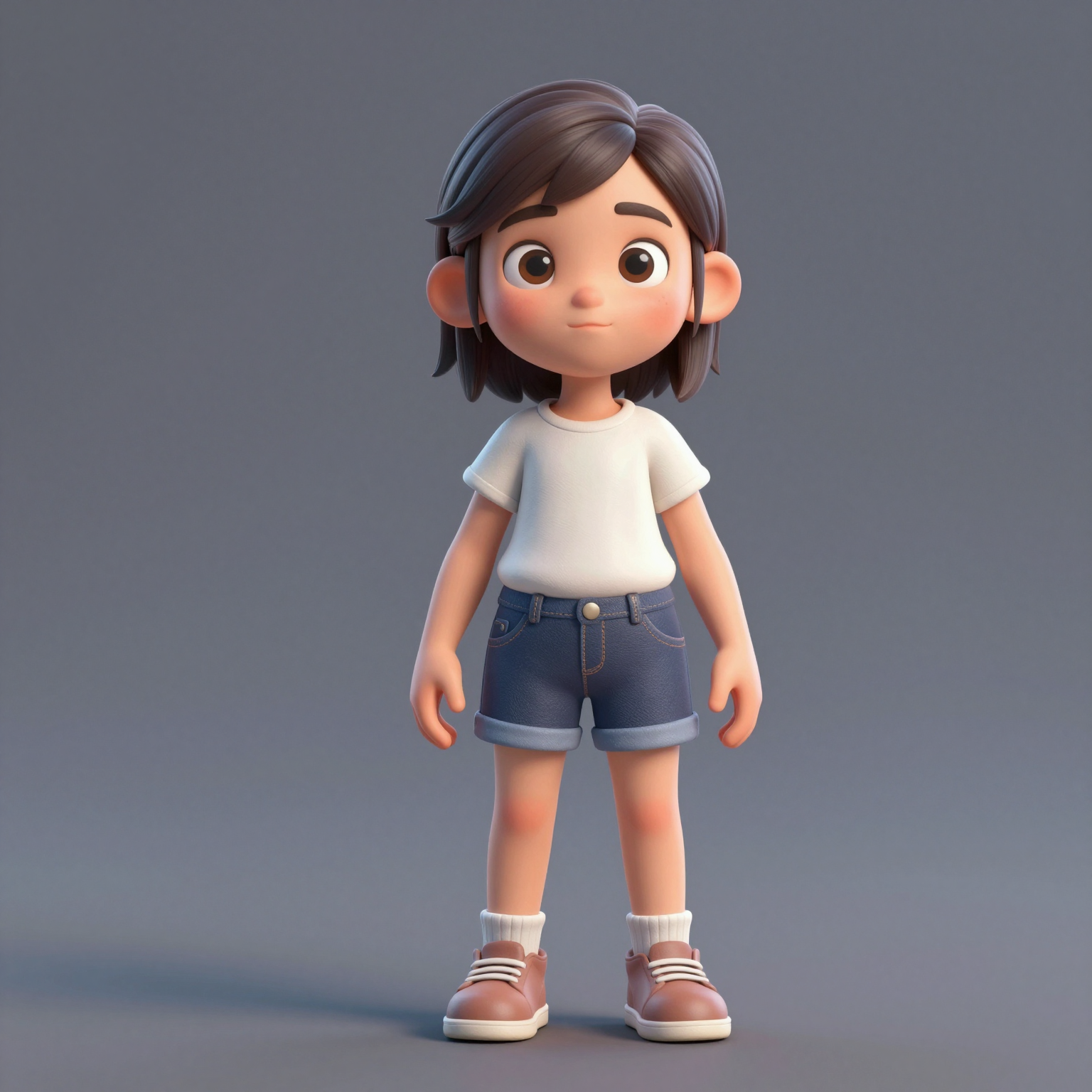
Add one clear, front-facing portrait of each performer — shoulders up, decent light. Prefer a single shot of both? Switch to One Photo mode.
Verwandle zwei Fotos in das virale Hotel Lobby AI Video — den Rap-Auftritt des Duos in der orangefarbenen Kabine aus COLORS. Kostenlos ausprobieren, ohne Greenscreen, ohne Schnittkenntnisse.
Your video may be selected and published to the public Explore feed to inspire other creators.
Trend templates
Generate the classic orange-booth video above, or pick a viral template — Halloween, gas station dance, money flex, werewolf and more — each with its own playground.
New templates
The 16 latest generator pages added to the hub — newest first. Pick a trend and make your own clip in minutes.
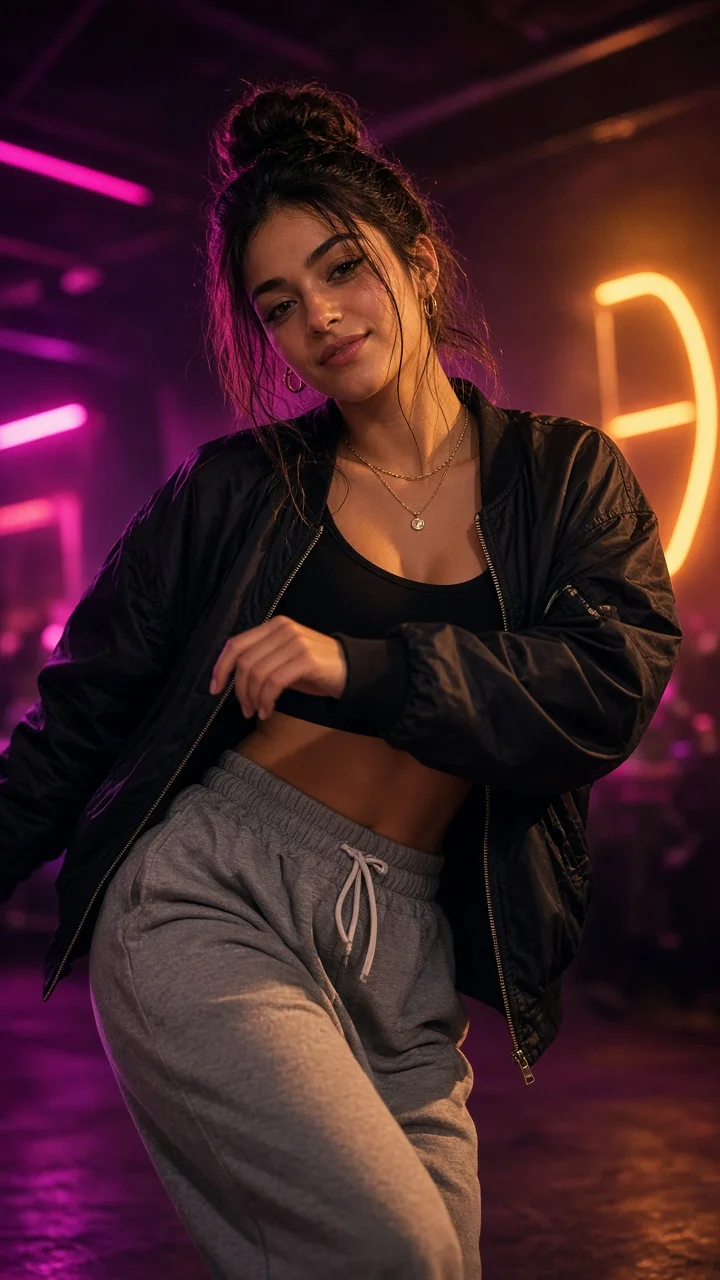
Playful sassy nightclub dance remake from one photo — confident hip sways, sass-face attitude and a fierce crouch-pose finish under club lights.
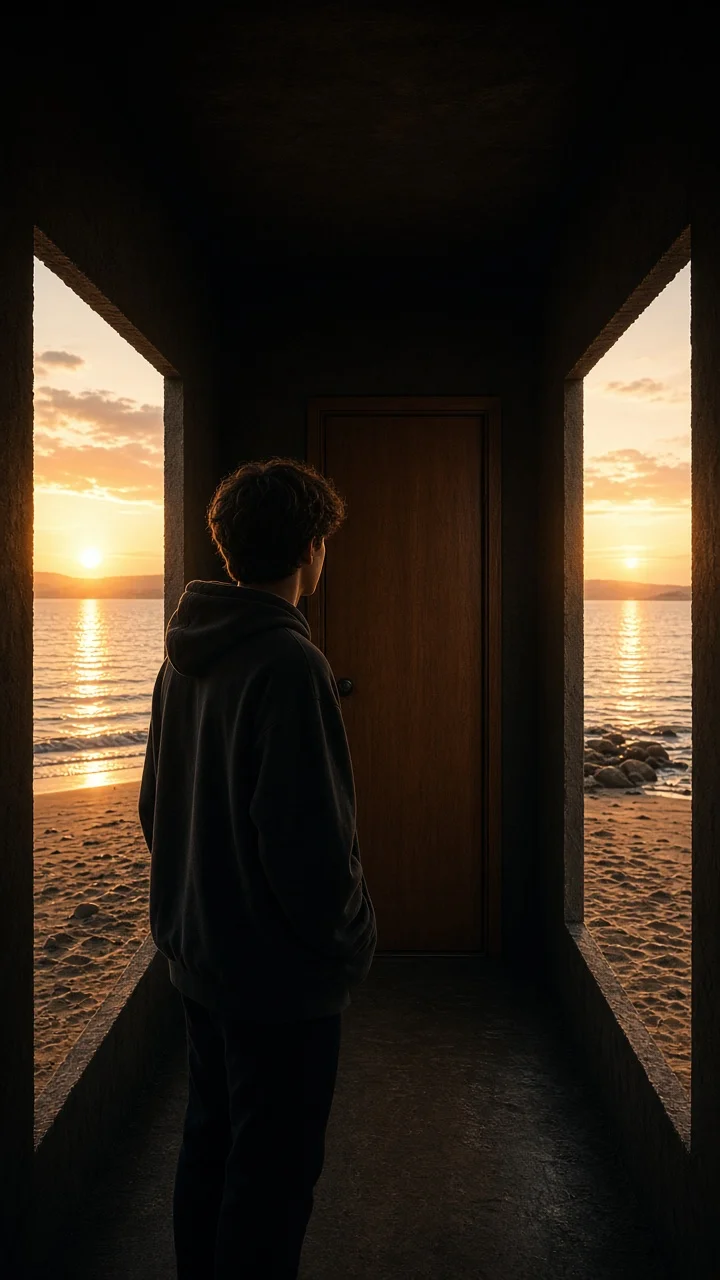
Dark hallway, three knocks, and the walls swing open onto a lake-and-sunset world while the door stays shut — surreal hopeful reveal from one photo.
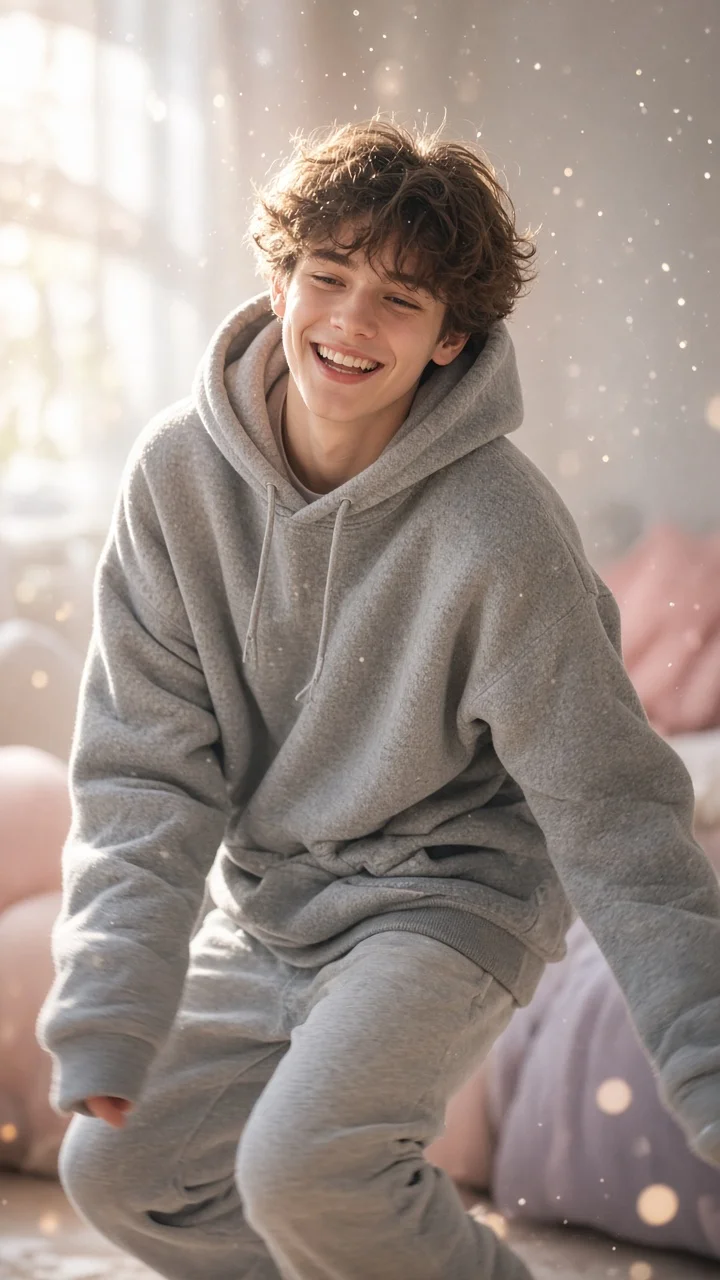
Soft dreamy squat-bounce-shake dance from one photo — cozy oversized hoodie, pastel morning light and a sleepy little smile.
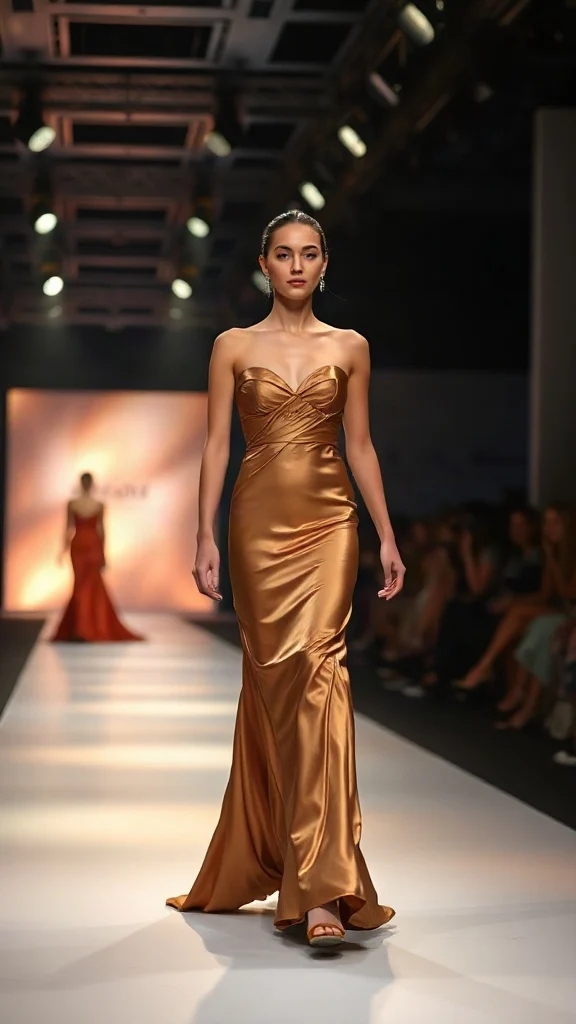
Not all angels walk the runway — upload one photo and transform into a glamorous high-fashion runway walk in a sleek evening look with flash-popping catwalk lighting.
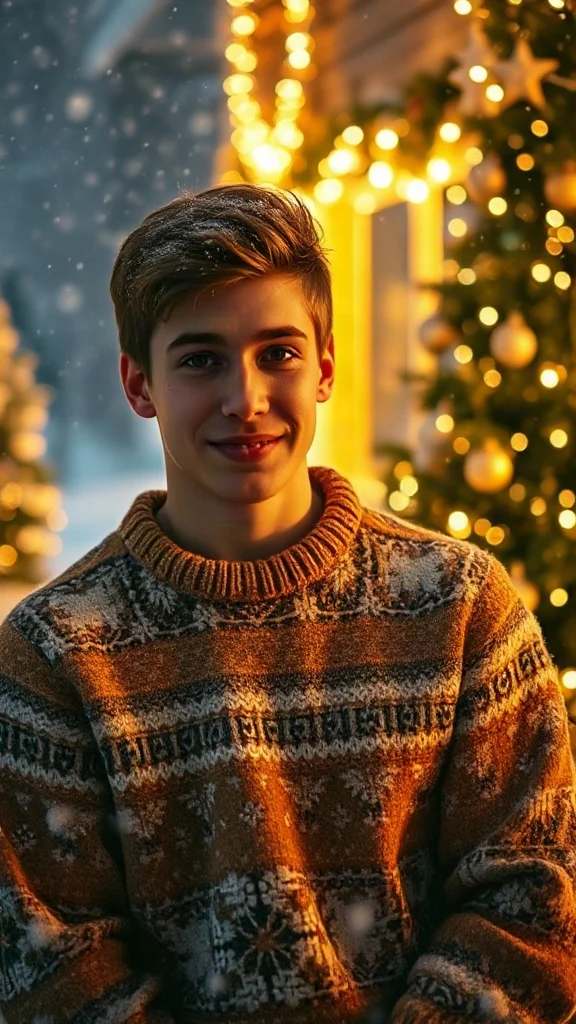
Cozy 90s holiday rom-com remake from one photo — chunky knit sweater, soft snowfall, golden fairy lights and a playful snowball meet-cute.
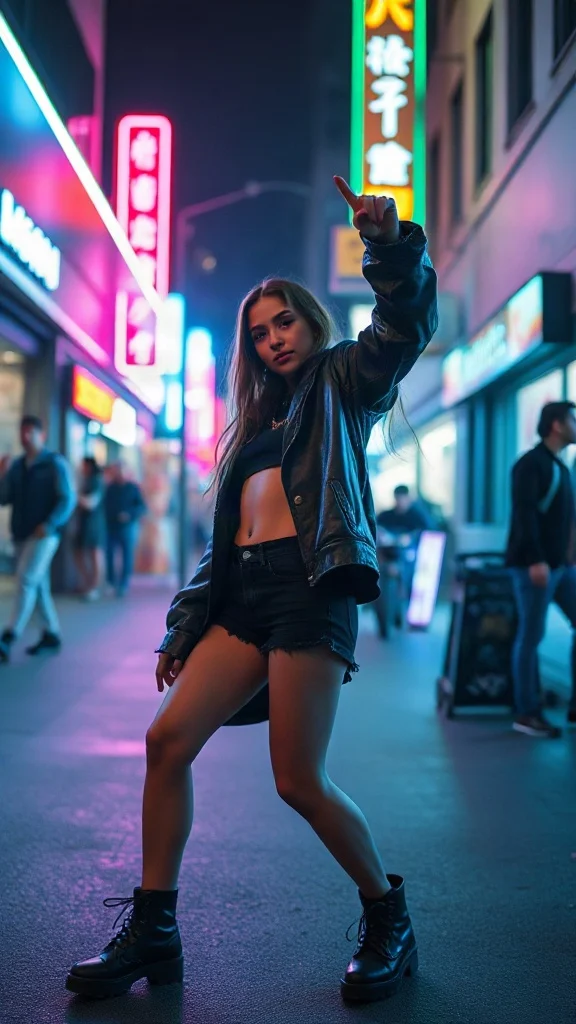
Empowered breakup-anthem dance remake from one photo — confident walk-away, freestyle dance energy, outfit glow-up and sassy neon night vibes.
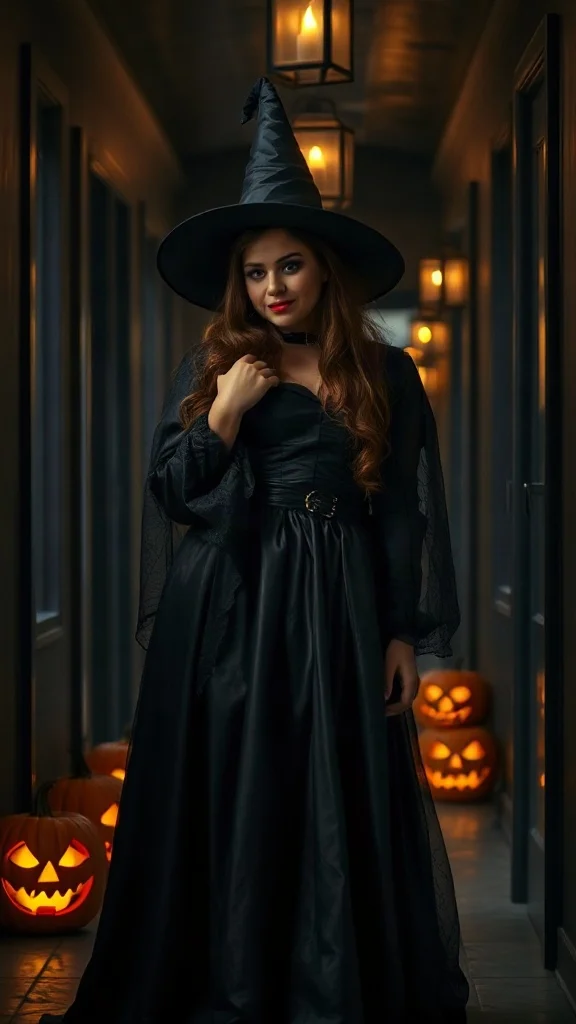
Halloween 2026 costume reveal — sweet innocent look first, then a dramatic witch, vampire or ghost-bride transformation from one photo.
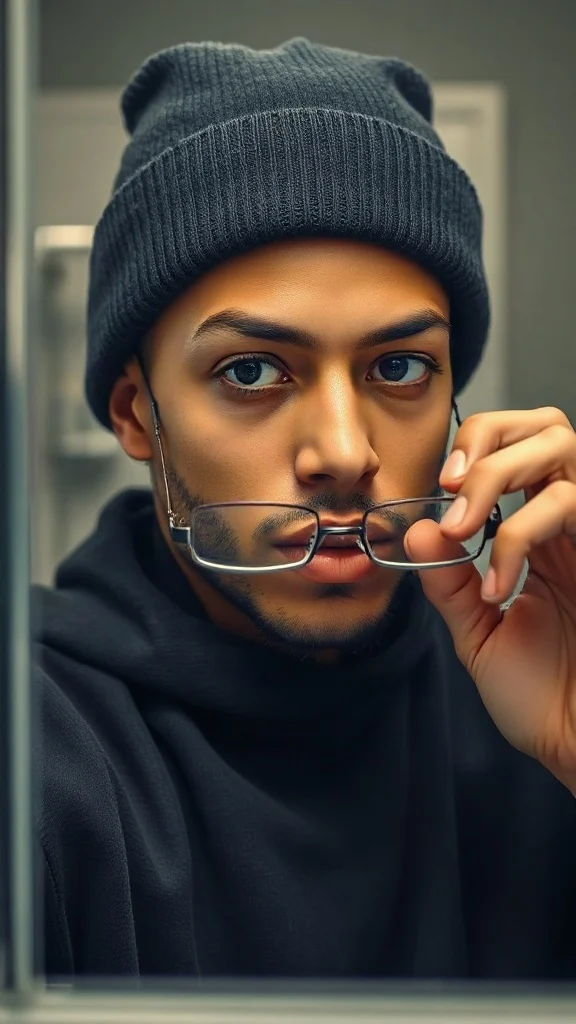
Glasses off, knit skull cap on — glow up into a chiseled confident version of yourself under dramatic light.
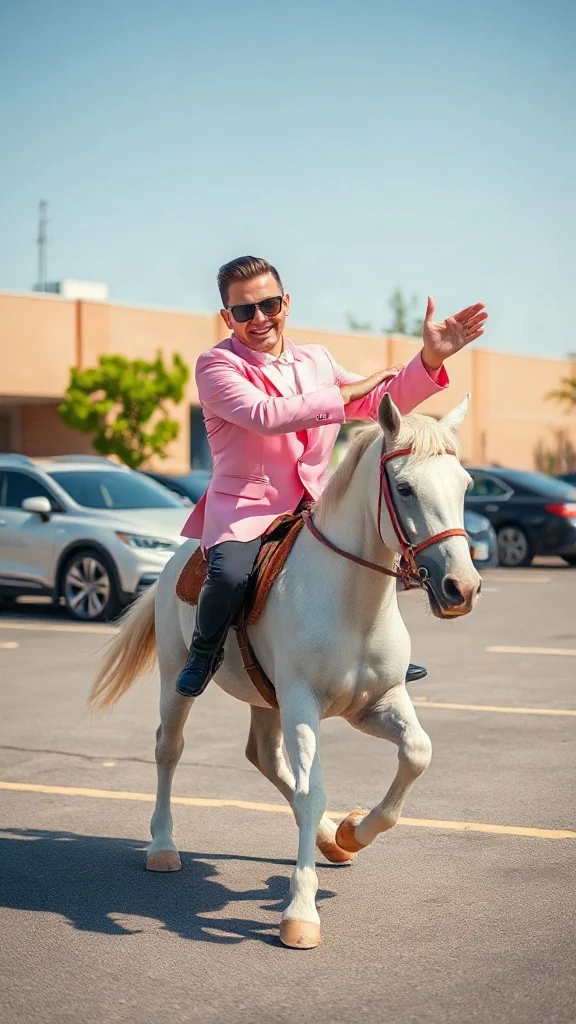
Pastel tux, sunglasses, crossed-wrist horse gallops — remake the retro party dance trend from one photo on an original beat.
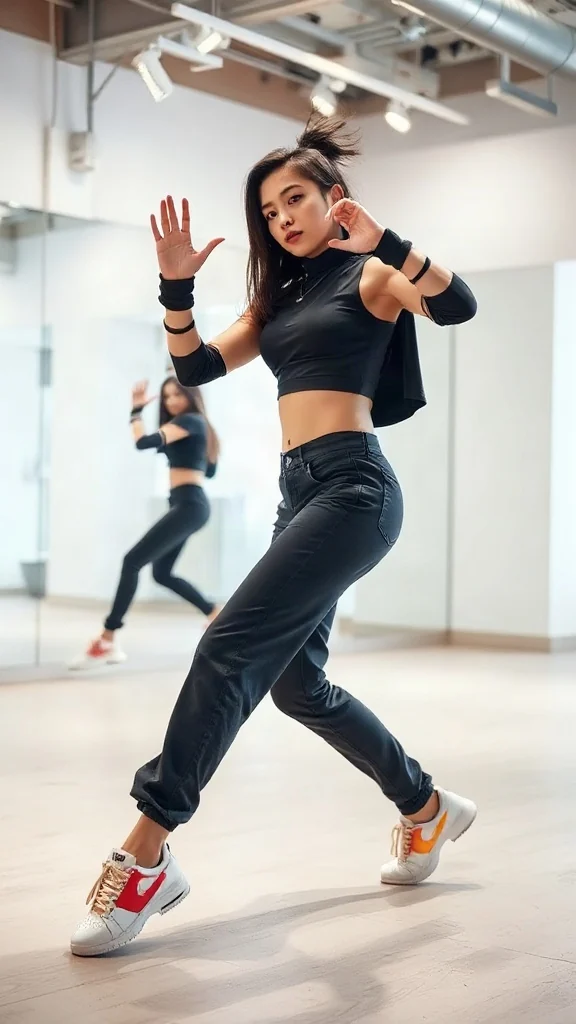
One photo, sharp idol-style streetwear moves — snap-freezes on every beat with a fully original instrumental.
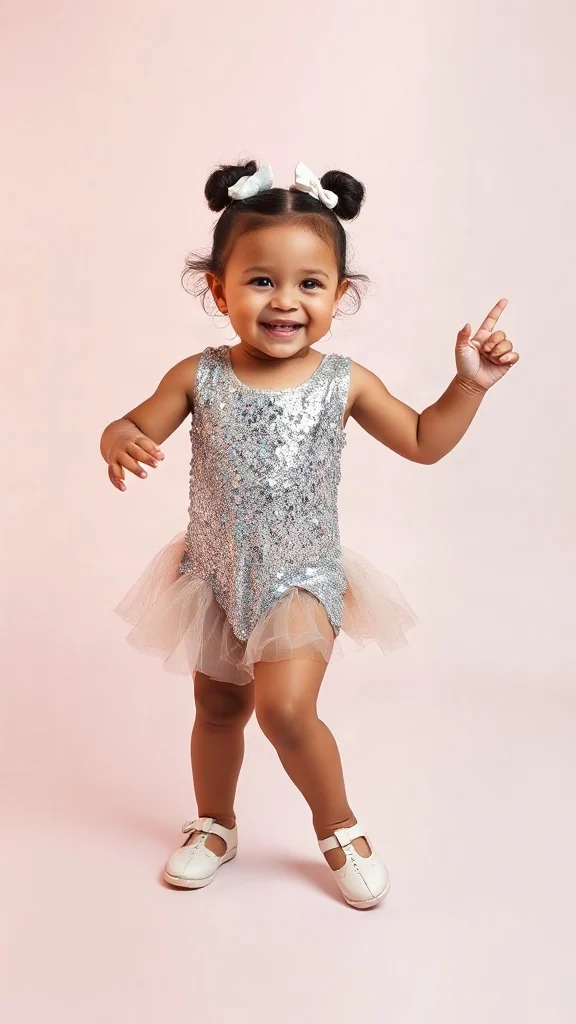
Become an adorable glam toddler mini-diva — sunglasses up, feather boa spinning, sassy runway struts.
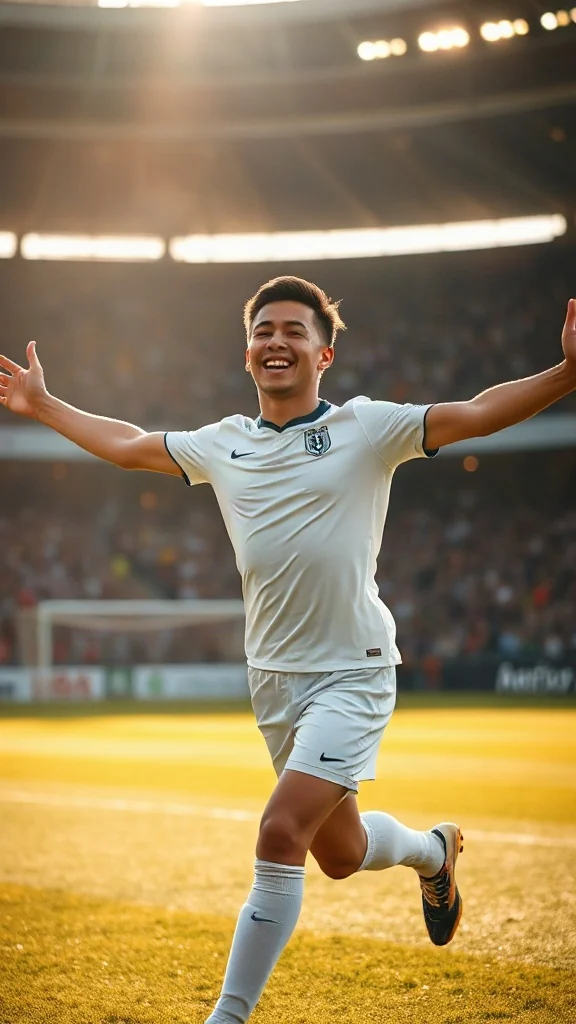
Score in a plain white kit and wheel away arms-wide under the floodlights — the classic celebration from one photo.
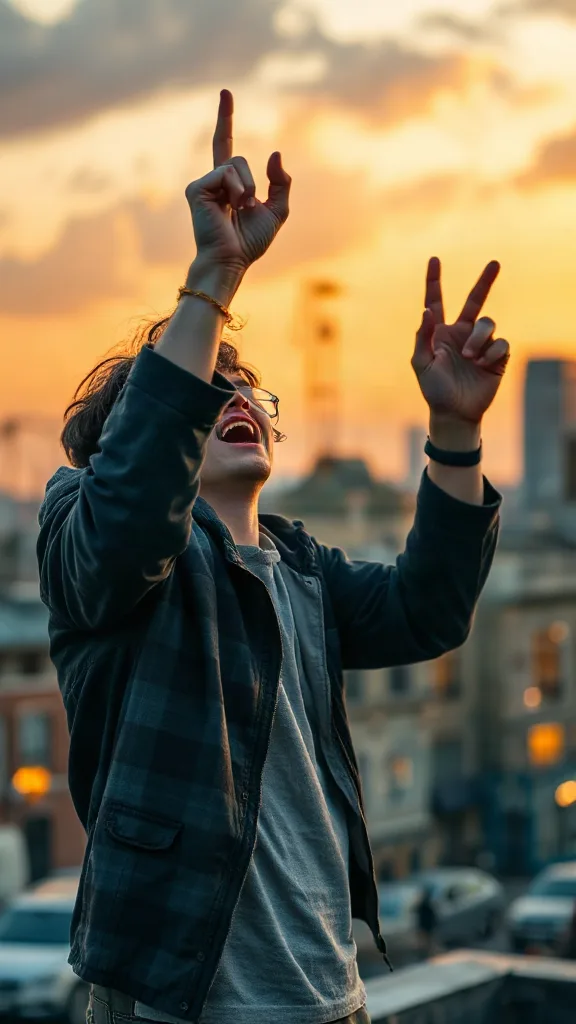
Rooftop at dusk, rock horns up — belt an original emo anthem from one photo. No real songs, just glory.
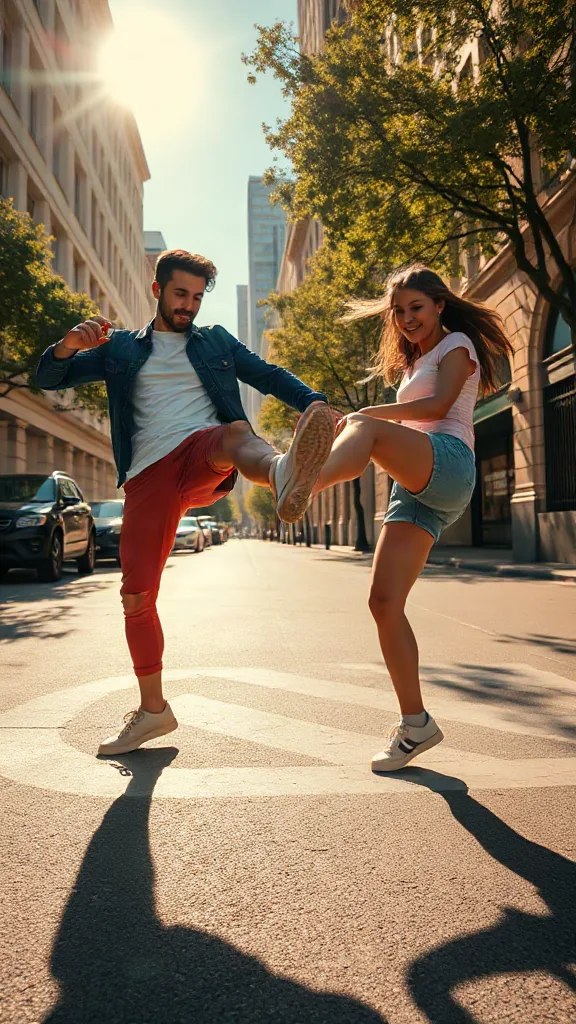
You and a friend — or two pets — take turns kicking toward the camera, every strike landing on a bing hit.
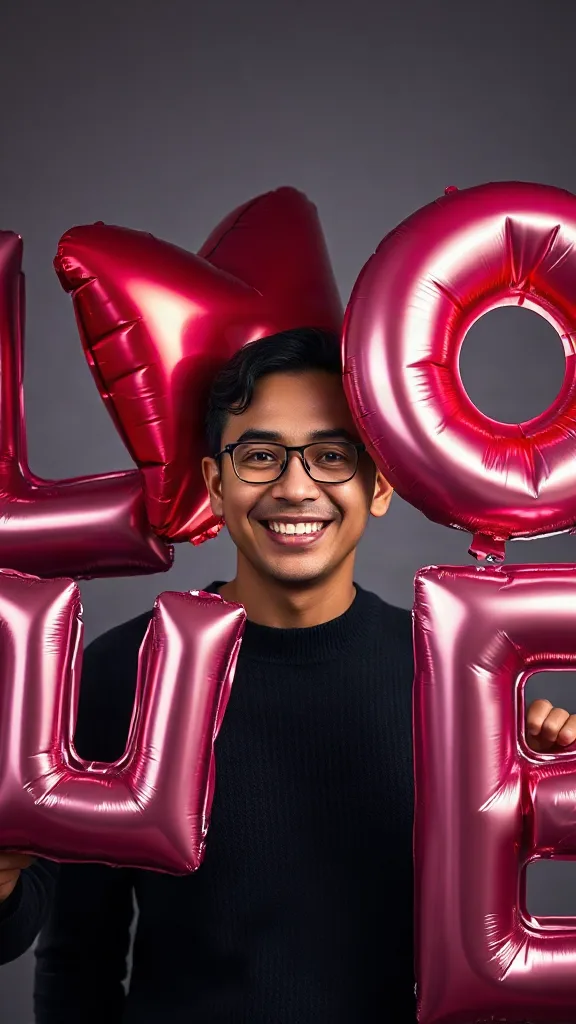
Giant glossy 3D letters L, V and E float in around you — and the round object you hold completes LOVE.
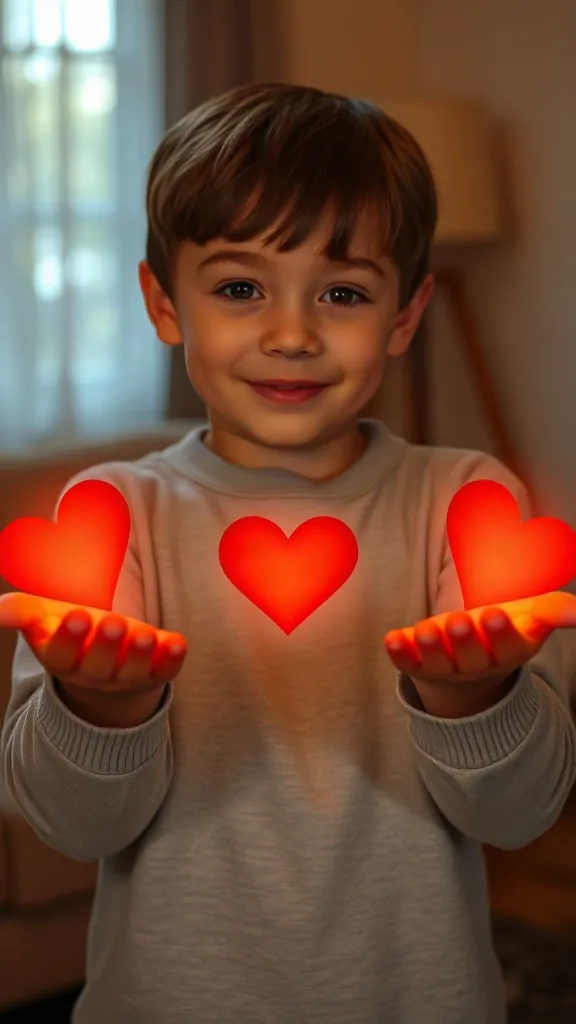
Flick little red hearts to Mom, Dad and Sister — then hand Brother your entire glowing heart. One photo.
How to Use
A real example made with the generator above: two everyday portraits become a rap-duo performance in the orange hotel lobby booth. Follow the same flow to make yours.
Add one clear, front-facing portrait of each performer — shoulders up, decent light. Prefer a single shot of both? Switch to One Photo mode.
Using the first uploaded image as the identity reference for the left performer and the second uploaded image as the identity reference for the right performer, place them side by side in a vast monochrome orange room with a high ceiling and the wall sweeping far back behind them, like two rappers trading verses on a live music showcase
The Hotel Lobby prompt is prefilled for you. Expand the Prompt panel to tweak the booth color, vibe, or choreography — or leave it exactly as it is.
Press Generate and wait about two minutes. You get a vertical MP4 with sound — download it or share it straight to social.
Make yours nowEchte Demos
Jedes Hotel Lobby AI Video unten entstand aus nur zwei Fotos — ohne Greenscreen, ohne Schnitt. Genau das liefert der Hotel-Lobby-Generator für den viralen Hotel-Lobby-Trend: die orange COLORS-Bühne, das einzelne hängende Mikrofon und deine beiden Darsteller in der engen Zweier-Einstellung.
Hotel Lobby AI Video-Demo — zwei Fotos verwandelt in den Rap-Auftritt des Duos auf der COLORS-Bühne.
Hotel Lobby AI Video-Demo — links die erste Strophe, rechts die Antwort im Refrain.
Hotel Lobby AI Video-Demo — Freunde, die in der legendären orangen Kabine am hängenden Mikrofon rappen.
Hotel Lobby AI Video-Demo — 9:16-Hochformatclip in HD, bereit für TikTok, Reels und Shorts.
🎃 Halloween edition · until Oct 31
Same orange booth, same moves — now in costume. Photo 1 becomes the vampire, photo 2 the skeleton, and both faces stay yours. Pets get dressed up too.
Make the Halloween versionBeispiele
Jedes Hotel Lobby AI Video unten folgt demselben Rezept — zwei Fotos, die orange Kabine, das einzelne hängende Mikrofon. Wähle das Duo, das zu euch passt, lade Porträts im gleichen Stil hoch und kopiere die Prompt-Idee direkt in den Generator oben.
Links Gesten beim Rappen, rechts Nicken im Takt, lässige Streetwear.
Dieses Duo erstellenSuits-Attitüde: selbstbewusste erste Strophe, zweite Strophe als Antwort.
Dieses Duo erstellenPräsidentiales Duo tauscht Strophen aus, mit verspielten Seitenblicken.
Dieses Duo erstellenTech-Gründer-Parodie: trockener Vortrag, wettkämpferische Energie.
Dieses Duo erstellenScarface-Duo lehnt sich ans Mikrofon, filmische Beleuchtung.
Dieses Duo erstellenRivalen-Duo: Aus dem Aufeinandertreffen wird eine Rap-Battle.
Dieses Duo erstellenMuppet-Duo: chaotische Energie, einer lässt das Mikrofon nicht mehr los.
Dieses Duo erstellenDu willst die komplette Vorlagengalerie sehen? Stöbere durch jede Hotel Lobby AI Vorlage mit Ein-Klick-Anwendung.
The trend
The Hotel Lobby AI trend recreates Quavo and Takeoff's 2022 “Hotel Lobby (Unc & Phew)” performance on A COLORS SHOW — two people singing side by side in an orange booth with a single microphone hanging between them. It went viral on TikTok and X in 2026, with people swapping in best friends, couples, siblings and parents. Hotel Lobby AI turns two ordinary photos into a short vertical 9:16 video of the two of you in that booth, matching the trend's moves and lip sync so the sound lines up — no original footage and no one else's face.
Updated October 11, 2026 · Sources: Quavo & Takeoff – “Hotel Lobby” | A COLORS SHOW (official), TikTok – Community Guidelines: AI-generated content
Hotel Lobby AI is an independent tool, not affiliated with Quavo, Takeoff, their label or COLORS.
You may also see this trend called Migos AI or the AI rap duo trend.
Anleitung
Das komplette Hotel Lobby AI Video erstellst du in etwa zwei Minuten. Das ist der genaue Ablauf — dieselben drei Schritte, die jedes Anleitungsvideo zum Hotel-Lobby-Trend zeigt.
Lade von jeder Person ein klares, frontal aufgenommenes Foto hoch — Freunde, Familie, Haustiere oder jedes Duo, an dem du die Rechte hast. Zwei einzelne Porträts liefern die stärkste Ähnlichkeit.
Wähle die Duo-Vorlage für die orange Kabine. Sie erzeugt den komplett orangefarbenen Hintergrund, das einzelne hängende Mikrofon und die enge, halbnahe Zweier-Einstellung — ganz ohne Greenscreen.
Klicke auf Generieren und sieh dir dein Hotel Lobby AI Video kostenlos in der Vorschau an. Lade den HD-Hochformatclip herunter, füge den Song mit CapCut oder im TikTok-Editor wieder hinzu und poste mit #hotellobby und #genjutsu.
Du brauchst die ausführliche Version mit Prompts und Ideen für Figuren? Lies die komplette Anleitung zum Erstellen eines Hotel Lobby AI Videos mit allen Schritten.
Vorlagen
Diese Vorlagen des Hotel-Lobby-Generators stellen Bühne, Mikrofon, Bildausschnitt und Bewegung fertig ein — du bringst nur die zwei Gesichter mit. Jede Karte verlinkt zur kompletten Vorlagengalerie mit Ein-Klick-Anwendung.
Das originale COLORS-Setup: orange Bühne, ein hängendes Mikrofon, halbnahe Zweier-Einstellung, 9:16.
Hotel Lobby AI Vorlage öffnen →Am besten für Rap-Battle-DuosLinks die erste Strophe, rechts die Antwort in Strophe zwei, mit reaktionsschnellen Schnitten.
Hotel Lobby AI Vorlage öffnen →Am besten für Haustier-DuosSanftes Kopfwippen, Blinzeln im Takt, ein Haustier lehnt sich beim Drop ins Mikrofon.
Hotel Lobby AI Vorlage öffnen →Am besten für Büro-MemesBusinesskleidung mit selbstbewussten Handgesten und einem feierlichen Refrain.
Hotel Lobby AI Vorlage öffnen →Am besten für Anime-DuosStilisierte Anime-Optik des Duos auf derselben orangen Bühne, bereit für #genjutsu.
Hotel Lobby AI Vorlage öffnen →Am besten für GeburtstageFestliches Styling auf der klassischen Bühne — einer rappt eine Geburtstagsstrophe, der andere klatscht mit.
Hotel Lobby AI Vorlage öffnen →Want every viral trend in one place? Browse all AI tools.
Compared
The main ways to make the trend, side by side.
| Hotel Lobby AI | Face-swap onto the clip | Subscription AI apps | CapCut / manual edit | |
|---|---|---|---|---|
| What you upload | 2 photos | 1–2 photos | 2 photos | Your own footage |
| Original COLORS footage or the artists' likeness in your video | No | Yes | Varies | No |
| Price | Free to try + one-time credit packs | ~$5 per clip | Weekly or monthly plan | Free but hours of work |
| Subscription | No | Sometimes | Yes | No |
| Both people need to film | No | Yes | Varies | Yes |
| Audio | Add “original sound - COLORS” in TikTok | Original song | Varies | Whatever you record |
Pricing
Every plan is a one-time purchase — no subscription and credits never expire. A 5s clip costs 2 credits and a 15s clip costs 6, so here is how many clips each pack gets you.
2 credits ≈ 1× 5s clip · 6 credits ≈ 1× 15s clip
See full pricing and all packsMehr als zwei Fotos braucht der Hotel-Lobby-Generator nicht. Erstelle dein Hotel Lobby AI Video kostenlos — ohne Greenscreen, ohne Schnittkenntnisse, ohne Anmeldung für die Vorschau.
Erstelle dein Hotel Lobby AI VideoFragen oder Feedback zu Hotel Lobby AI? Schreiben Sie uns eine E-Mail — wir lesen alles.