
1
Upload two portraits
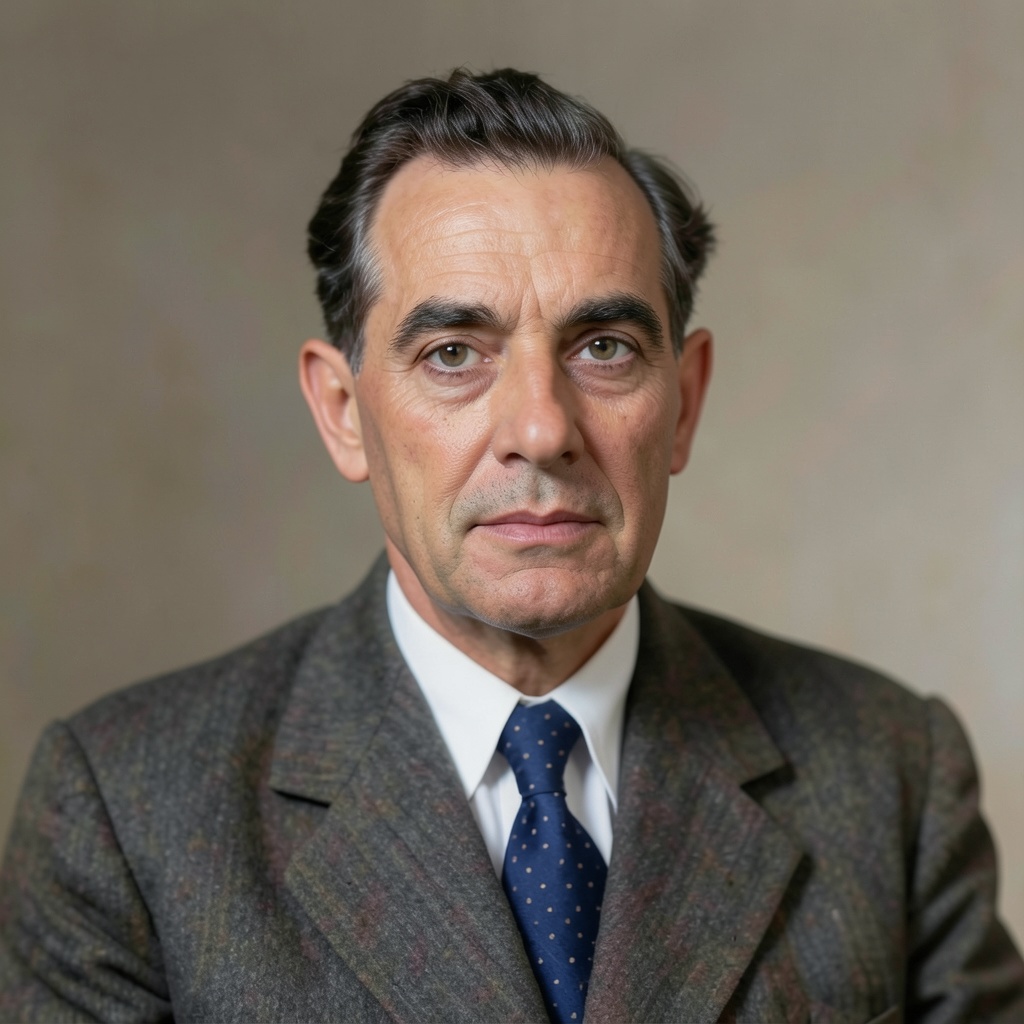
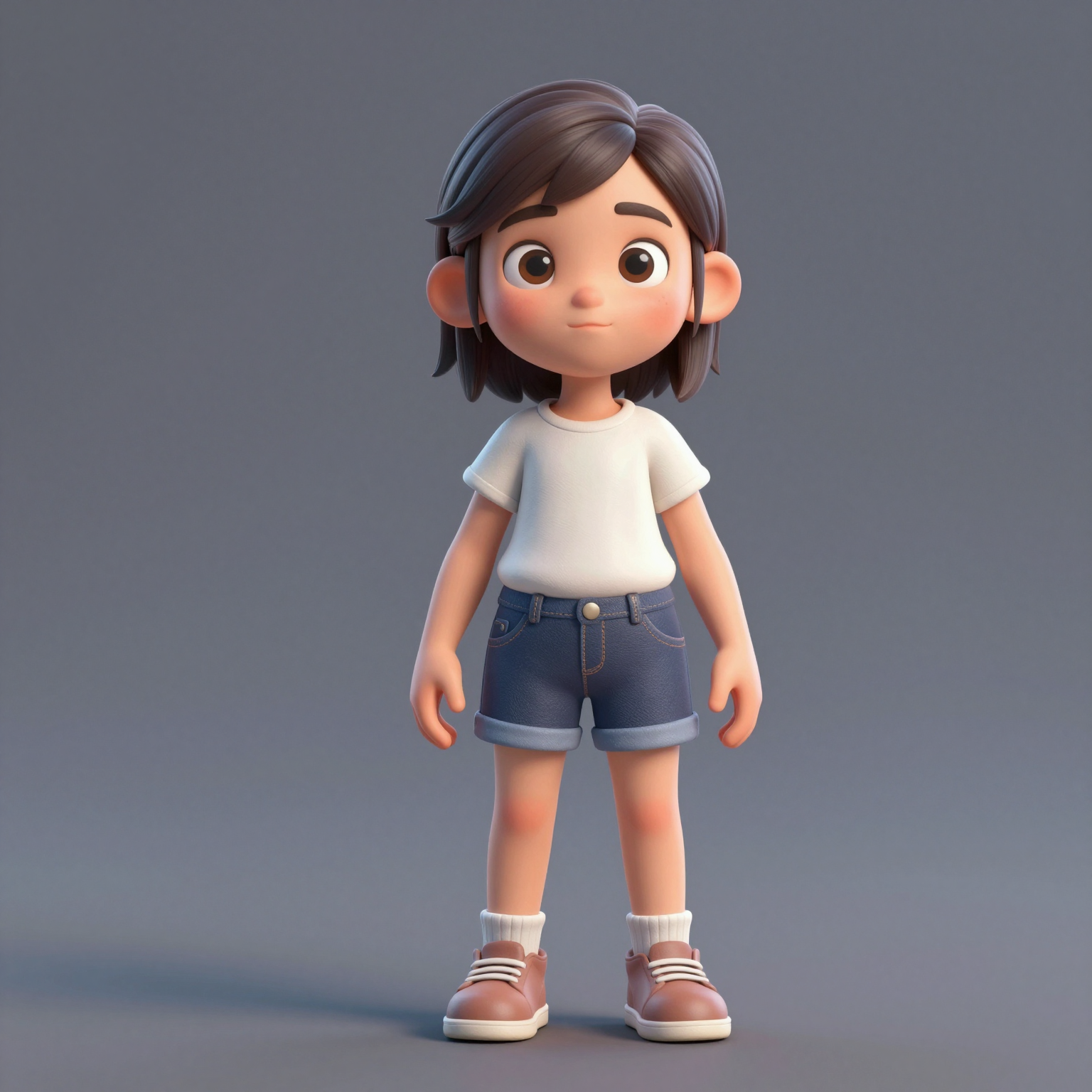
Add one clear, front-facing portrait of each performer — shoulders up, decent light. Prefer a single shot of both? Switch to One Photo mode.
Convierte dos fotos en el vídeo viral de hotel lobby ai: la actuación del dúo de rap en la cabina naranja de COLORS. Pruébalo gratis, sin pantalla verde ni conocimientos de edición.
Your video may be selected and published to the public Explore feed to inspire other creators.
Trend templates
Generate the classic orange-booth video above, or pick a viral template — Halloween, gas station dance, money flex, werewolf and more — each with its own playground.
New templates
The 16 latest generator pages added to the hub — newest first. Pick a trend and make your own clip in minutes.
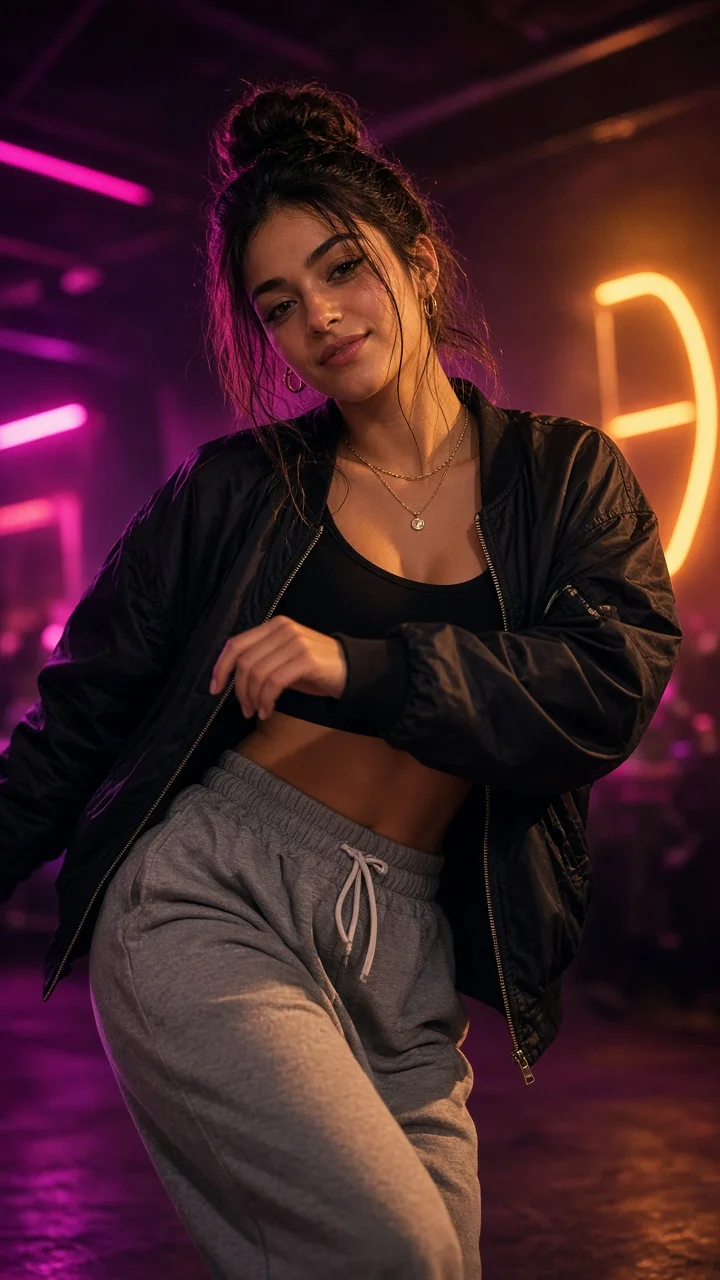
Playful sassy nightclub dance remake from one photo — confident hip sways, sass-face attitude and a fierce crouch-pose finish under club lights.
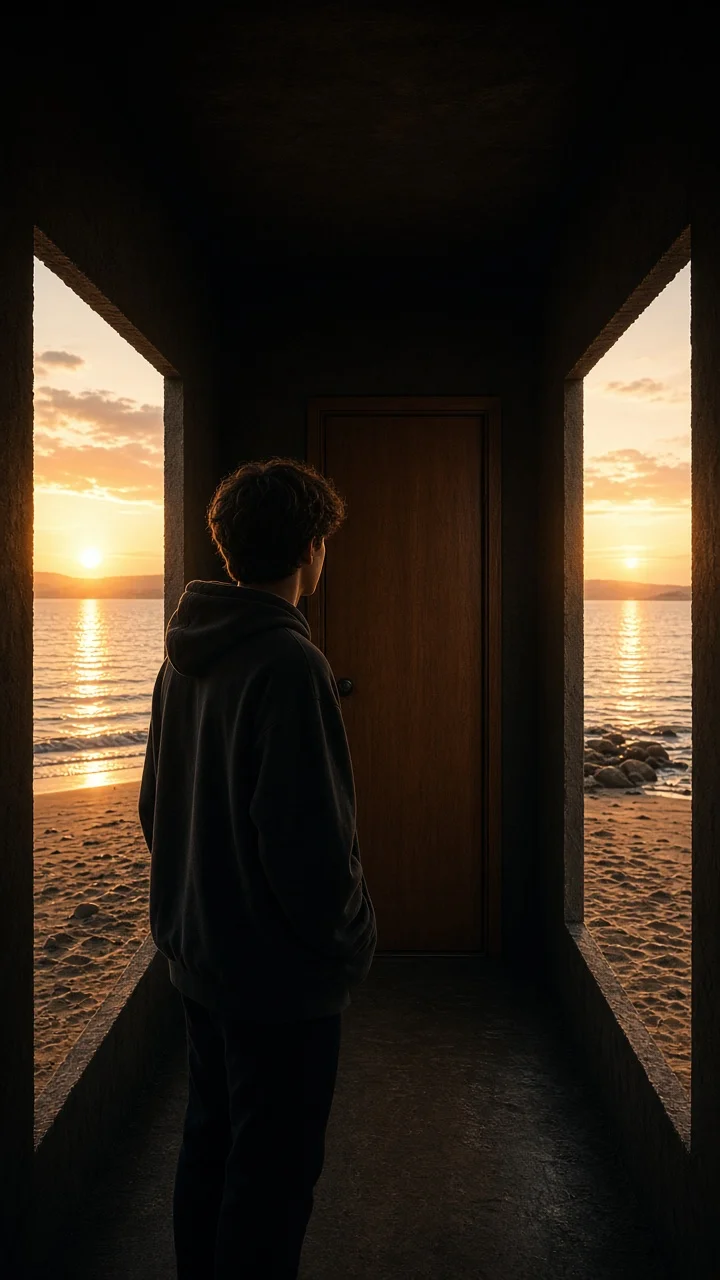
Dark hallway, three knocks, and the walls swing open onto a lake-and-sunset world while the door stays shut — surreal hopeful reveal from one photo.
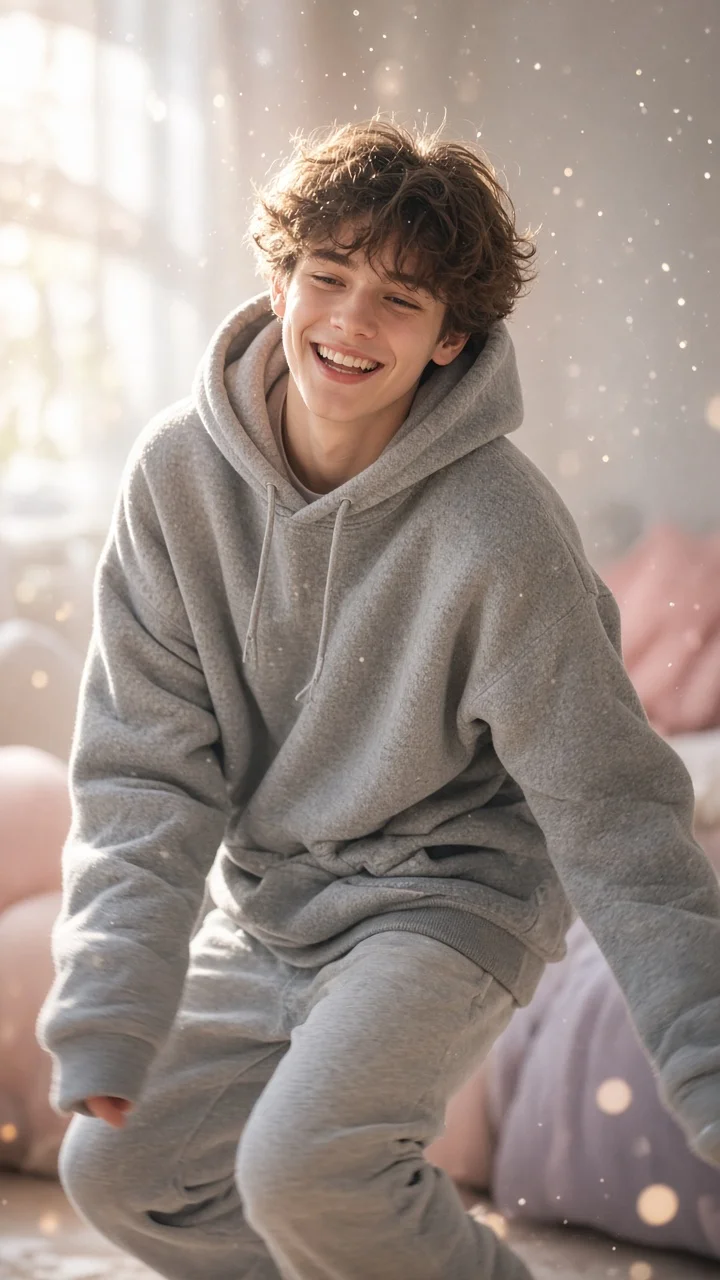
Soft dreamy squat-bounce-shake dance from one photo — cozy oversized hoodie, pastel morning light and a sleepy little smile.
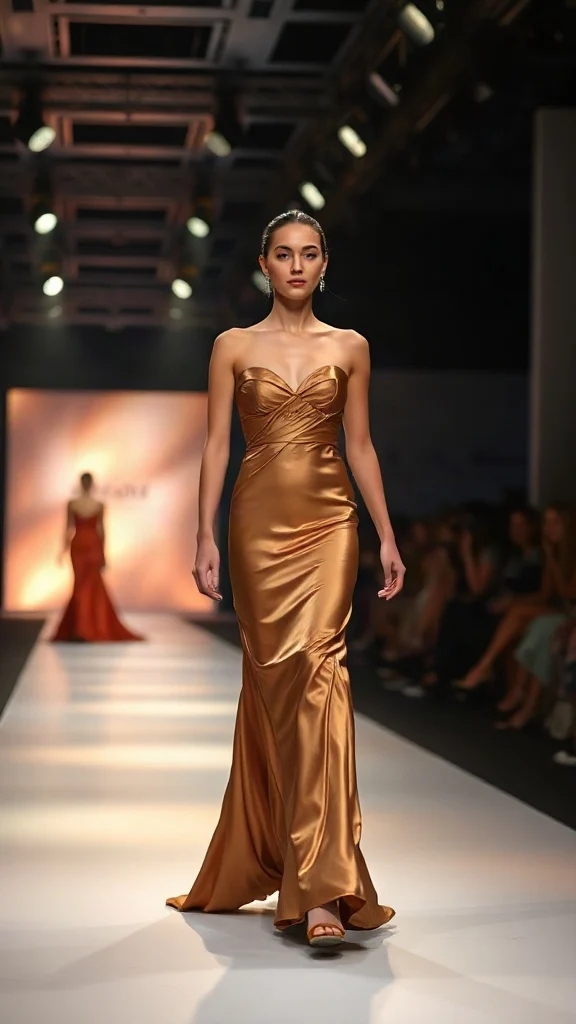
Not all angels walk the runway — upload one photo and transform into a glamorous high-fashion runway walk in a sleek evening look with flash-popping catwalk lighting.
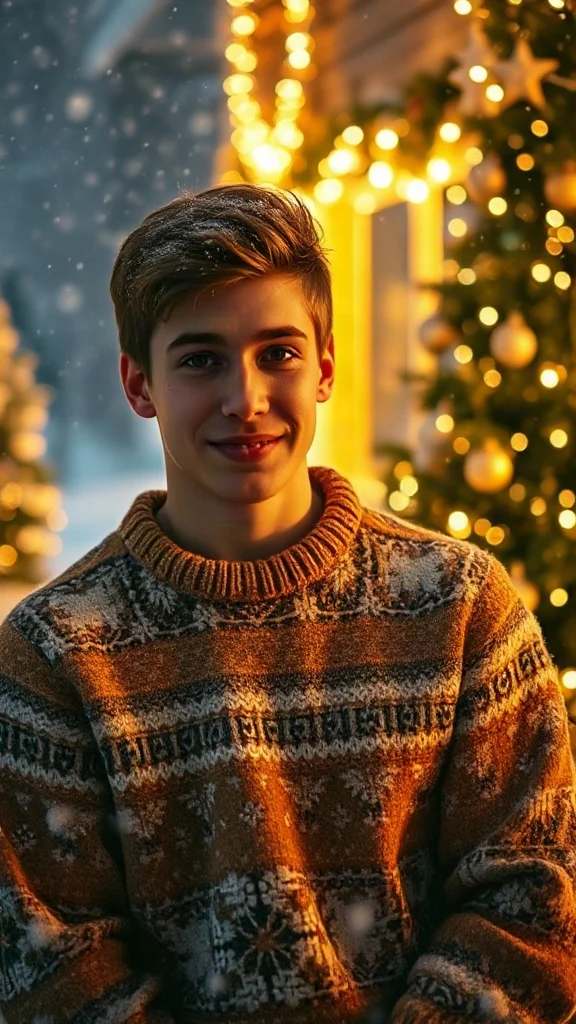
Cozy 90s holiday rom-com remake from one photo — chunky knit sweater, soft snowfall, golden fairy lights and a playful snowball meet-cute.
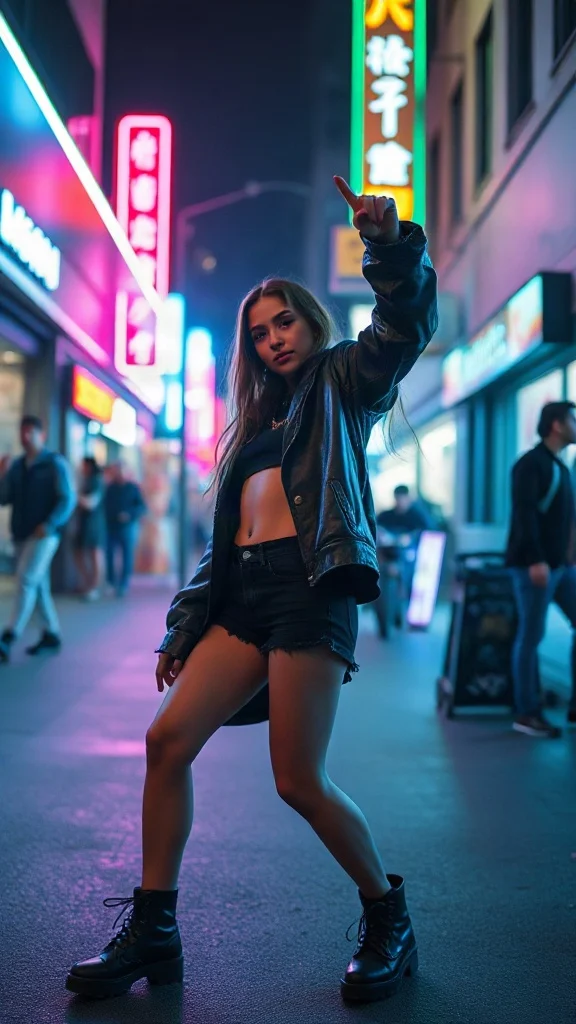
Empowered breakup-anthem dance remake from one photo — confident walk-away, freestyle dance energy, outfit glow-up and sassy neon night vibes.
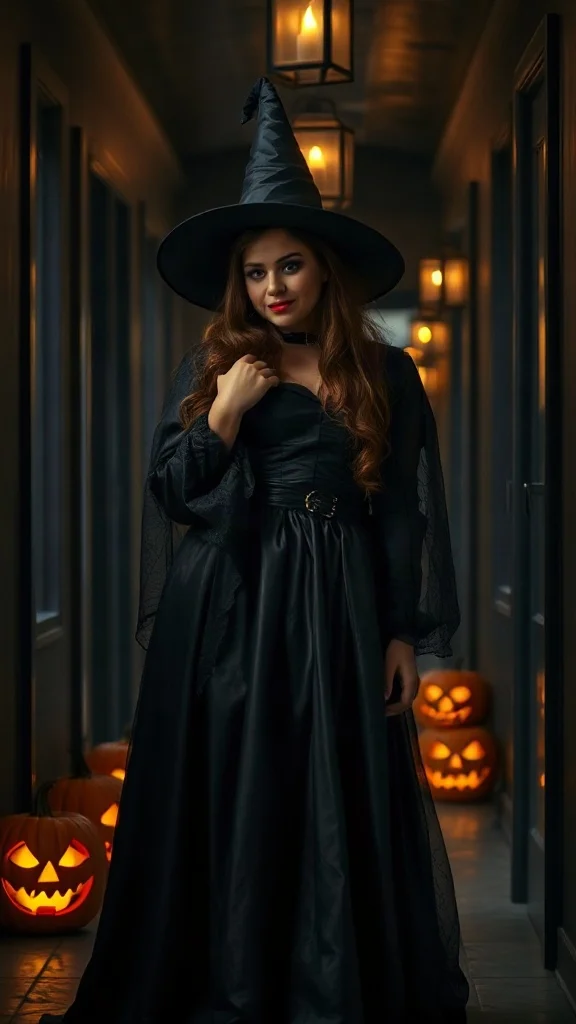
Halloween 2026 costume reveal — sweet innocent look first, then a dramatic witch, vampire or ghost-bride transformation from one photo.
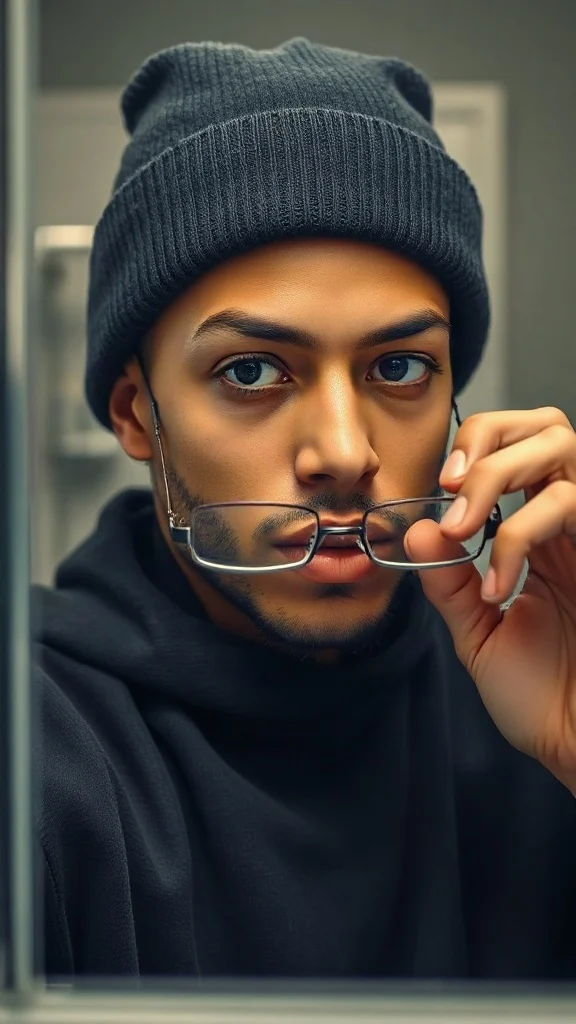
Glasses off, knit skull cap on — glow up into a chiseled confident version of yourself under dramatic light.
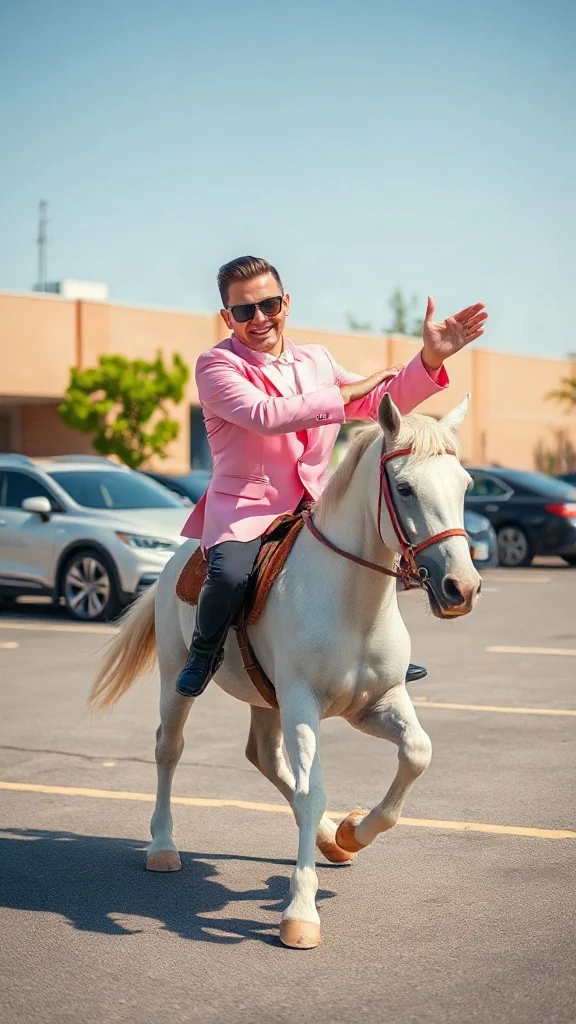
Pastel tux, sunglasses, crossed-wrist horse gallops — remake the retro party dance trend from one photo on an original beat.
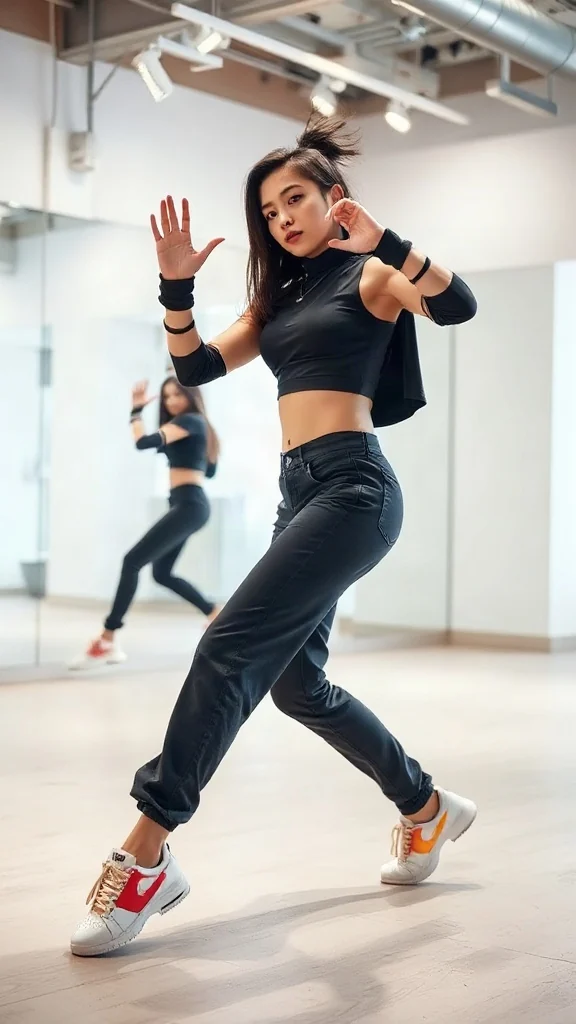
One photo, sharp idol-style streetwear moves — snap-freezes on every beat with a fully original instrumental.
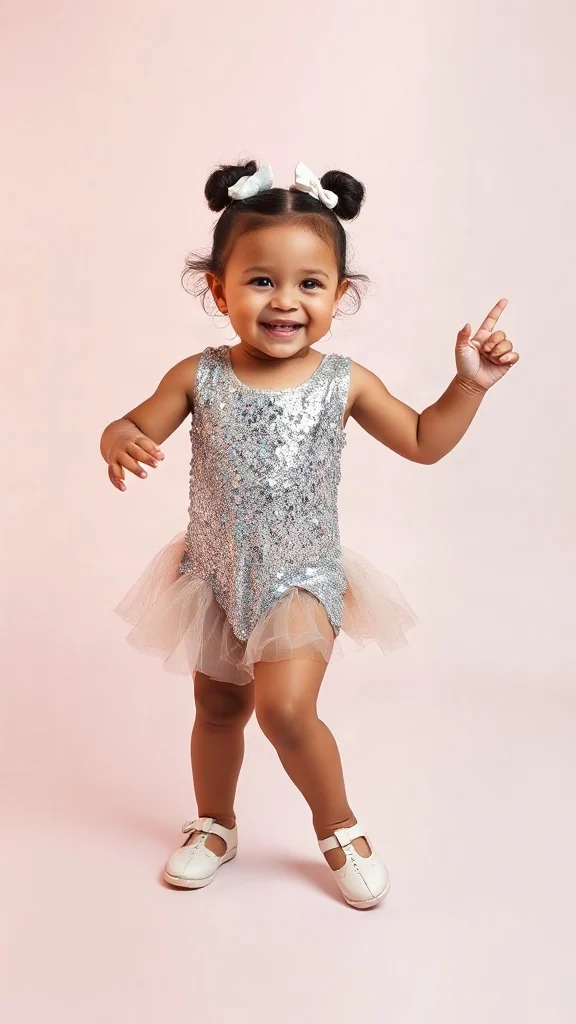
Become an adorable glam toddler mini-diva — sunglasses up, feather boa spinning, sassy runway struts.
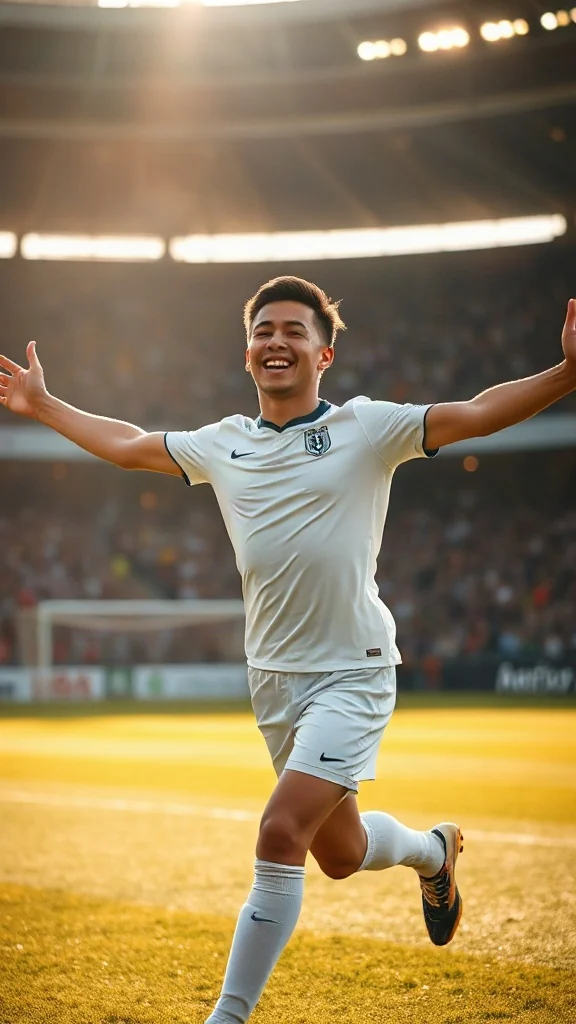
Score in a plain white kit and wheel away arms-wide under the floodlights — the classic celebration from one photo.
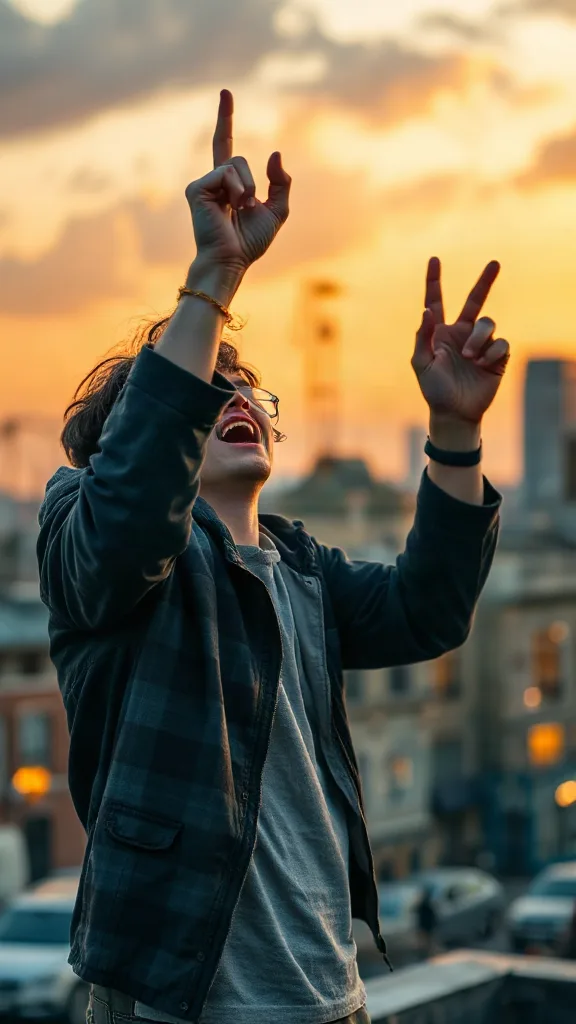
Rooftop at dusk, rock horns up — belt an original emo anthem from one photo. No real songs, just glory.
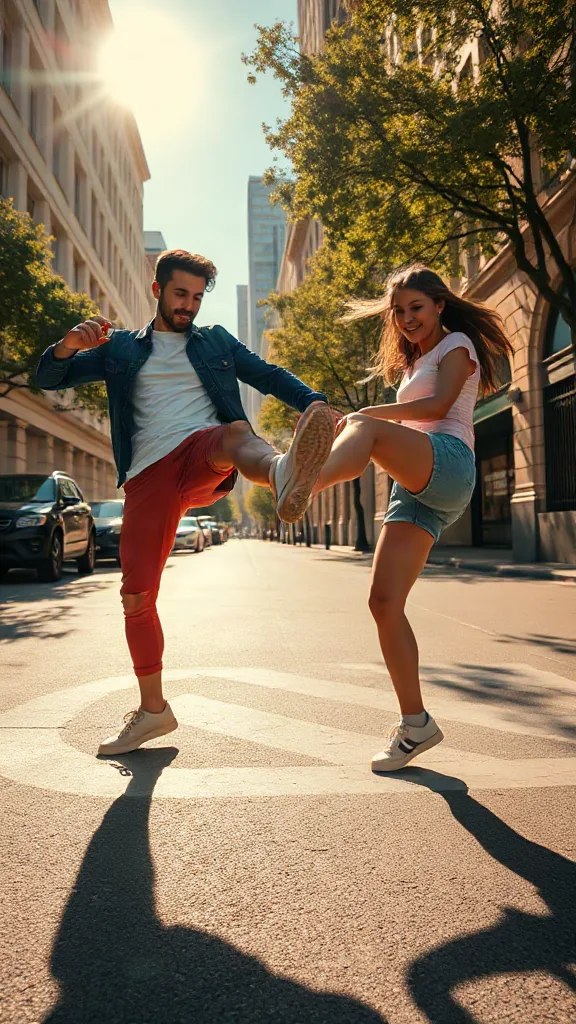
You and a friend — or two pets — take turns kicking toward the camera, every strike landing on a bing hit.
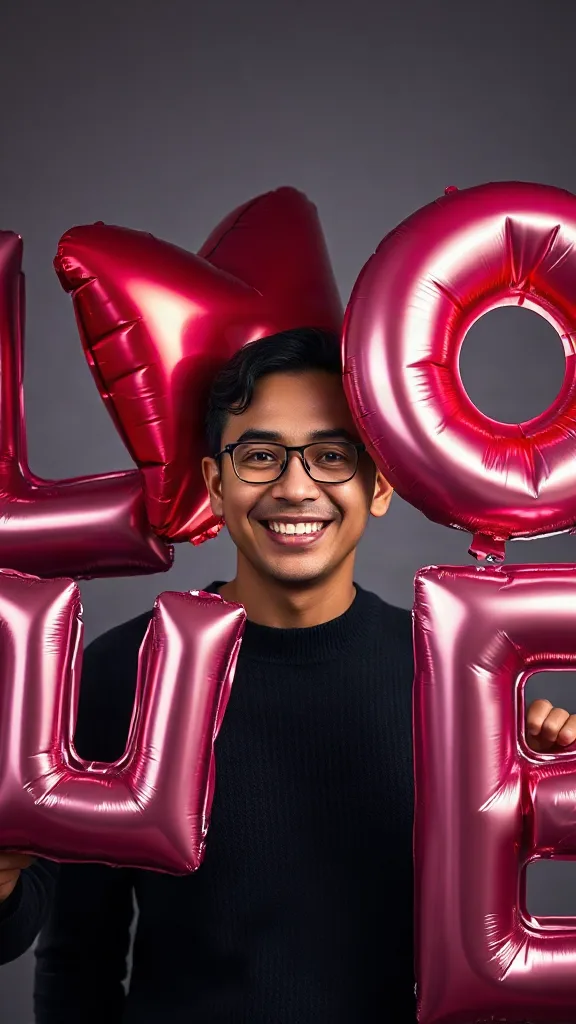
Giant glossy 3D letters L, V and E float in around you — and the round object you hold completes LOVE.
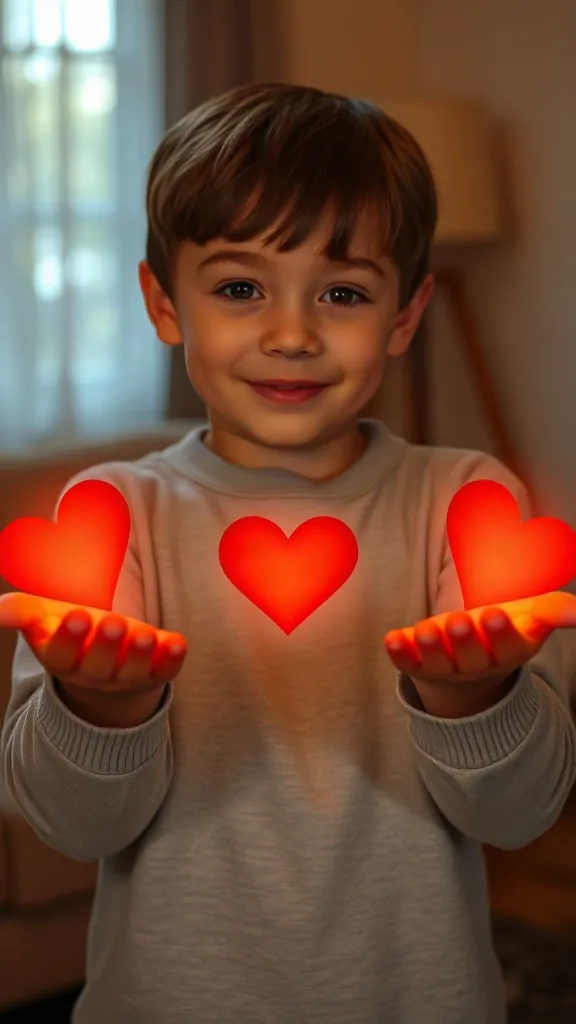
Flick little red hearts to Mom, Dad and Sister — then hand Brother your entire glowing heart. One photo.
How to Use
A real example made with the generator above: two everyday portraits become a rap-duo performance in the orange hotel lobby booth. Follow the same flow to make yours.
Add one clear, front-facing portrait of each performer — shoulders up, decent light. Prefer a single shot of both? Switch to One Photo mode.
Using the first uploaded image as the identity reference for the left performer and the second uploaded image as the identity reference for the right performer, place them side by side in a vast monochrome orange room with a high ceiling and the wall sweeping far back behind them, like two rappers trading verses on a live music showcase
The Hotel Lobby prompt is prefilled for you. Expand the Prompt panel to tweak the booth color, vibe, or choreography — or leave it exactly as it is.
Press Generate and wait about two minutes. You get a vertical MP4 with sound — download it or share it straight to social.
Make yours nowDemos reales
Todos los vídeos de hotel lobby ai de abajo se generaron solo con dos fotos, sin pantalla verde ni edición. Eso es exactamente lo que produce el generador de hotel lobby para la tendencia viral: el escenario naranja de COLORS, el único micrófono colgante y tus dos artistas en un plano cerrado de dos.
Demo de vídeo de hotel lobby ai: dos fotos convertidas en la actuación del dúo de rap en el escenario COLORS.
Demo de vídeo de hotel lobby ai: el artista de la izquierda canta el primer verso y el de la derecha responde en el estribillo.
Demo de vídeo de hotel lobby ai: amigos rapeando en la cabina naranja icónica con el micrófono colgante.
Demo de vídeo de hotel lobby ai: clip vertical HD 9:16 listo para TikTok, Reels y Shorts.
🎃 Halloween edition · until Oct 31
Same orange booth, same moves — now in costume. Photo 1 becomes the vampire, photo 2 the skeleton, and both faces stay yours. Pets get dressed up too.
Make the Halloween versionEjemplos
Todos los vídeos de hotel lobby ai de abajo siguen la misma receta: dos fotos, la cabina naranja y el único micrófono colgante. Elige el dúo que más se parezca al tuyo, sube retratos del mismo estilo y copia la idea del prompt directamente en el generador de arriba.
El de la izquierda gesticula mientras rapea, el de la derecha asiente al ritmo, ropa urbana casual.
Crear este dúoActitud Suits: primer verso seguro de sí mismo, segundo verso de respuesta.
Crear este dúoParodia de fundadores tecnológicos: entrega impasible, energía competitiva.
Crear este dúoDúo de Scarface acercándose al micrófono, iluminación cinematográfica.
Crear este dúoDúo de mascotas moviendo la cabeza al ritmo, impasibles, junto al micrófono colgante.
Crear este dúoDúo de anime bajo #genjutsu, entrega llena de energía.
Crear este dúo¿Quieres la galería completa de plantillas? Explora cada plantilla de hotel lobby ai con aplicación en un solo clic.
The trend
The Hotel Lobby AI trend recreates Quavo and Takeoff's 2022 “Hotel Lobby (Unc & Phew)” performance on A COLORS SHOW — two people singing side by side in an orange booth with a single microphone hanging between them. It went viral on TikTok and X in 2026, with people swapping in best friends, couples, siblings and parents. Hotel Lobby AI turns two ordinary photos into a short vertical 9:16 video of the two of you in that booth, matching the trend's moves and lip sync so the sound lines up — no original footage and no one else's face.
Updated October 11, 2026 · Sources: Quavo & Takeoff – “Hotel Lobby” | A COLORS SHOW (official), TikTok – Community Guidelines: AI-generated content
Hotel Lobby AI is an independent tool, not affiliated with Quavo, Takeoff, their label or COLORS.
You may also see this trend called Migos AI or the AI rap duo trend.
Tutorial
Todo el flujo de trabajo del vídeo de hotel lobby ai toma unos dos minutos. Este es el proceso exacto: los mismos tres pasos que enseñan todos los tutoriales de la tendencia hotel lobby.
Añade una foto clara y de frente de cada artista: amigos, familia, mascotas o cualquier dúo cuyos derechos tengas. Dos retratos separados logran el mayor parecido.
Elige la plantilla del dúo en la cabina naranja. Recrea el fondo naranja sólido, el único micrófono colgante y el plano medio cerrado de dos personas, sin necesidad de pantalla verde.
Pulsa Generar y previsualiza gratis tu vídeo de Hotel Lobby AI. Descarga el clip vertical en HD, añade la canción con CapCut o el editor de TikTok y publícalo con #hotellobby y #genjutsu.
¿Necesitas la versión larga con prompts e ideas de personajes? Lee la guía completa de cómo hacer un vídeo de hotel lobby ai .
Plantillas
Estas plantillas del generador de hotel lobby preconfiguran el escenario, el micrófono, el encuadre y el movimiento: tú solo aportas las dos caras. Cada tarjeta enlaza a la galería completa de plantillas con aplicación en un clic.
El montaje original de COLORS: escenario naranja, un micrófono colgante, plano medio de dos, 9:16.
Abrir la plantilla de hotel lobby ai →Ideal para dúos de batallas de rapEl artista de la izquierda canta el primer verso y el de la derecha responde en el segundo con cortes reactivos.
Abrir la plantilla de hotel lobby ai →Ideal para dúos de mascotasSuaves movimientos de cabeza, parpadeos al ritmo y una mascota se acerca al micrófono en el drop.
Abrir la plantilla de hotel lobby ai →Ideal para memes de oficinaEstilismo casual de negocios con gestos seguros de las manos y un estribillo de celebración.
Abrir la plantilla de hotel lobby ai →Ideal para dúos de animeRenderizado de estilo anime del dúo en el mismo escenario naranja, listo para #genjutsu.
Abrir la plantilla de hotel lobby ai →Ideal para cumpleañosEstilismo festivo en el escenario clásico: uno rapea un verso de cumpleaños y el otro aplaude al ritmo.
Abrir la plantilla de hotel lobby ai →Want every viral trend in one place? Browse all AI tools.
Compared
The main ways to make the trend, side by side.
| Hotel Lobby AI | Face-swap onto the clip | Subscription AI apps | CapCut / manual edit | |
|---|---|---|---|---|
| What you upload | 2 photos | 1–2 photos | 2 photos | Your own footage |
| Original COLORS footage or the artists' likeness in your video | No | Yes | Varies | No |
| Price | Free to try + one-time credit packs | ~$5 per clip | Weekly or monthly plan | Free but hours of work |
| Subscription | No | Sometimes | Yes | No |
| Both people need to film | No | Yes | Varies | Yes |
| Audio | Add “original sound - COLORS” in TikTok | Original song | Varies | Whatever you record |
Pricing
Every plan is a one-time purchase — no subscription and credits never expire. A 5s clip costs 2 credits and a 15s clip costs 6, so here is how many clips each pack gets you.
2 credits ≈ 1× 5s clip · 6 credits ≈ 1× 15s clip
See full pricing and all packsEl generador de hotel lobby solo necesita dos fotos. Crea gratis tu vídeo de Hotel Lobby AI: sin pantalla verde, sin conocimientos de edición y sin registro para previsualizar.
Genera tu vídeo de Hotel Lobby AI¿Tienes preguntas o comentarios sobre Hotel Lobby AI? Escríbenos un correo — lo leemos todo.