Hair dye filter trend
One selfie, new color
Hair Dye Filter AI is the one-photo beauty trend generator: upload a selfie, pick platinum, fire red, electric blue or another preset, and watch your hair transform in a vertical clip built for TikTok and Reels — face locked, pigment changed.
Hair dye filter AI: upload one selfie and get a dramatic hair-color transformation video — platinum, fire red, electric blue and more. Vertical 9:16 beauty trend, free to preview.
Upload one clear selfie showing your face and hair. Pick a dye preset and watch the color transform on camera.
Your video may be selected and published to the public Explore feed to inspire other creators.
Made with this generator
Static preview stills for the hair-color transformation layout. Generate above for the full root-to-tip color wash on your selfie.
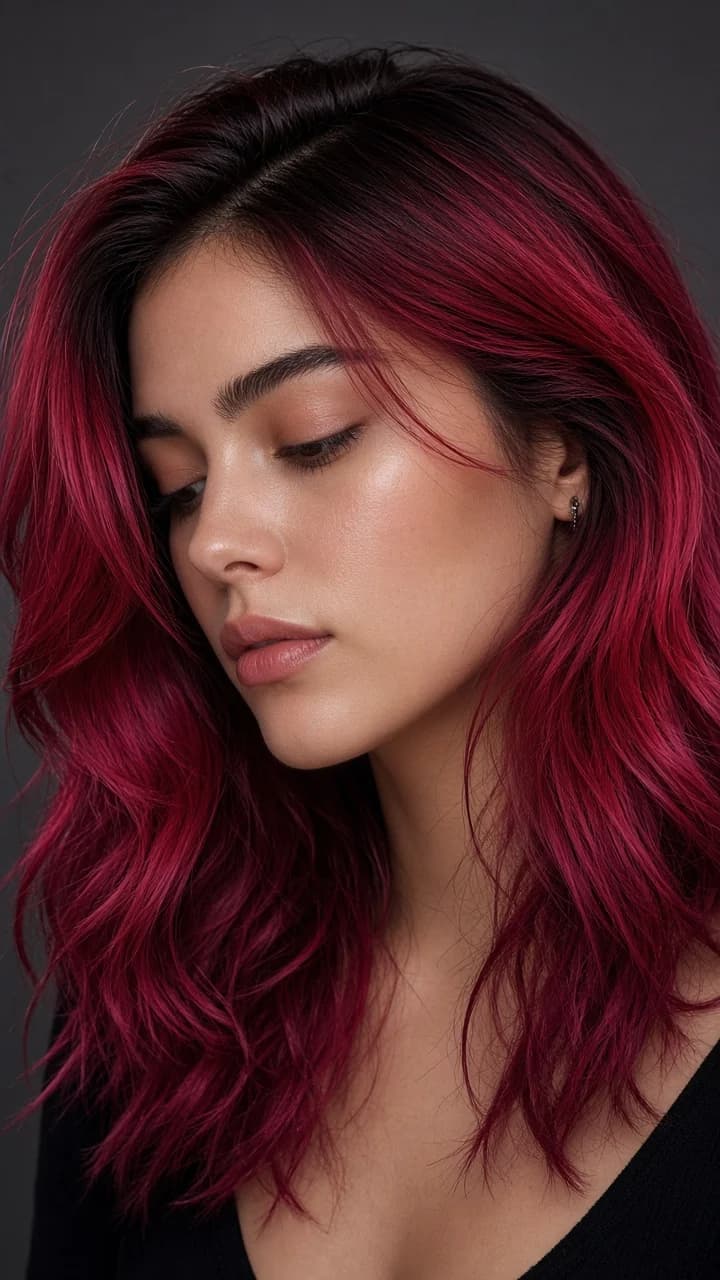
Example still: warm red grade for the root-to-tip hair-color transformation preset.
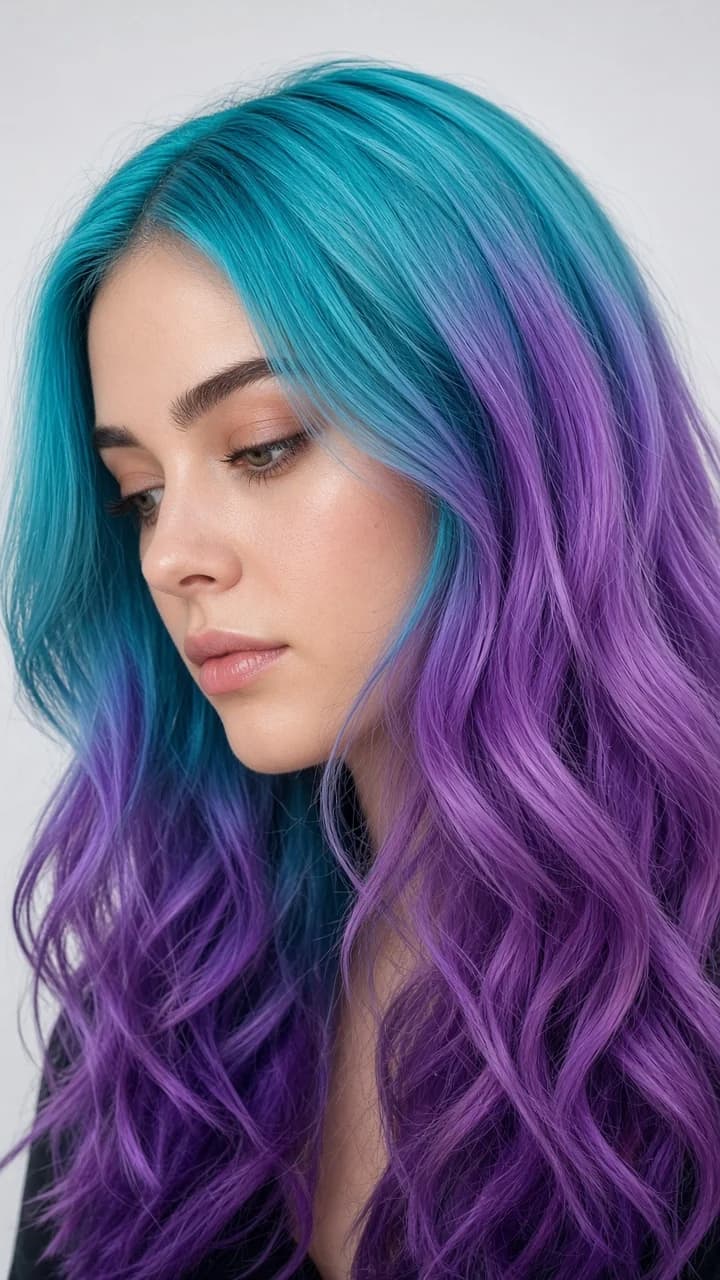
Second still for vertical 9:16 beauty framing — generate above for the full color wash.
Cool vanity light and an icy bleach-blonde wash through the strands.
Platinum Blonde preset
The most reposted look — saturated red from roots to tips on a ring-light selfie.
Fire Red preset
Cool LED glow and a sharp cobalt transformation for bold beauty edits.
Electric Blue preset
Soft daylight and a cotton-candy pink melt — gentle and shareable.
Pastel Pink preset
Warm lamp room with a deep jewel-green dye reveal.
Emerald Green preset
Even studio light with two-tone color splitting down the middle part.
Split Dye preset
Opens on your real hair color from the photo for one beat so viewers recognize you.
Pigment flows roots-to-tips like a salon time-lapse while you stay mostly still.
A slow head turn so the fresh color catches the key light.
Confident close-up hold to close — face and skin unchanged, only hair is different.
Step 1
Face and hair visible, minimal filters. The model needs your natural color before it can transform it.
Step 2
Each preset sets the lighting mood and target pigment — red, blue, pastel, split dye and more.
Step 3
Post to TikTok or Reels as a before/after hair reveal. Preview free before spending credits.
1.Only hair changes — preserve face shape, skin tone, eyes, outfit and background; no wig swap or haircut.
Add to prompt2.Root-to-tip wash — describe the dye traveling through existing length, not growing new hair.
Add to prompt3.Selfie framing — close portrait, vertical 9:16, vanity or ring light for beauty-filter clarity.
Add to prompt4.No text overlays — keep the clip clean for reposting with your own captions.
Add to promptWant a full outfit change too? Try the AI outfit transition or ceiling fan outfit transition.
