Jean Phil dance trend
White room, same you
Jean Phil Dance AI is the one-photo generator for the hops-kick-spin clip everyone is remaking in empty white rooms. Upload your portrait, pick a studio preset, and get a vertical dance video that keeps your face, hair and outfit while the choreography runs on beat.
Jean Phil dance AI: upload one photo and get the viral white-room dance — hops, side kicks and a full spin while your face, hair and outfit stay locked. Vertical 9:16, free to preview.
Upload one clear full-body or waist-up photo. The generator keeps your face, hair and outfit while you dance in a white room.
Your video may be selected and published to the public Explore feed to inspire other creators.
Made with this generator
Static preview stills for the white-room dance format. Generate above for hops, kicks and spins on your photo.
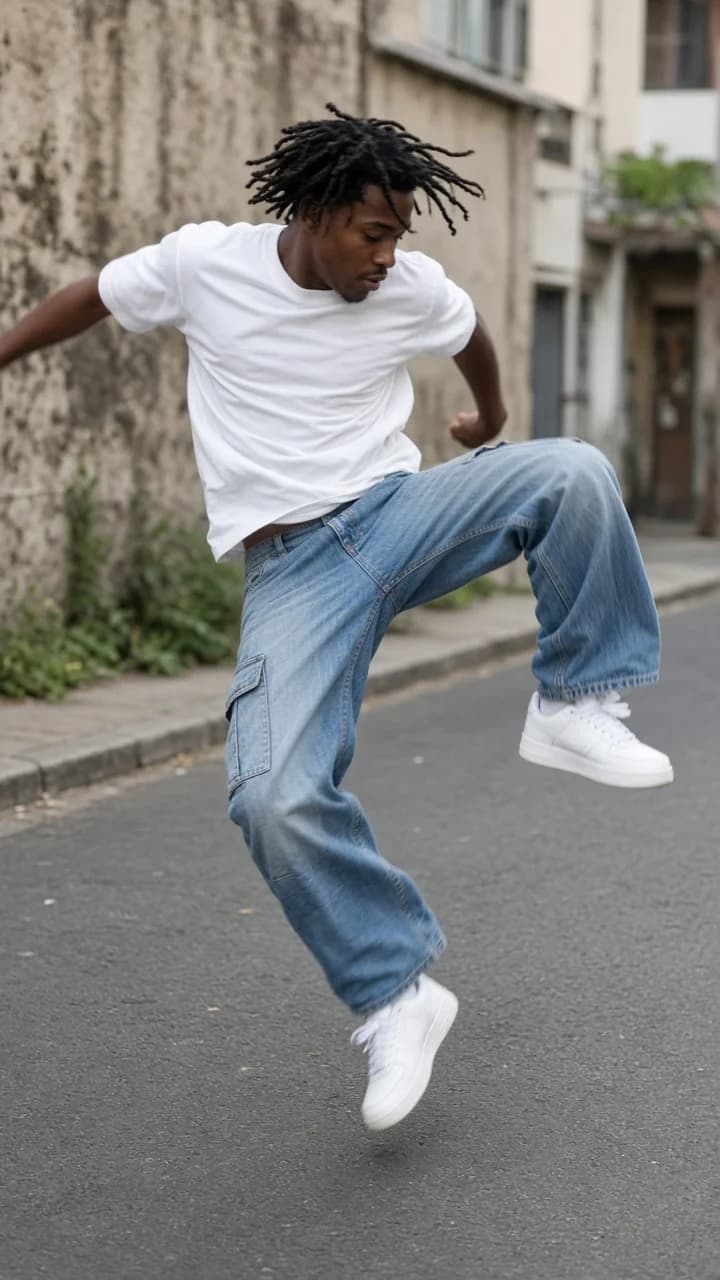
Example still: high-key white studio framing for hops, kick and spin choreography.
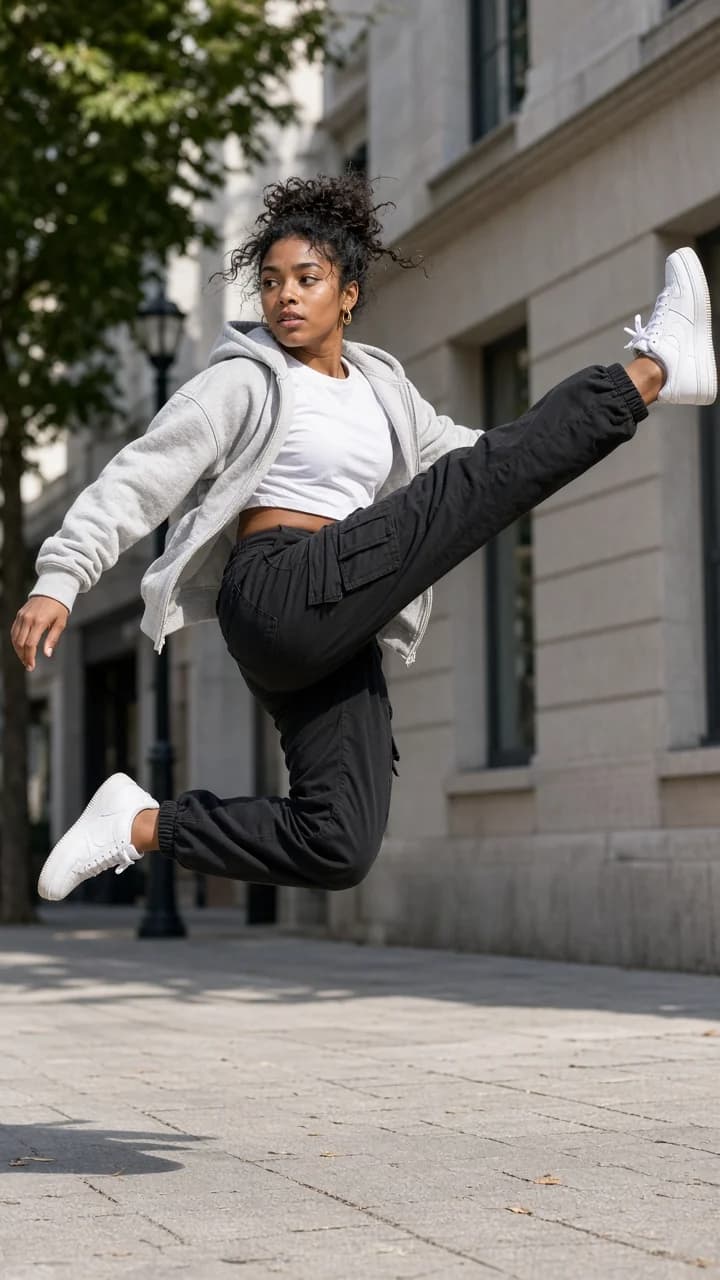
Second still for vertical 9:16 dance layout — generate above for full motion.
Short-form dance creators film themselves in minimal white spaces performing a tight combo: bounce, kick, spin, land. The aesthetic is high-key and graphic — your body is the only subject — which is why the format exploded as an AI one-photo trend.
Beat 1 · 0:00
Light hops in place, knees soft, arms loose — the opening groove that sets the white-room energy.
Beat 2 · 0:02
One clean kick to the side with the opposite arm up; face and outfit stay identical to your photo.
Beat 3 · 0:04
A quick 360° turn landing square to the lens — the signature beat of the Jean Phil remixes.
Beat 4 · 0:06
Opposite kick, two more hops, then a confident grin straight to camera.
Step 1
Full body or waist up works. Plain backgrounds help, but the preset white room replaces most of the scene anyway.
Step 2
Seamless studio, gallery, loft, mirror wall or wide empty room — same choreography, different architecture.
Step 3
Preview free, download when happy, add the trend sound in TikTok if you want the official audio page.
Seamless white cyclorama — the cleanest read of the kicks and spin.
White Studio preset
Tall walls and skylight for a fashion-editorial dance look.
White Gallery preset
Sunlit loft with wood accents — warmer skin tones, same moves.
White Loft preset
Dance-studio mirror far behind for depth without duplicating you.
Mirror Wall preset
High ceiling and wide framing so every hop has headroom.
Wide White Room preset
1.SAME IDENTITY — preserve face, hairstyle, skin tone, outfit and accessories on every frame. No face morphing or outfit flicker mid-spin.
Add to prompt2.Jean Phil combo only — bounce, side kick, spin, opposite kick, hops, pose. No invented freestyle unless you add it in the prompt box.
Add to prompt3.Locked camera — white room, high-key light, static frame; the dancer moves, the room does not.
Add to prompt4.Full spin clarity — one complete turn landing facing camera before the final pose.
Add to prompt