No Guidance dance trend
Clean room, smooth choreo
No Guidance Dance AI is the one-photo generator for the viral smooth dance everyone is remaking in minimal white and grey rooms. Upload your portrait, pick a preset, and get a vertical clip that keeps your face, hair and outfit while the choreography runs on beat.
No Guidance dance AI: upload one photo and remake the viral smooth choreography in a clean white room — shoulder rolls, body waves and step-touch while your face and outfit stay locked. Vertical 9:16, free to preview.
Upload one clear full-body or waist-up photo. The generator keeps your identity while you perform the smooth No Guidance choreography in a clean room.
Your video may be selected and published to the public Explore feed to inspire other creators.
Made with this generator
Static preview stills for the viral smooth dance format. Use the generator for rolls, waves and step-touch on your photo.
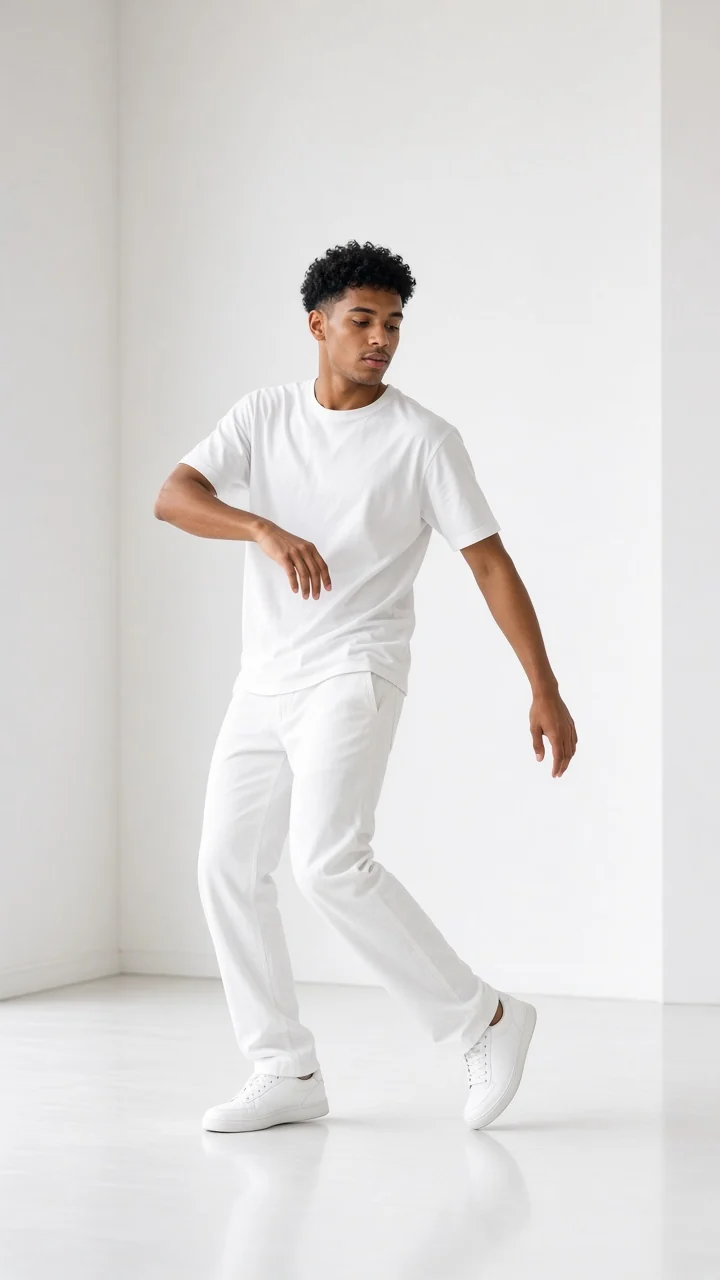
Example still: clean white-room framing for the smooth shoulder-roll and body-wave choreography.
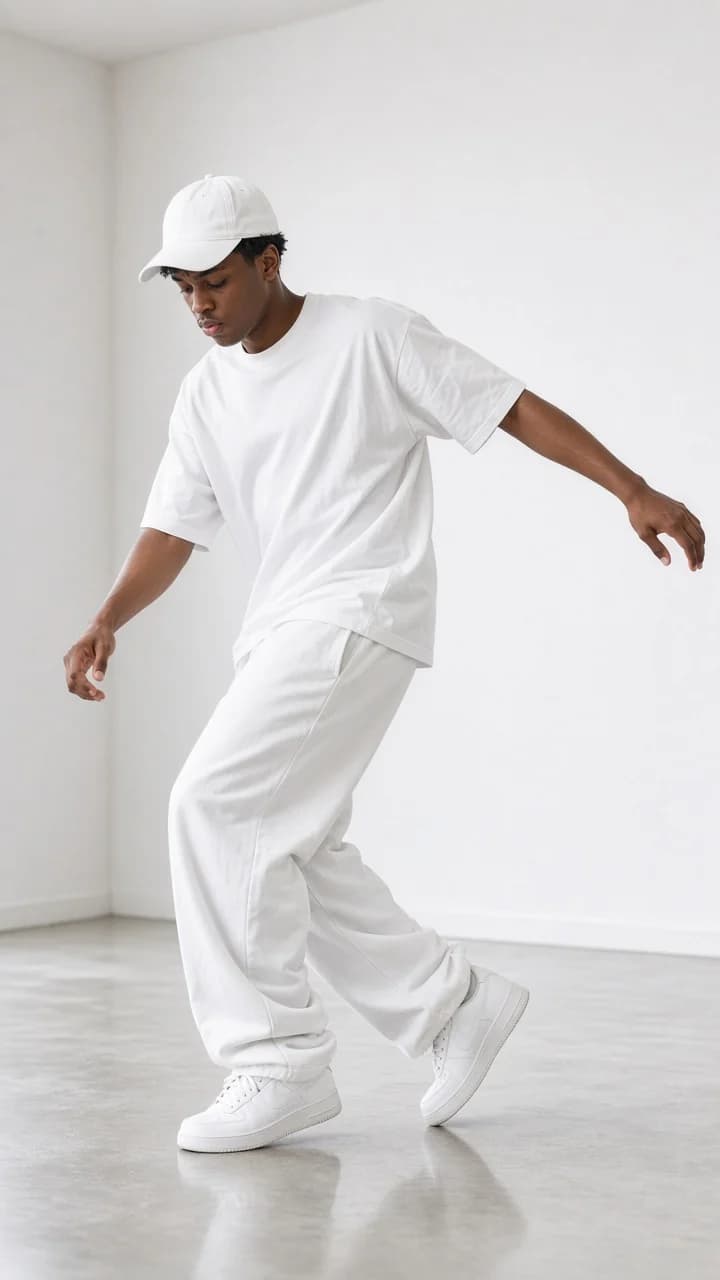
Second still highlighting vertical 9:16 dance composition — generate above for full motion.
Creators film smooth R&B choreography in empty rooms — shoulder rolls flowing into body waves and step-touch patterns. The aesthetic is minimal and graphic, which is why the format exploded as a one-photo AI trend alongside other dance climbers on MakeViral.
Beat 1 · 0:00
Slow shoulder isolation and a soft chest pop — the opening groove of the viral remix.
Beat 2 · 0:02
A smooth wave down the torso with a soft knee bend; identity stays locked to your photo.
Beat 3 · 0:05
Side steps with hip sway and arm extension — the recognizable middle section of the trend.
Beat 4 · 0:08
Quarter turn back to camera and a confident still pose to close.
Step 1
Full body or waist up. Plain backgrounds help; the preset replaces most of the room with a clean minimal set.
Step 2
White room, grey studio, minimal loft, hallway mirror or dance studio — same choreography, different architecture.
Step 3
Preview free, download when happy, add the official No Guidance sound in TikTok to land on the trend page.
Empty white space — the default viral read of the trend.
White Room preset
Seamless grey with soft side light for a music-video feel.
Grey Studio preset
Sunlit loft with wood accents — warmer skin, same moves.
Minimal Loft preset
Apartment hallway with a distant mirror for depth.
Hallway Mirror preset
Barre and daylight for a class-rehearsal aesthetic.
Dance Studio preset
1.SAME IDENTITY — preserve face, hairstyle, skin tone, outfit and accessories on every frame.
Add to prompt2.No Guidance choreography only — shoulder roll, body wave, step-touch, turn and hold. No freestyle unless you add it.
Add to prompt3.Locked camera — the room stays static; only the dancer moves.
Add to prompt4.Smooth and PG — controlled R&B groove, no explicit lyrics in generated audio.
Add to prompt