
1
Upload two portraits
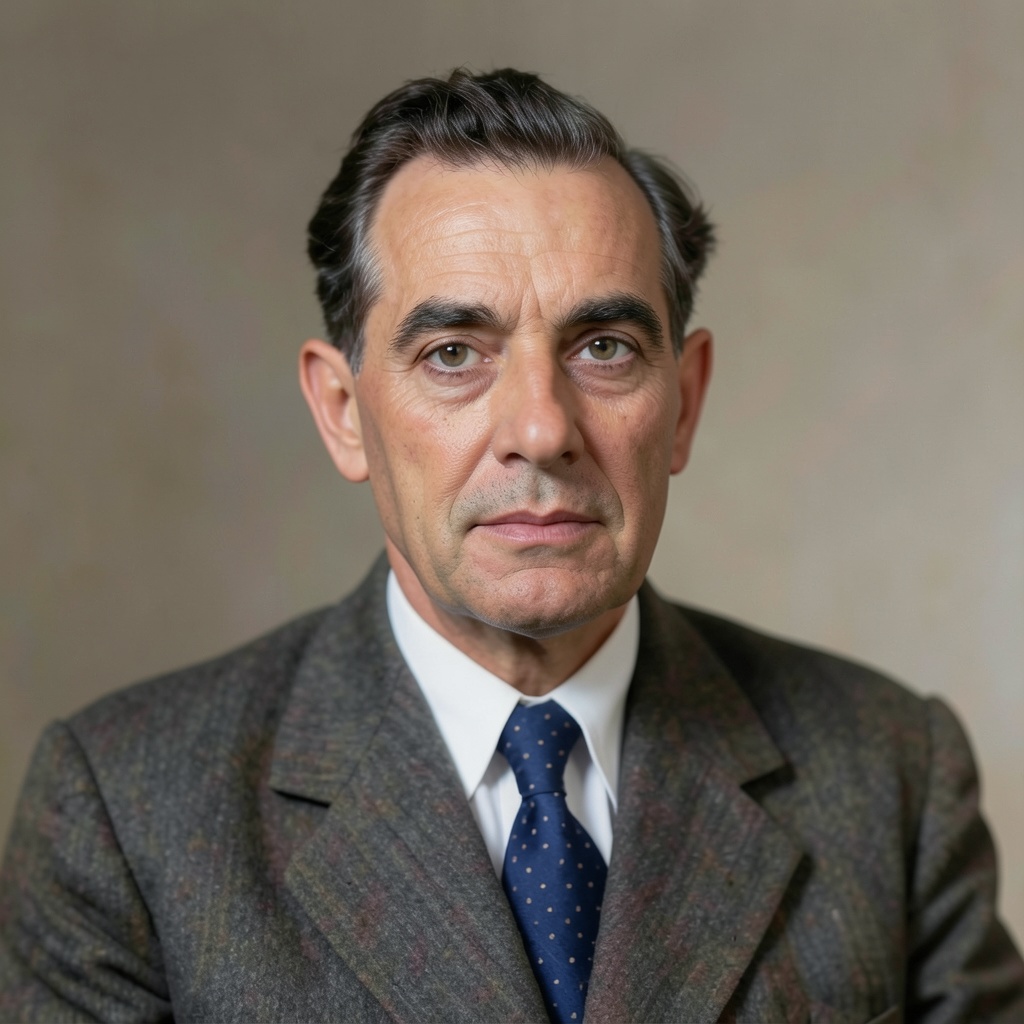
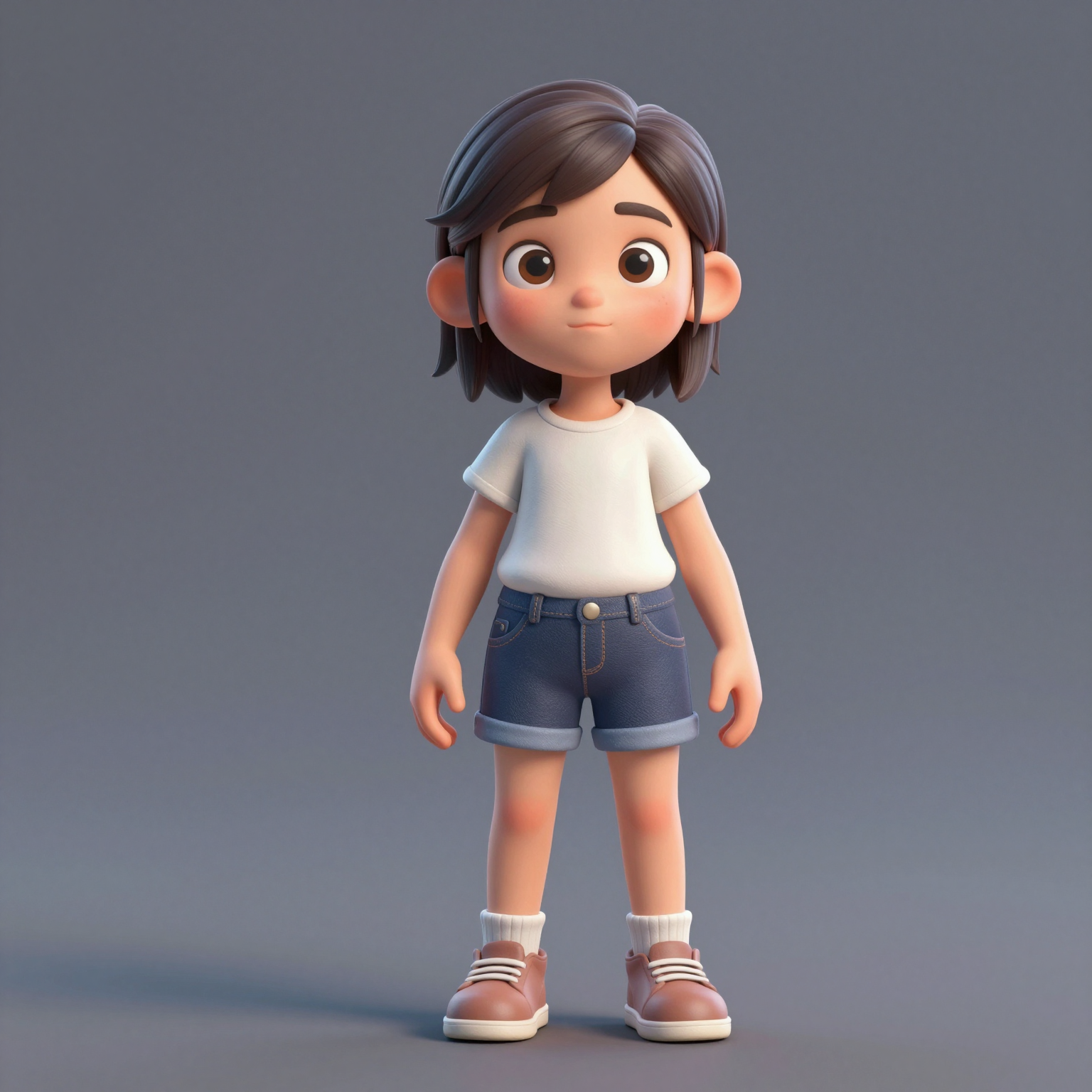
Add one clear, front-facing portrait of each performer — shoulders up, decent light. Prefer a single shot of both? Switch to One Photo mode.
Trasforma due foto nel virale video hotel lobby ai — la performance del duo rap nel booth arancione di COLORS. Provalo gratis: nessun green screen, nessuna competenza di montaggio.
Your video may be selected and published to the public Explore feed to inspire other creators.
Trend templates
Generate the classic orange-booth video above, or pick a viral template — Halloween, gas station dance, money flex, werewolf and more — each with its own playground.
New templates
The 16 latest generator pages added to the hub — newest first. Pick a trend and make your own clip in minutes.
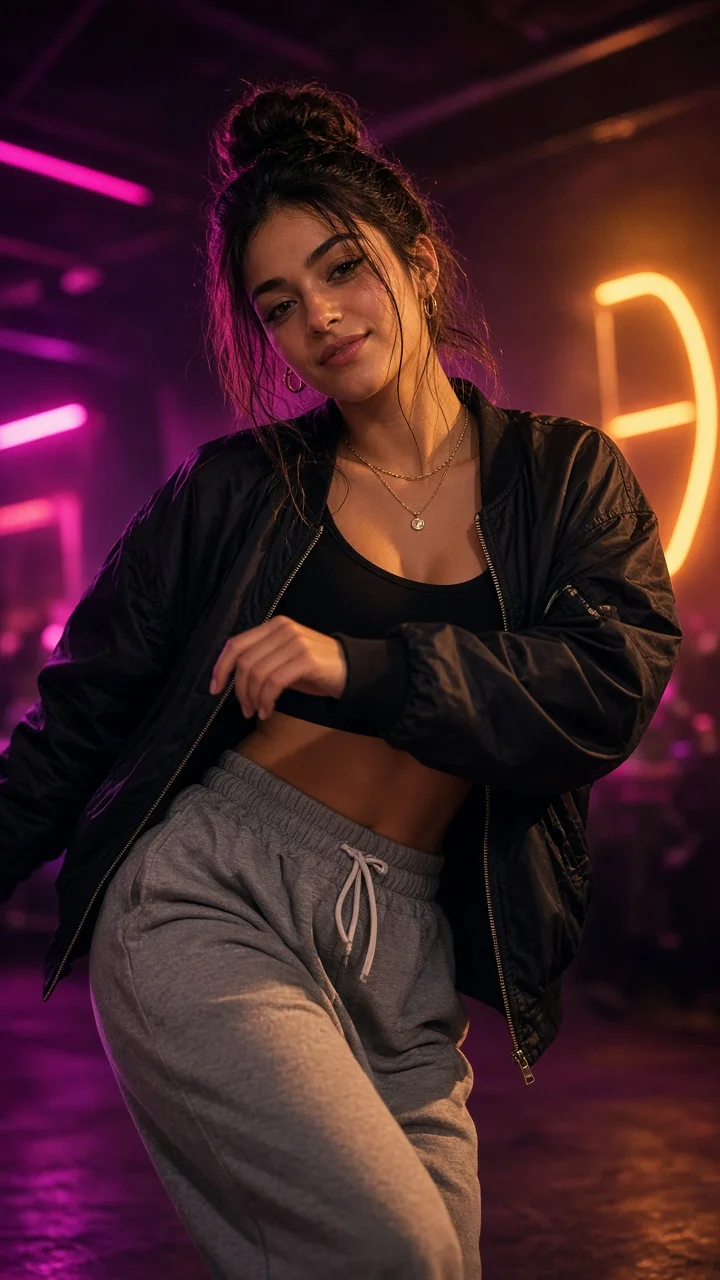
Playful sassy nightclub dance remake from one photo — confident hip sways, sass-face attitude and a fierce crouch-pose finish under club lights.
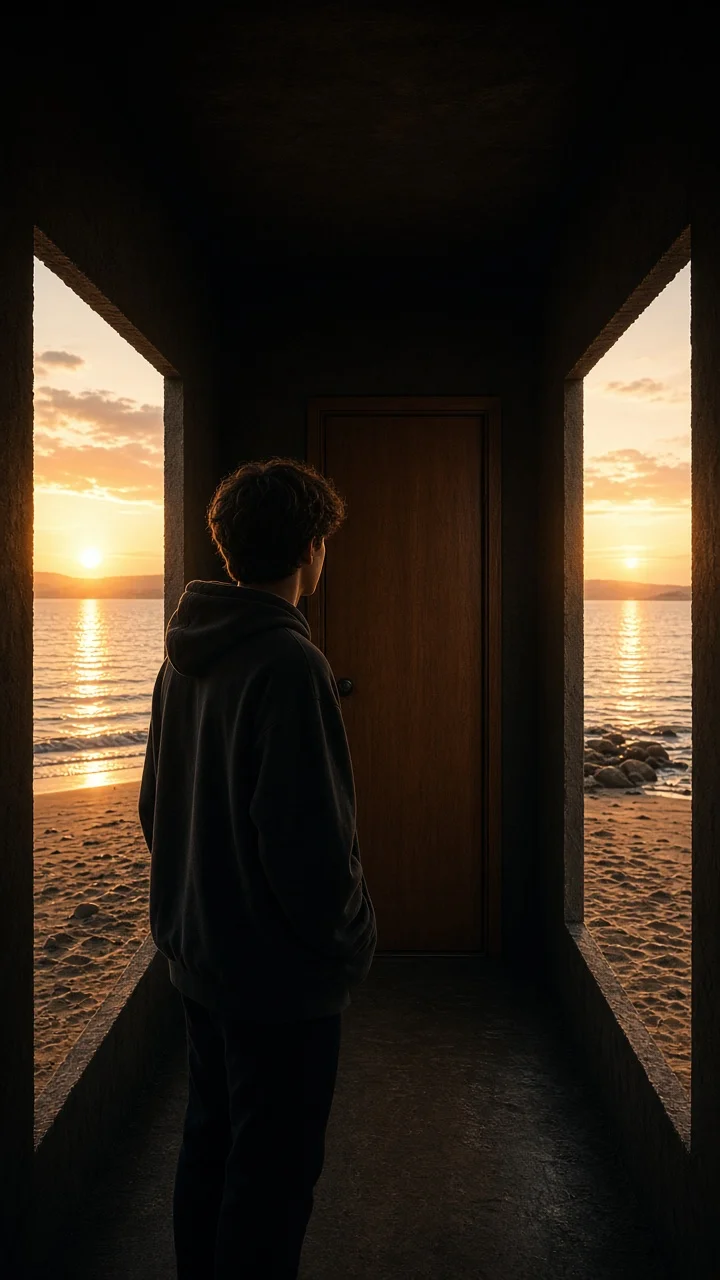
Dark hallway, three knocks, and the walls swing open onto a lake-and-sunset world while the door stays shut — surreal hopeful reveal from one photo.
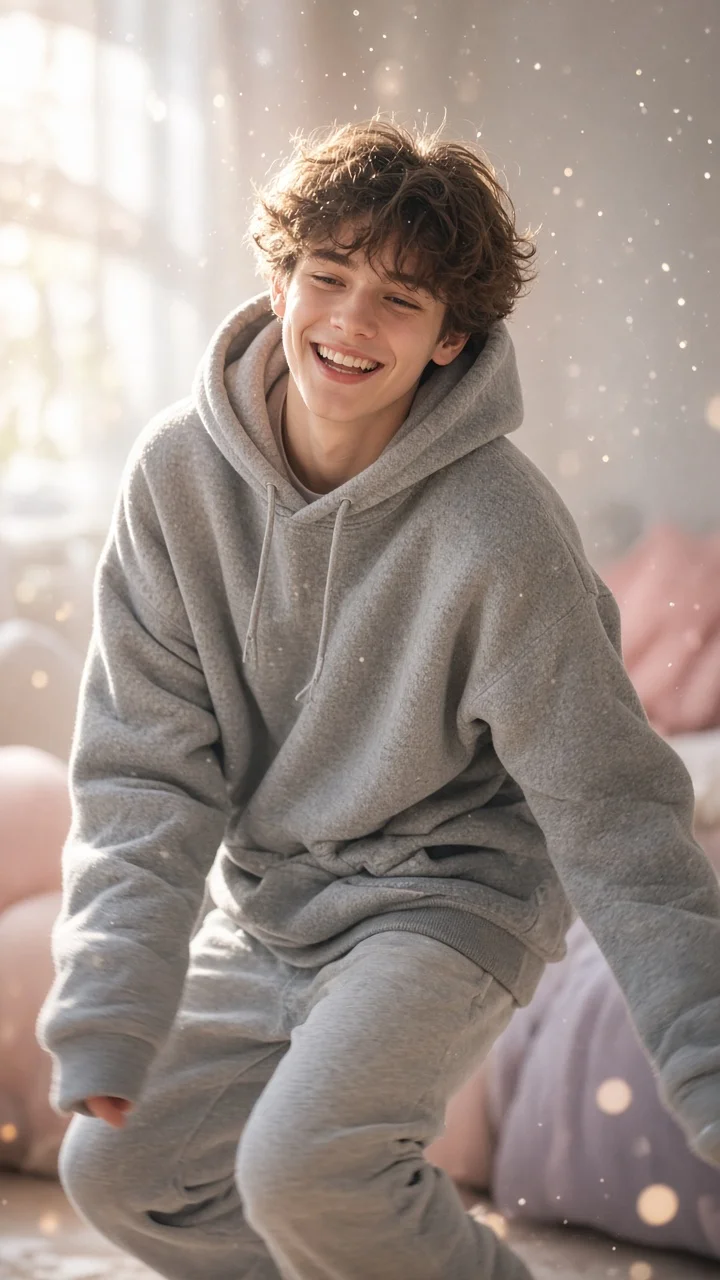
Soft dreamy squat-bounce-shake dance from one photo — cozy oversized hoodie, pastel morning light and a sleepy little smile.
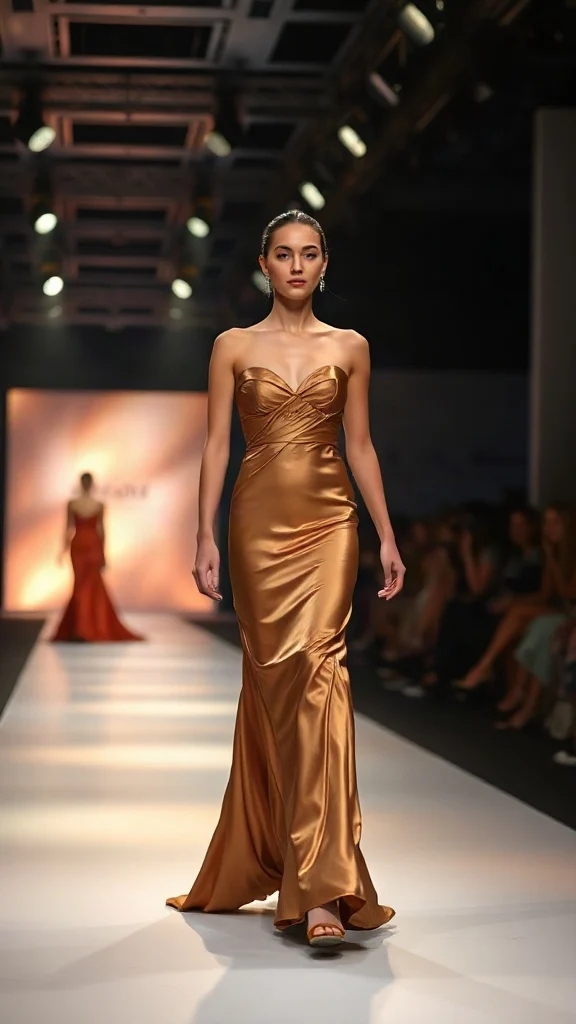
Not all angels walk the runway — upload one photo and transform into a glamorous high-fashion runway walk in a sleek evening look with flash-popping catwalk lighting.
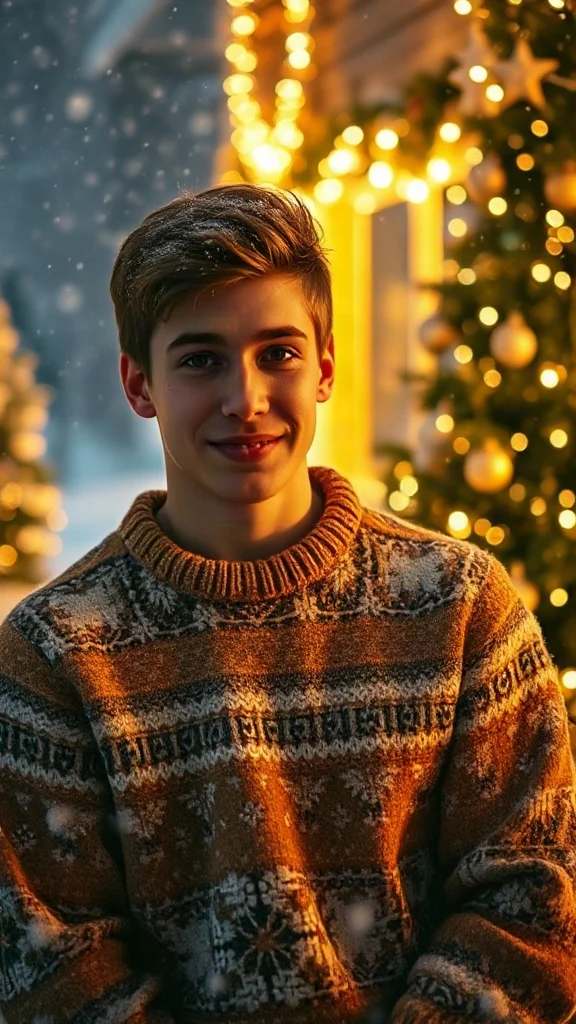
Cozy 90s holiday rom-com remake from one photo — chunky knit sweater, soft snowfall, golden fairy lights and a playful snowball meet-cute.
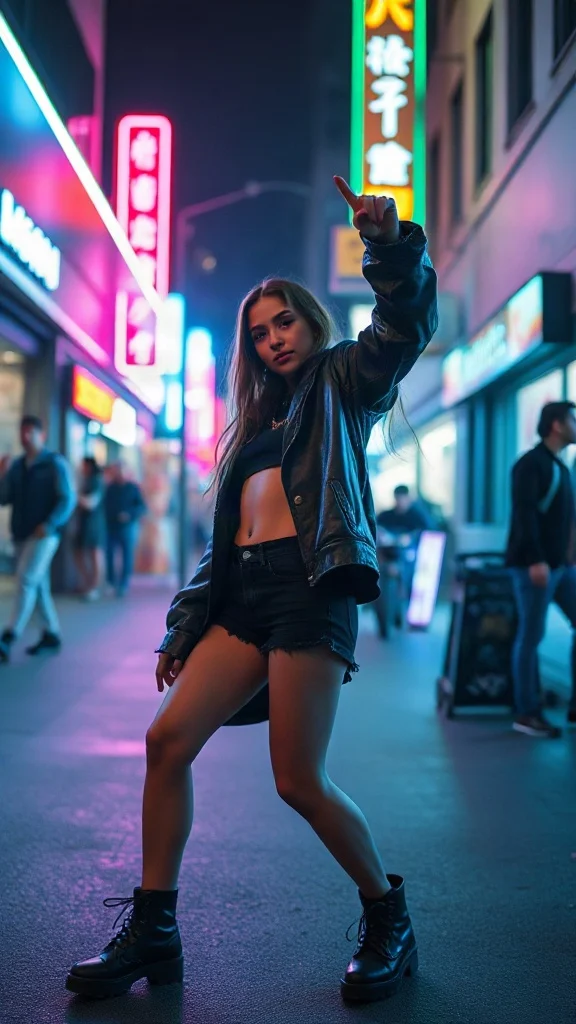
Empowered breakup-anthem dance remake from one photo — confident walk-away, freestyle dance energy, outfit glow-up and sassy neon night vibes.
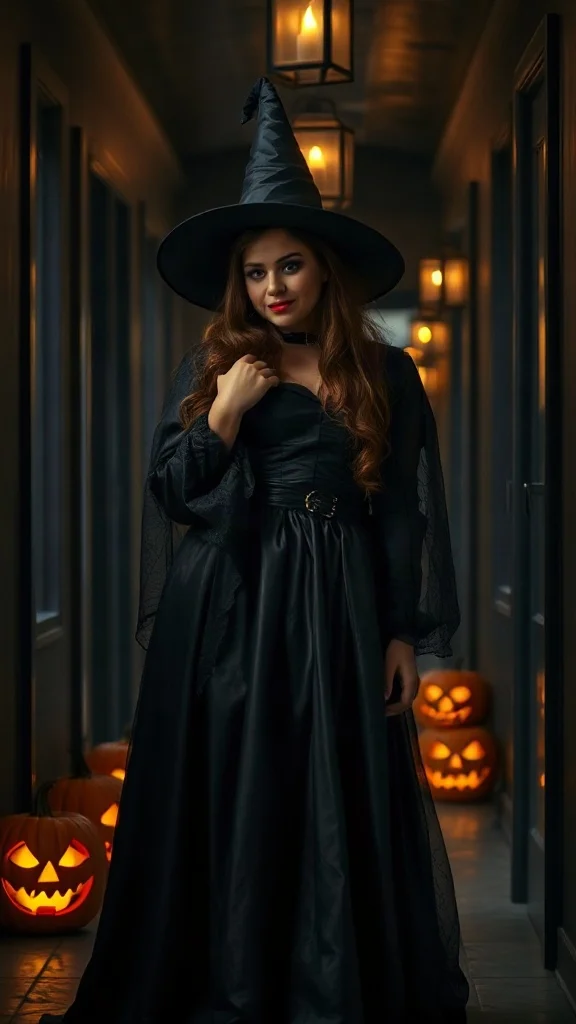
Halloween 2026 costume reveal — sweet innocent look first, then a dramatic witch, vampire or ghost-bride transformation from one photo.
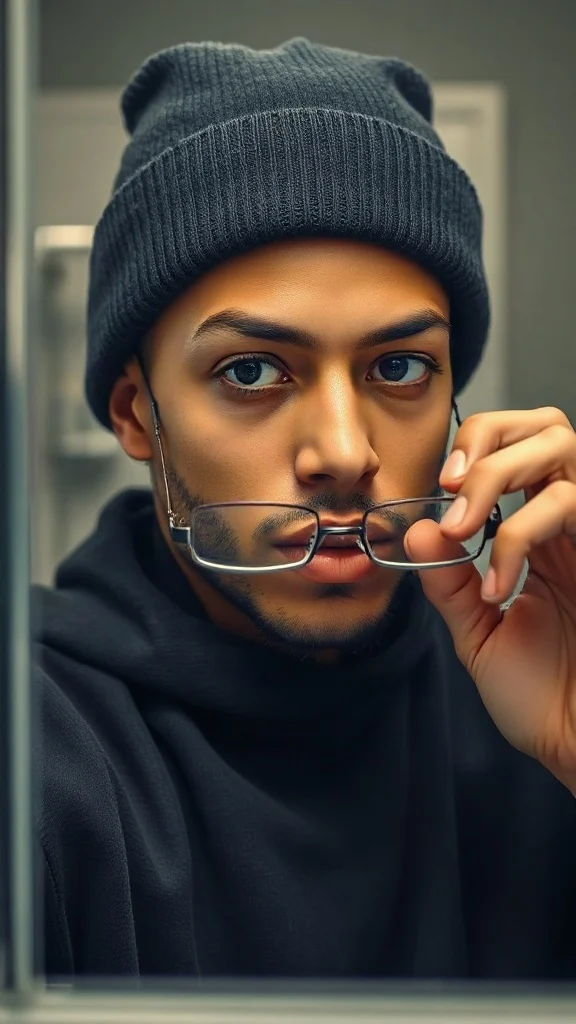
Glasses off, knit skull cap on — glow up into a chiseled confident version of yourself under dramatic light.
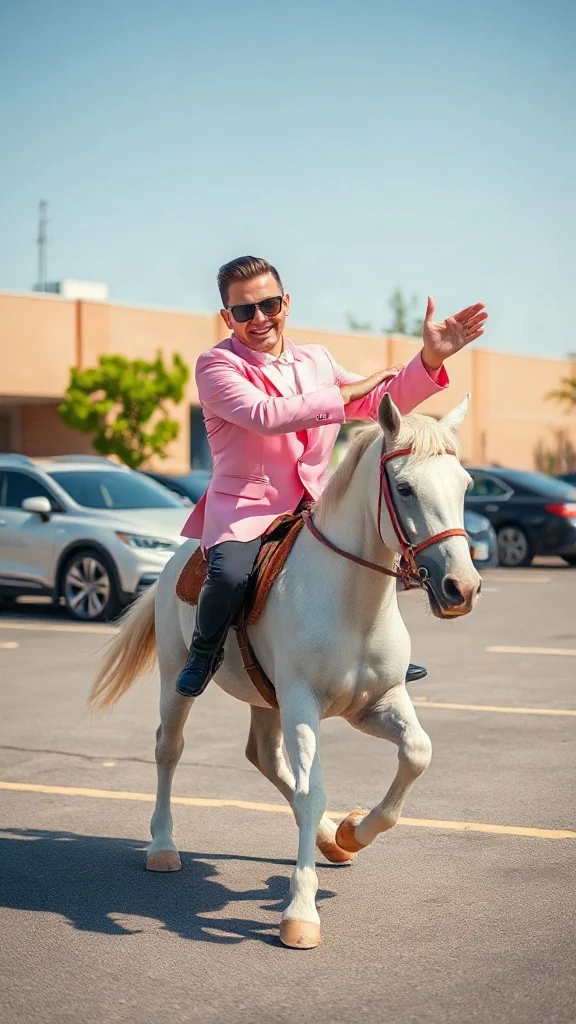
Pastel tux, sunglasses, crossed-wrist horse gallops — remake the retro party dance trend from one photo on an original beat.
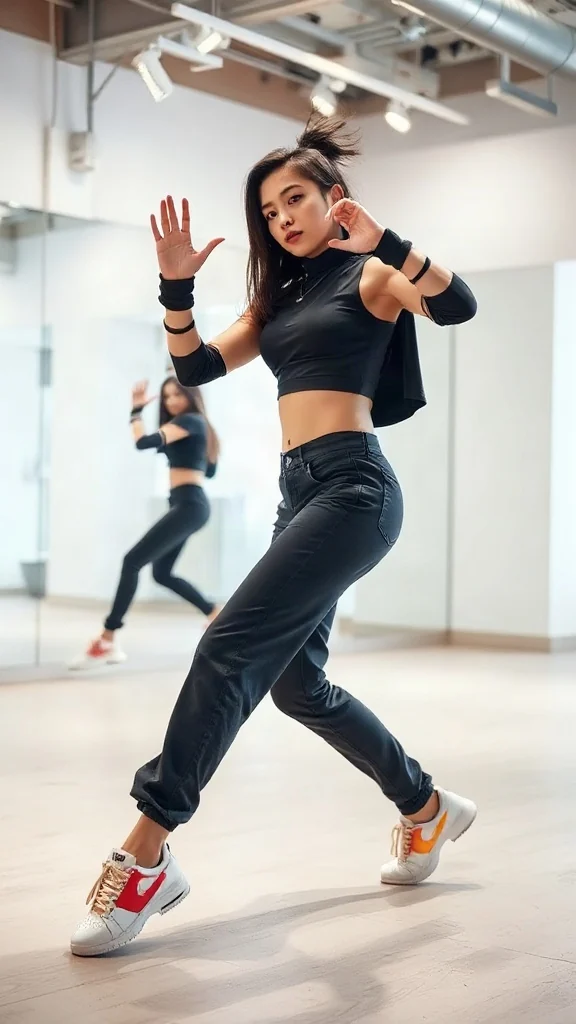
One photo, sharp idol-style streetwear moves — snap-freezes on every beat with a fully original instrumental.
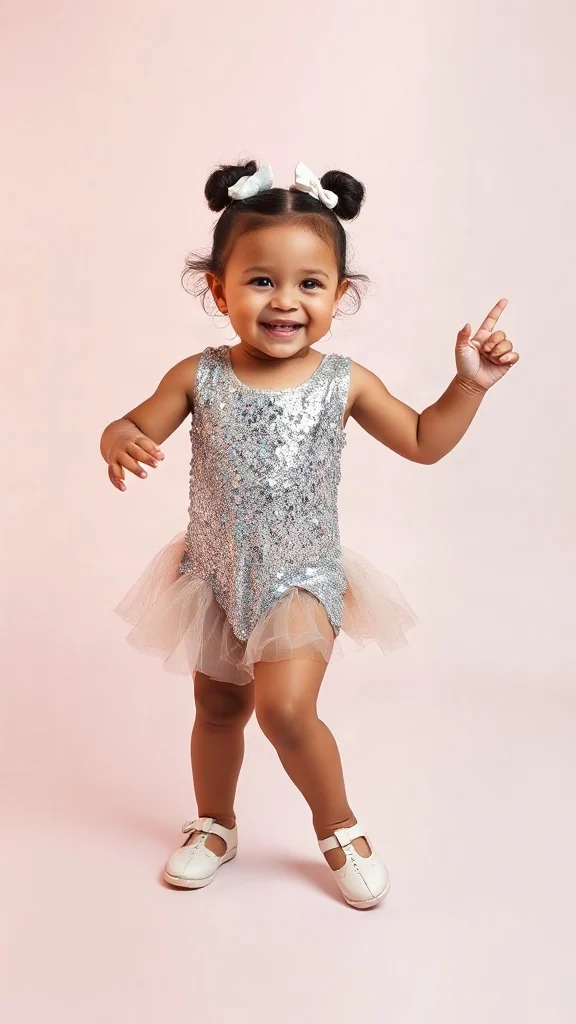
Become an adorable glam toddler mini-diva — sunglasses up, feather boa spinning, sassy runway struts.
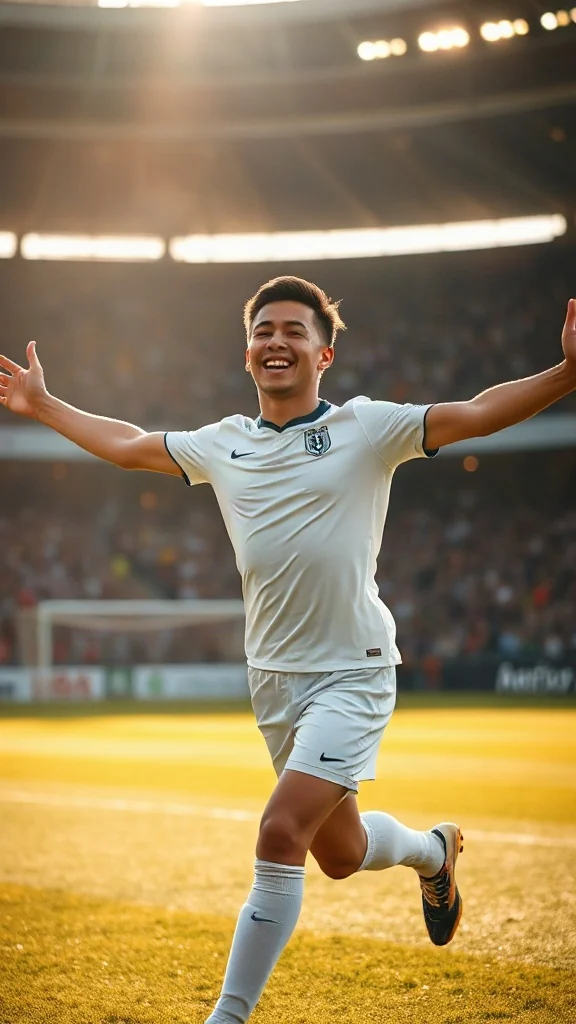
Score in a plain white kit and wheel away arms-wide under the floodlights — the classic celebration from one photo.
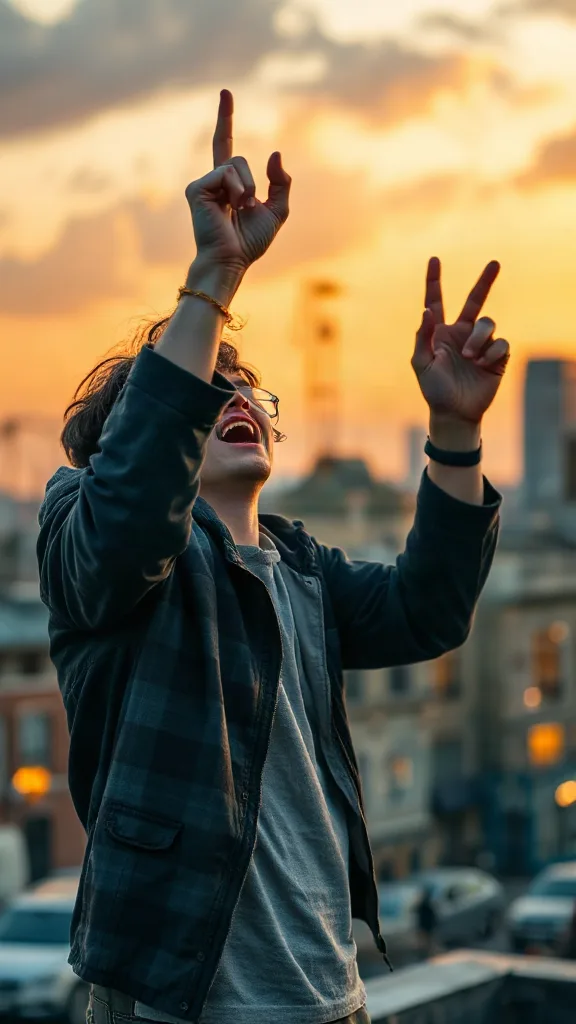
Rooftop at dusk, rock horns up — belt an original emo anthem from one photo. No real songs, just glory.
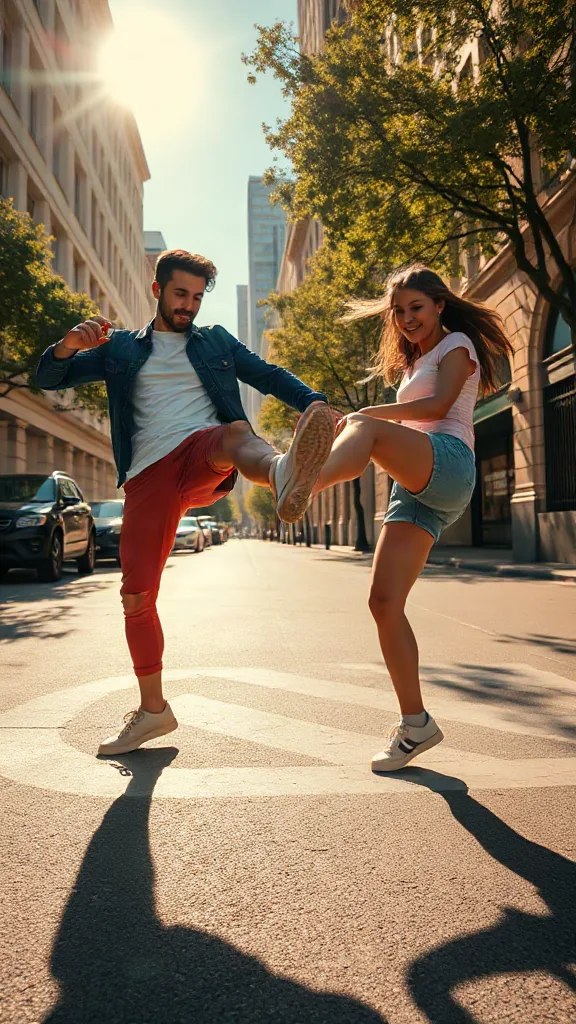
You and a friend — or two pets — take turns kicking toward the camera, every strike landing on a bing hit.
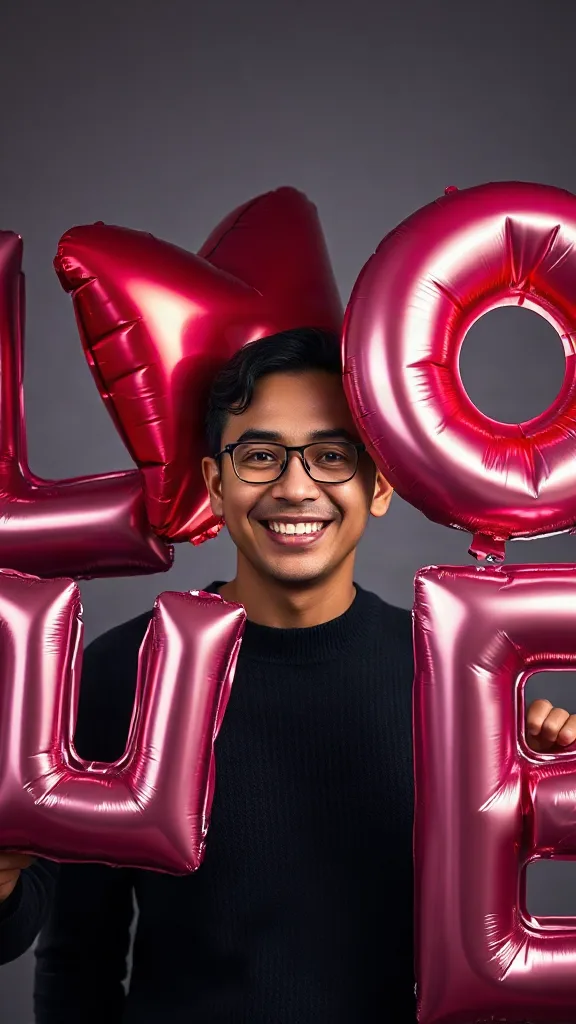
Giant glossy 3D letters L, V and E float in around you — and the round object you hold completes LOVE.
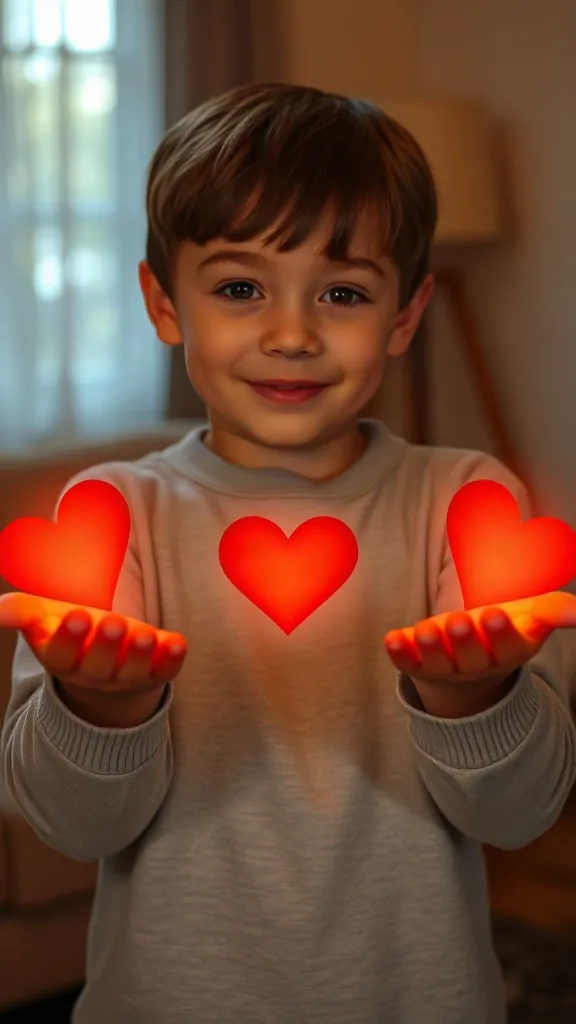
Flick little red hearts to Mom, Dad and Sister — then hand Brother your entire glowing heart. One photo.
How to Use
A real example made with the generator above: two everyday portraits become a rap-duo performance in the orange hotel lobby booth. Follow the same flow to make yours.
Add one clear, front-facing portrait of each performer — shoulders up, decent light. Prefer a single shot of both? Switch to One Photo mode.
Using the first uploaded image as the identity reference for the left performer and the second uploaded image as the identity reference for the right performer, place them side by side in a vast monochrome orange room with a high ceiling and the wall sweeping far back behind them, like two rappers trading verses on a live music showcase
The Hotel Lobby prompt is prefilled for you. Expand the Prompt panel to tweak the booth color, vibe, or choreography — or leave it exactly as it is.
Press Generate and wait about two minutes. You get a vertical MP4 with sound — download it or share it straight to social.
Make yours nowDemo reali
Ogni video hotel lobby ai qui sotto è stato generato da sole due foto — senza green screen, senza montaggio. È esattamente ciò che il generatore hotel lobby produce per il trend virale: il palco arancione di colors, il singolo microfono appeso e i tuoi due interpreti in un'inquadratura ravvicinata a due.
Demo di video hotel lobby ai — due foto trasformate nella performance del duo rap sul palco di colors.
Demo di video hotel lobby ai — l'interprete a sinistra esegue la prima strofa, quello a destra risponde sul ritornello.
Demo di video hotel lobby ai — amici che rappano nel booth arancione iconico con il microfono appeso.
Demo di video hotel lobby ai — clip verticale HD in 9:16 pronta per TikTok, Reels e Shorts.
🎃 Halloween edition · until Oct 31
Same orange booth, same moves — now in costume. Photo 1 becomes the vampire, photo 2 the skeleton, and both faces stay yours. Pets get dressed up too.
Make the Halloween versionEsempi
Ogni video hotel lobby ai qui sotto segue la stessa ricetta — due foto, il booth arancione, il singolo microfono appeso. Scegli il duo più simile al tuo, carica ritratti dello stesso tipo e copia l'idea del prompt direttamente nel generatore qui sopra.
L'interprete a sinistra gesticola mentre rappa, quello a destra annuisce a ritmo, streetwear casual.
Crea questo duoSwagger da Suits: prima strofa sicura di sé, seconda strofa in risposta.
Crea questo duoParodia di founder tech: esecuzione impassibile, energia competitiva.
Crea questo duoDuo di Scarface proteso verso il microfono, illuminazione cinematografica.
Crea questo duoDuo di animali impassibile che muove la testa a ritmo davanti al microfono appeso.
Crea questo duoVuoi la galleria completa dei template? Sfoglia ogni template hotel lobby ai e applicalo con un clic.
The trend
The Hotel Lobby AI trend recreates Quavo and Takeoff's 2022 “Hotel Lobby (Unc & Phew)” performance on A COLORS SHOW — two people singing side by side in an orange booth with a single microphone hanging between them. It went viral on TikTok and X in 2026, with people swapping in best friends, couples, siblings and parents. Hotel Lobby AI turns two ordinary photos into a short vertical 9:16 video of the two of you in that booth, matching the trend's moves and lip sync so the sound lines up — no original footage and no one else's face.
Updated October 11, 2026 · Sources: Quavo & Takeoff – “Hotel Lobby” | A COLORS SHOW (official), TikTok – Community Guidelines: AI-generated content
Hotel Lobby AI is an independent tool, not affiliated with Quavo, Takeoff, their label or COLORS.
You may also see this trend called Migos AI or the AI rap duo trend.
Tutorial
L'intero flusso di lavoro per il video hotel lobby ai richiede circa due minuti. Ecco il processo esatto — gli stessi tre passaggi che ogni video tutorial sul trend hotel lobby insegna.
Aggiungi una foto chiara e frontale di ciascun interprete — amici, familiari, animali o qualsiasi duo di cui possiedi i diritti. Due ritratti separati garantiscono la somiglianza più forte.
Scegli il template del duo nel booth arancione. Ricrea lo sfondo arancione uniforme, il singolo microfono appeso e l'inquadratura media ravvicinata a due persone — senza bisogno di green screen.
Premi Genera e visualizza in anteprima gratuitamente il tuo video Hotel Lobby AI. Scarica la clip verticale in HD, reinserisci la canzone con CapCut o con l'editor di TikTok e pubblica con #hotellobby e #genjutsu.
Vuoi la versione completa con prompt e idee per i personaggi? Leggi la guida su come creare un video hotel lobby ai per tutti i dettagli.
Template
Questi template del generatore hotel lobby preimpostano palco, microfono, inquadratura e movimenti — tu devi solo portare i due volti. Ogni scheda rimanda alla galleria completa dei template con applicazione in un clic.
L'allestimento originale di COLORS: palco arancione, un microfono appeso, piano medio a due, 9:16.
Apri il template hotel lobby ai →Ideale per duo rap battleL'interprete a sinistra esegue la prima strofa, quello a destra risponde sulla seconda con stacchi reattivi.
Apri il template hotel lobby ai →Ideale per duo di animaliLenti movimenti di testa, battiti di ciglia a tempo, un animale si protende verso il microfono sul drop.
Apri il template hotel lobby ai →Ideale per meme da ufficioStile business casual con gesti sicuri delle mani e un ritornello celebrativo.
Apri il template hotel lobby ai →Ideale per duo animeResa in stile anime del duo sullo stesso palco arancione, pronto per #genjutsu.
Apri il template hotel lobby ai →Ideale per i compleanniAllestimento festivo sul palco classico — uno rappa una strofa di compleanno, l'altro batte le mani a ritmo.
Apri il template hotel lobby ai →Want every viral trend in one place? Browse all AI tools.
Compared
The main ways to make the trend, side by side.
| Hotel Lobby AI | Face-swap onto the clip | Subscription AI apps | CapCut / manual edit | |
|---|---|---|---|---|
| What you upload | 2 photos | 1–2 photos | 2 photos | Your own footage |
| Original COLORS footage or the artists' likeness in your video | No | Yes | Varies | No |
| Price | Free to try + one-time credit packs | ~$5 per clip | Weekly or monthly plan | Free but hours of work |
| Subscription | No | Sometimes | Yes | No |
| Both people need to film | No | Yes | Varies | Yes |
| Audio | Add “original sound - COLORS” in TikTok | Original song | Varies | Whatever you record |
Pricing
Every plan is a one-time purchase — no subscription and credits never expire. A 5s clip costs 2 credits and a 15s clip costs 6, so here is how many clips each pack gets you.
2 credits ≈ 1× 5s clip · 6 credits ≈ 1× 15s clip
See full pricing and all packsAl generatore hotel lobby bastano due foto. Crea gratis il tuo video Hotel Lobby AI — senza green screen, senza competenze di montaggio, senza login per l'anteprima.
Genera il tuo video Hotel Lobby AIHai domande o feedback su Hotel Lobby AI? Scrivici un'email — leggiamo tutto.