
1
Upload two portraits
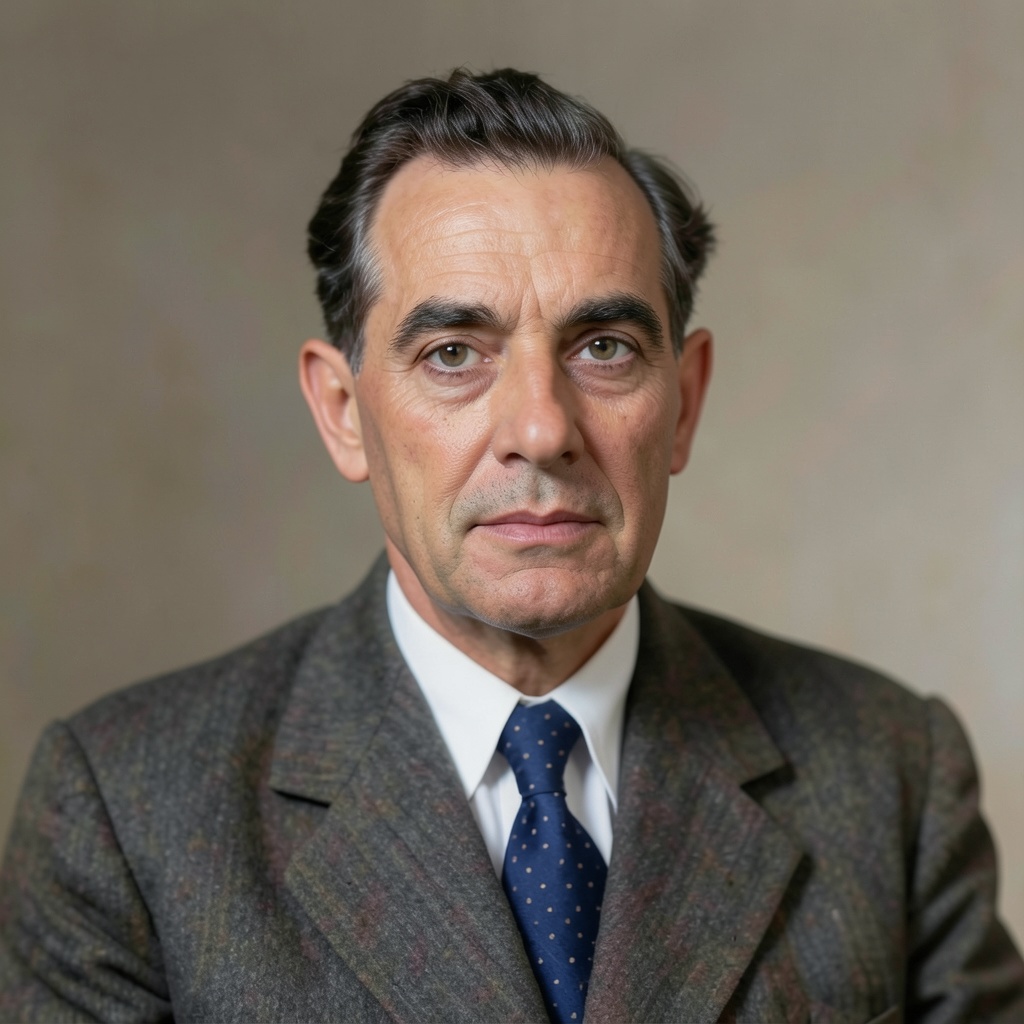
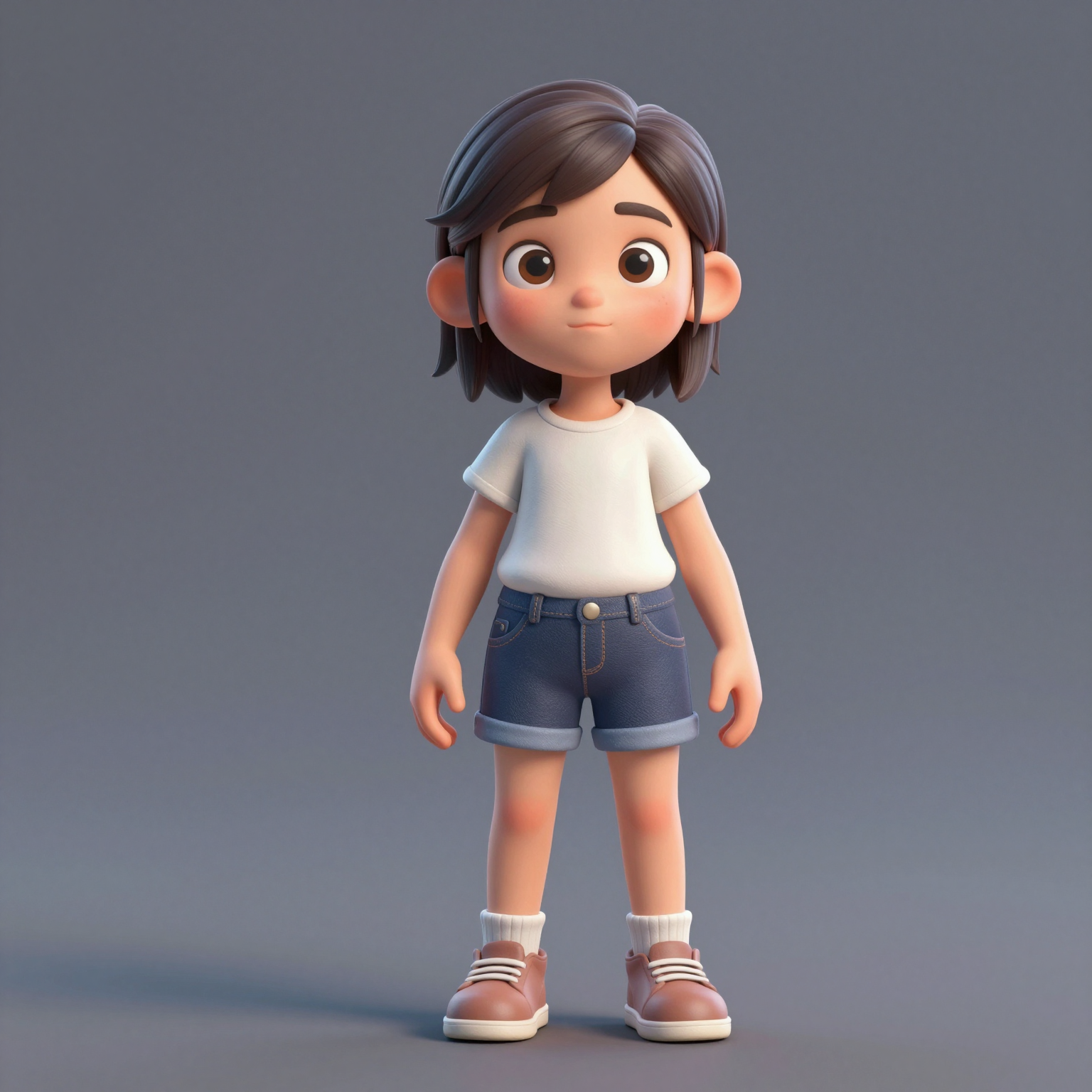
Add one clear, front-facing portrait of each performer — shoulders up, decent light. Prefer a single shot of both? Switch to One Photo mode.
사진 두 장을 바이럴 hotel lobby ai 영상, 즉 COLORS의 오렌지 부스 랩 듀오 퍼포먼스로 바꿔 드립니다. 무료로 체험할 수 있고, 크로마키도 편집 기술도 필요 없습니다.
Your video may be selected and published to the public Explore feed to inspire other creators.
Trend templates
Generate the classic orange-booth video above, or pick a viral template — Halloween, gas station dance, money flex, werewolf and more — each with its own playground.
New templates
The 16 latest generator pages added to the hub — newest first. Pick a trend and make your own clip in minutes.
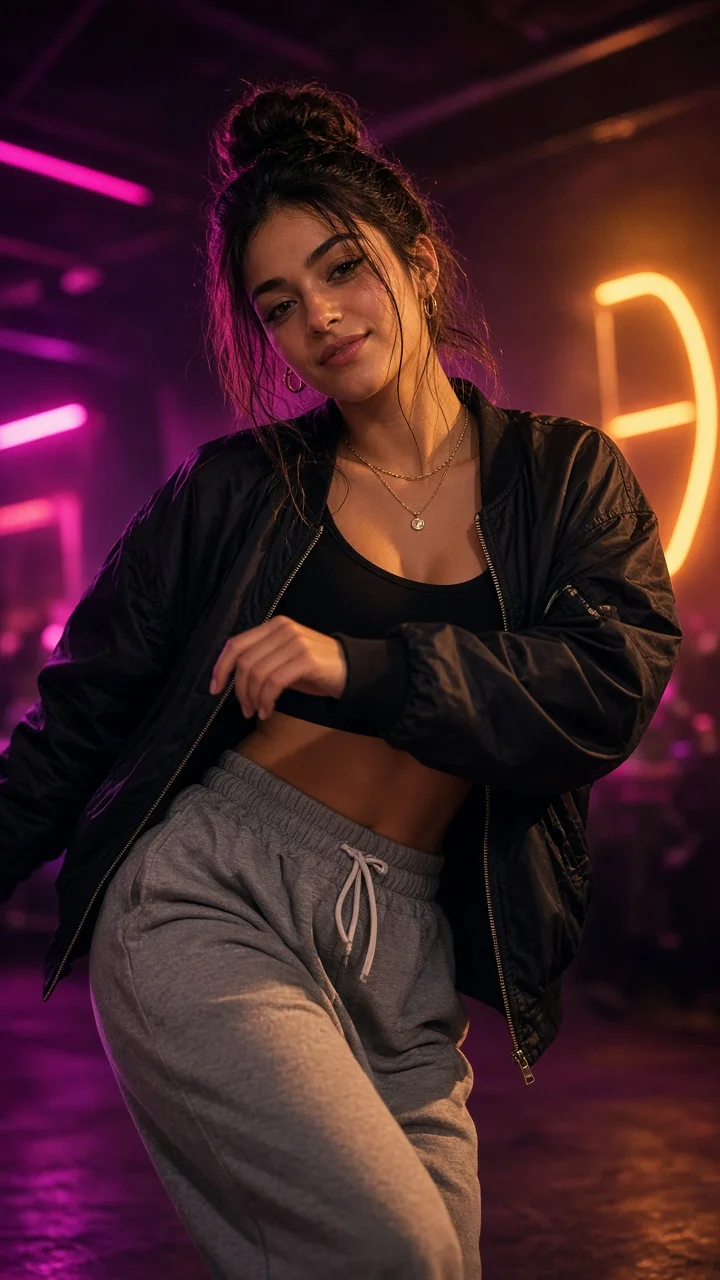
Playful sassy nightclub dance remake from one photo — confident hip sways, sass-face attitude and a fierce crouch-pose finish under club lights.
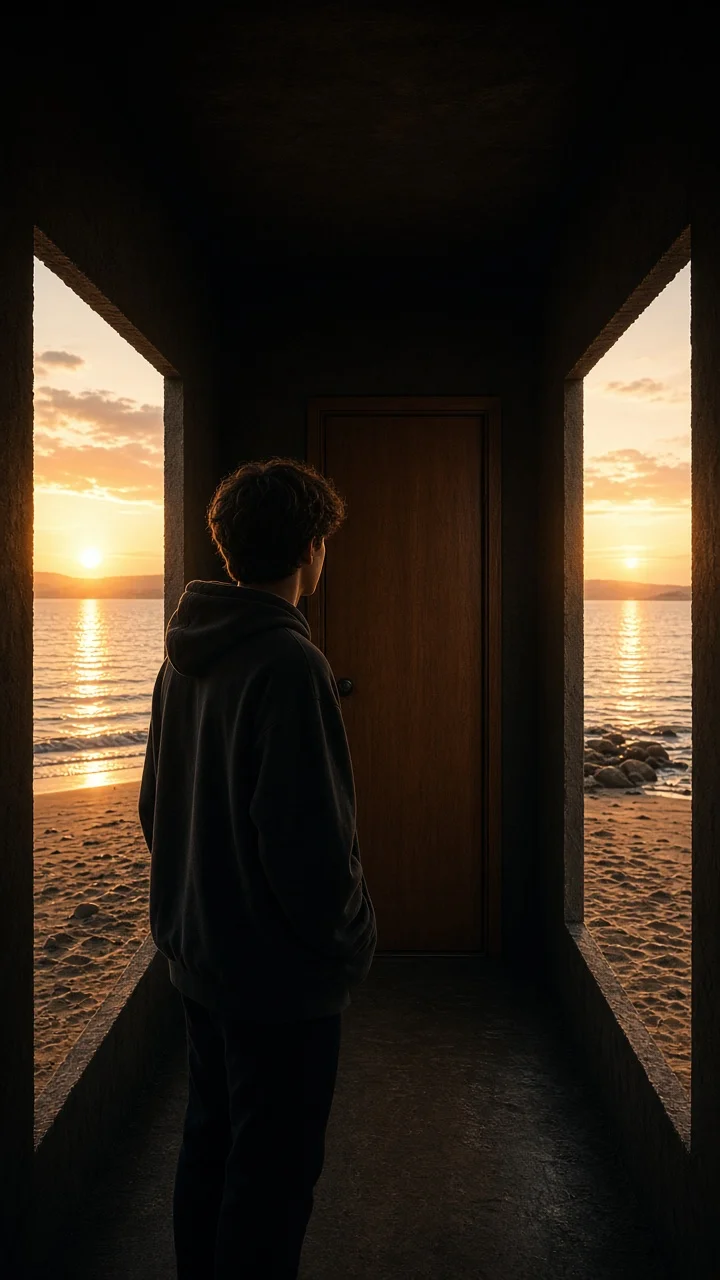
Dark hallway, three knocks, and the walls swing open onto a lake-and-sunset world while the door stays shut — surreal hopeful reveal from one photo.
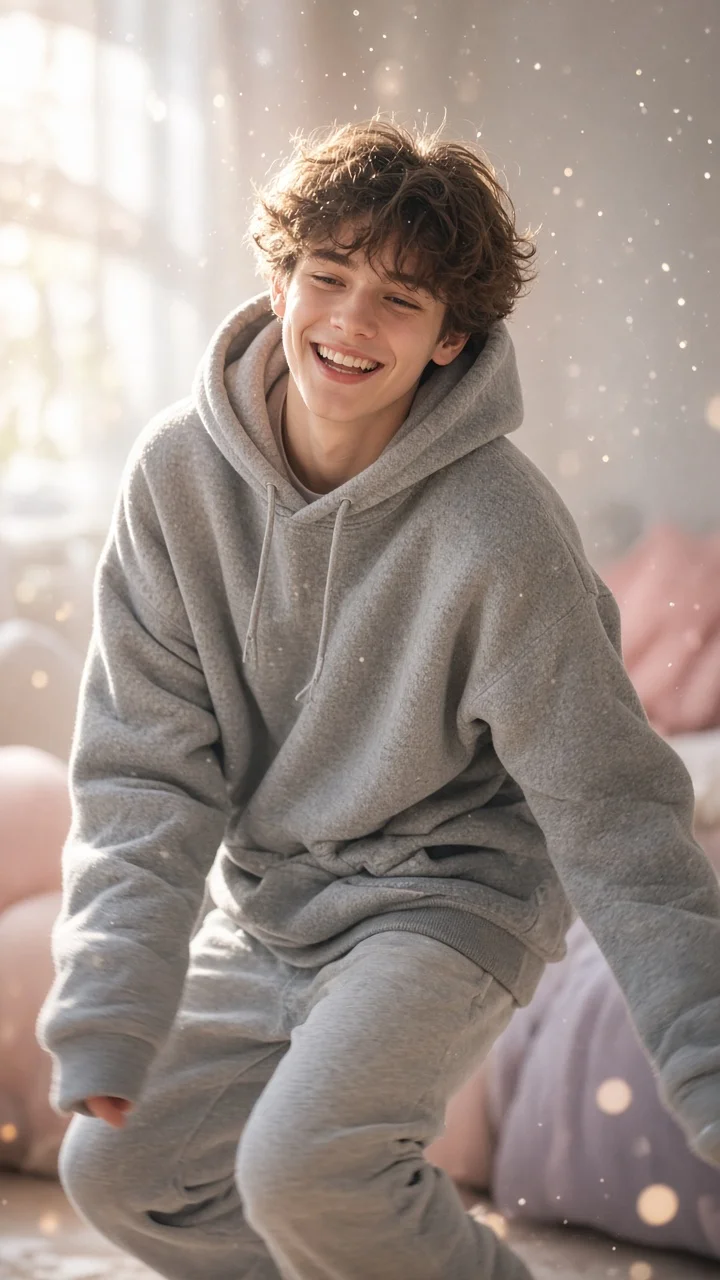
Soft dreamy squat-bounce-shake dance from one photo — cozy oversized hoodie, pastel morning light and a sleepy little smile.
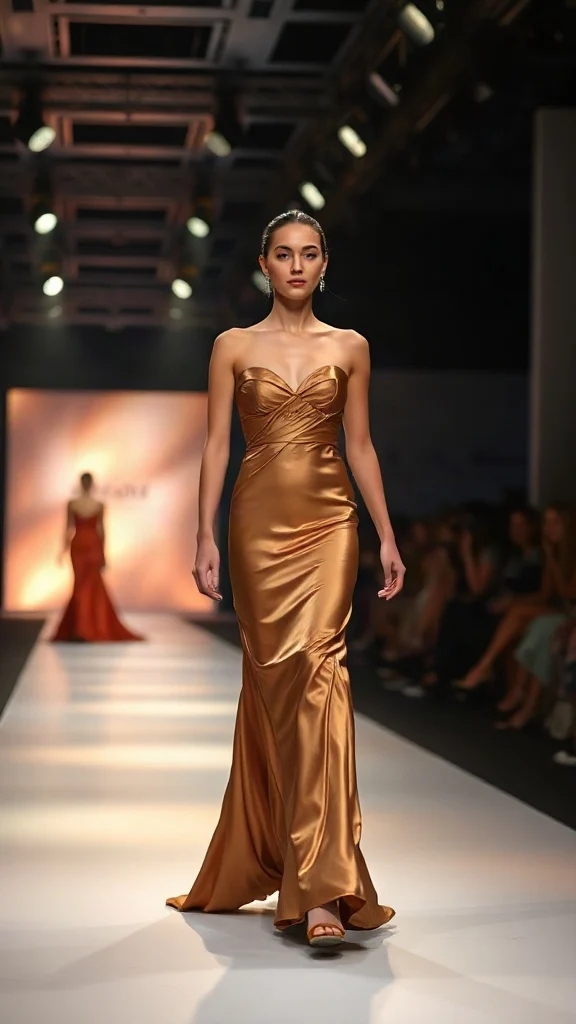
Not all angels walk the runway — upload one photo and transform into a glamorous high-fashion runway walk in a sleek evening look with flash-popping catwalk lighting.
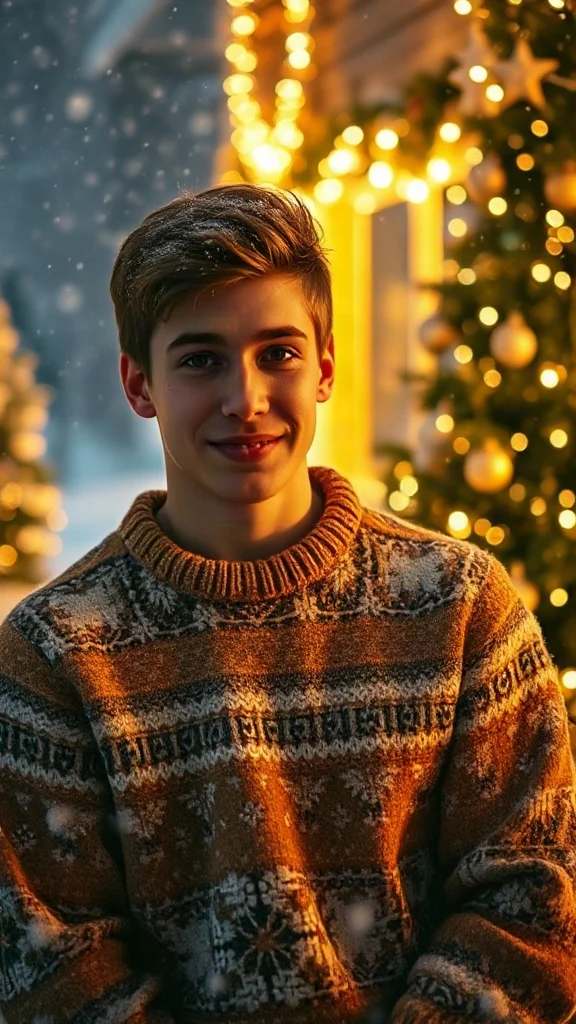
Cozy 90s holiday rom-com remake from one photo — chunky knit sweater, soft snowfall, golden fairy lights and a playful snowball meet-cute.
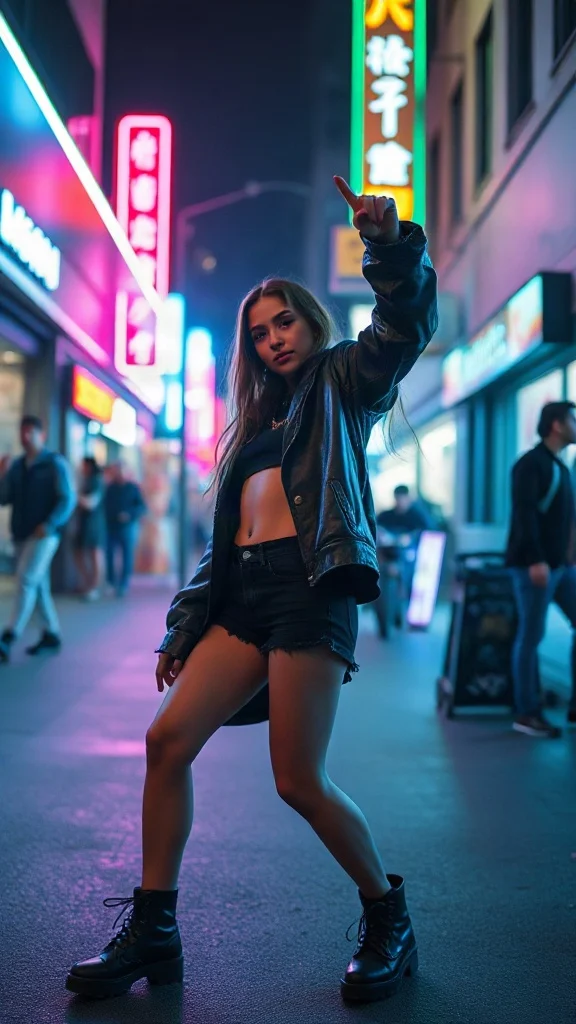
Empowered breakup-anthem dance remake from one photo — confident walk-away, freestyle dance energy, outfit glow-up and sassy neon night vibes.
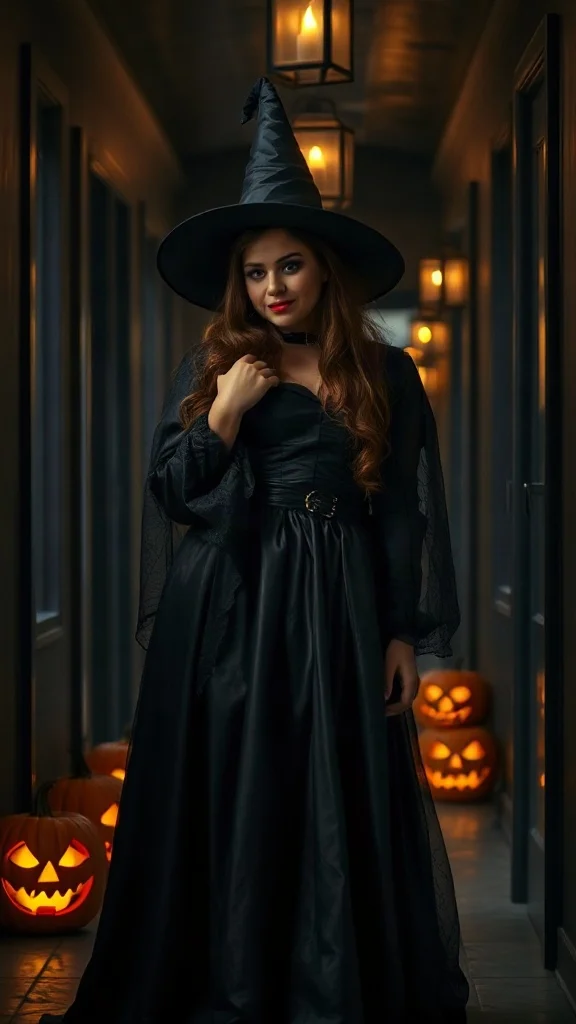
Halloween 2026 costume reveal — sweet innocent look first, then a dramatic witch, vampire or ghost-bride transformation from one photo.
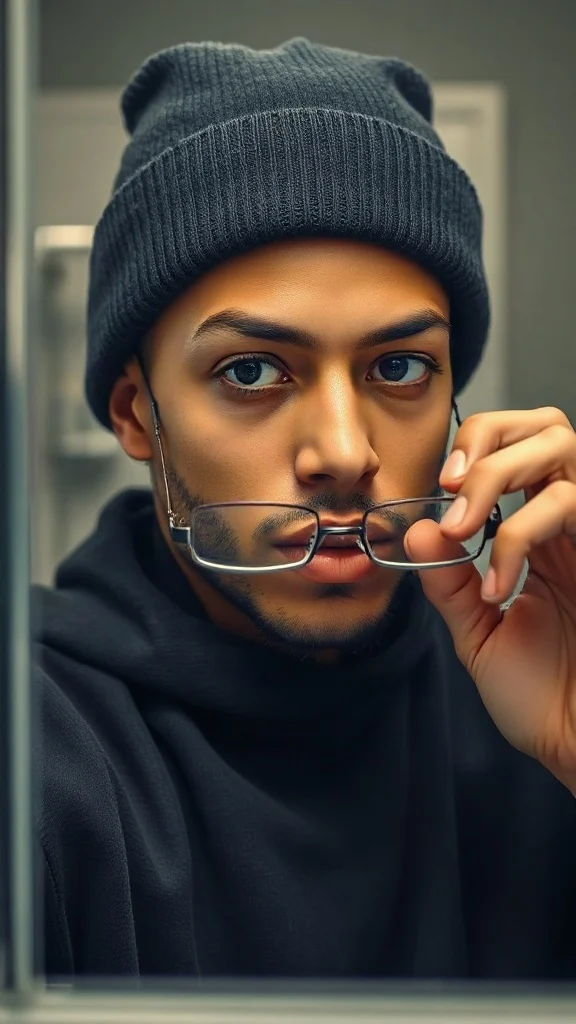
Glasses off, knit skull cap on — glow up into a chiseled confident version of yourself under dramatic light.
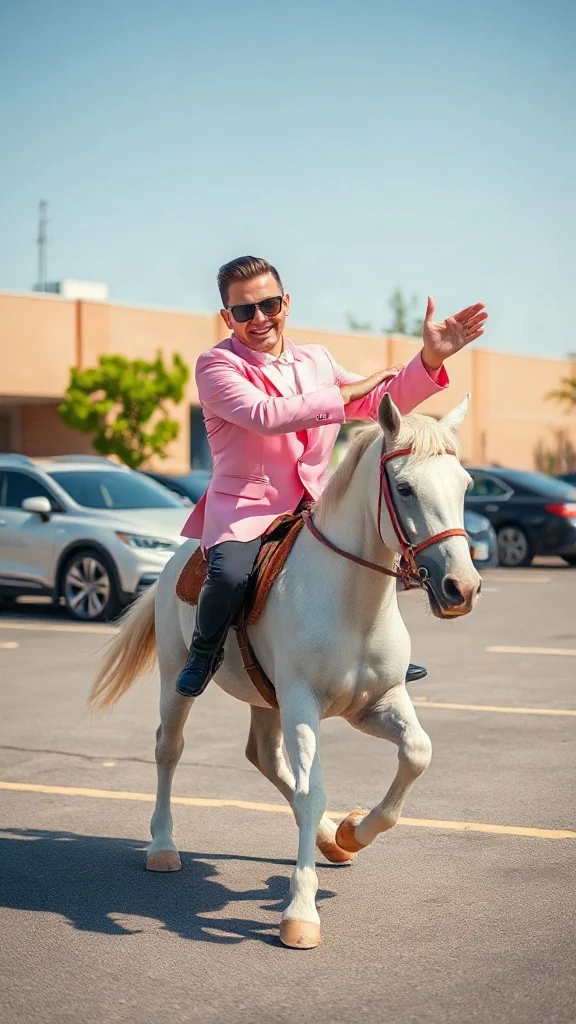
Pastel tux, sunglasses, crossed-wrist horse gallops — remake the retro party dance trend from one photo on an original beat.
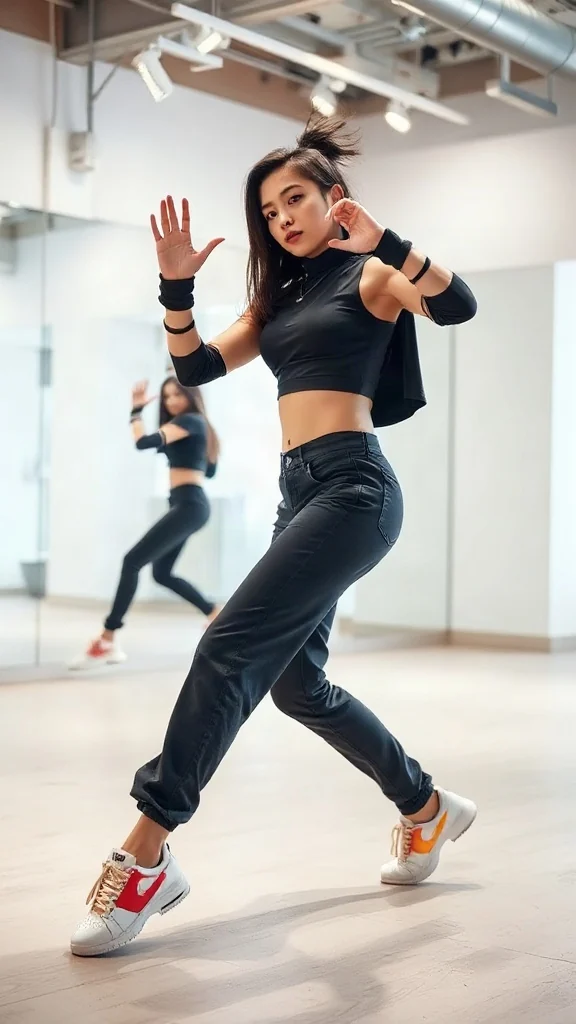
One photo, sharp idol-style streetwear moves — snap-freezes on every beat with a fully original instrumental.
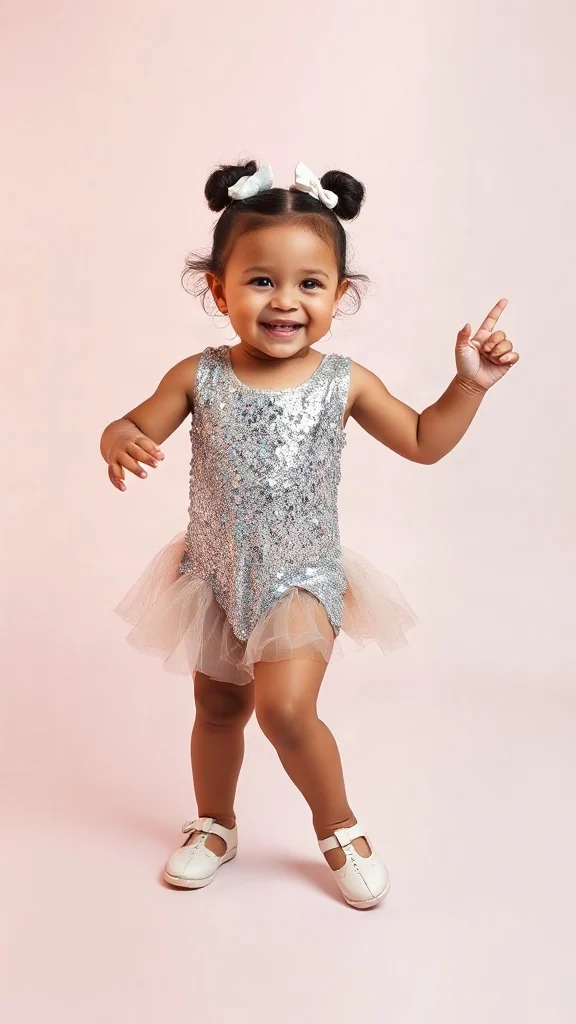
Become an adorable glam toddler mini-diva — sunglasses up, feather boa spinning, sassy runway struts.
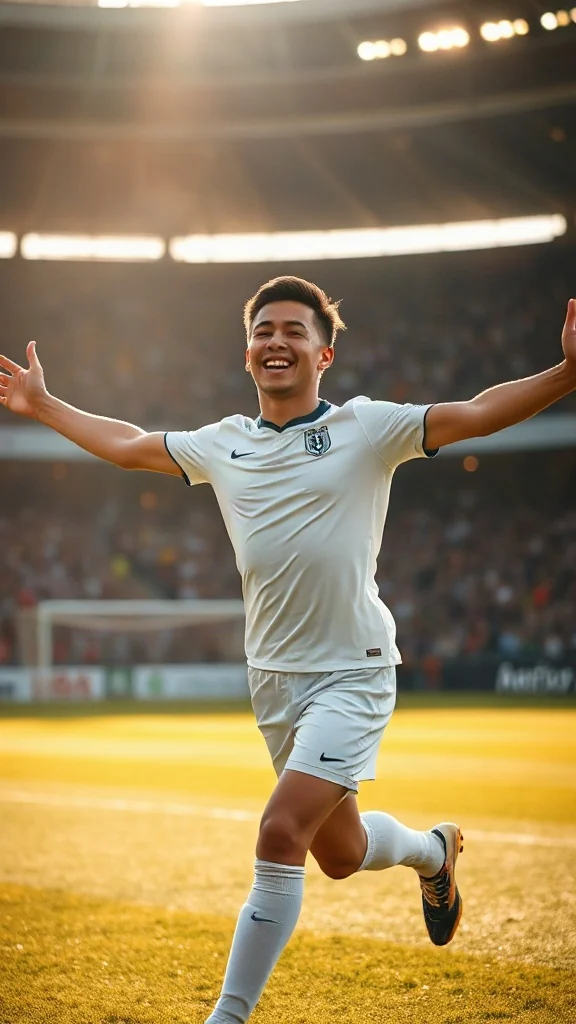
Score in a plain white kit and wheel away arms-wide under the floodlights — the classic celebration from one photo.
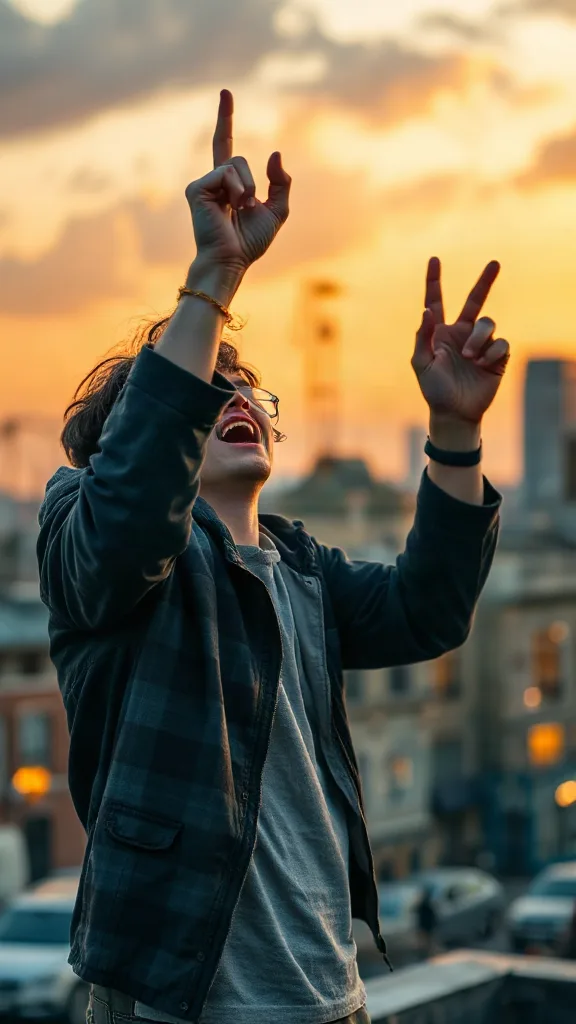
Rooftop at dusk, rock horns up — belt an original emo anthem from one photo. No real songs, just glory.
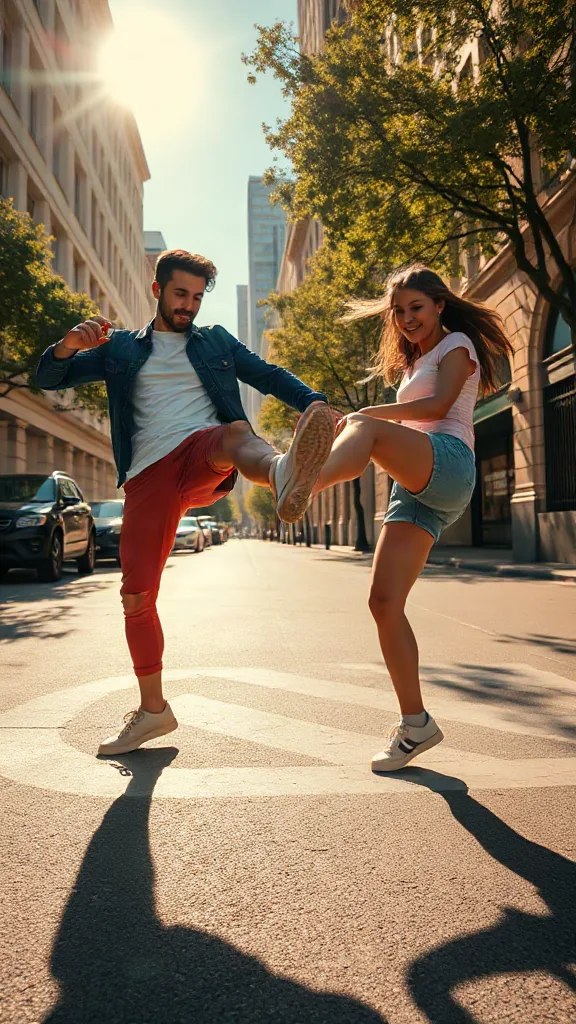
You and a friend — or two pets — take turns kicking toward the camera, every strike landing on a bing hit.
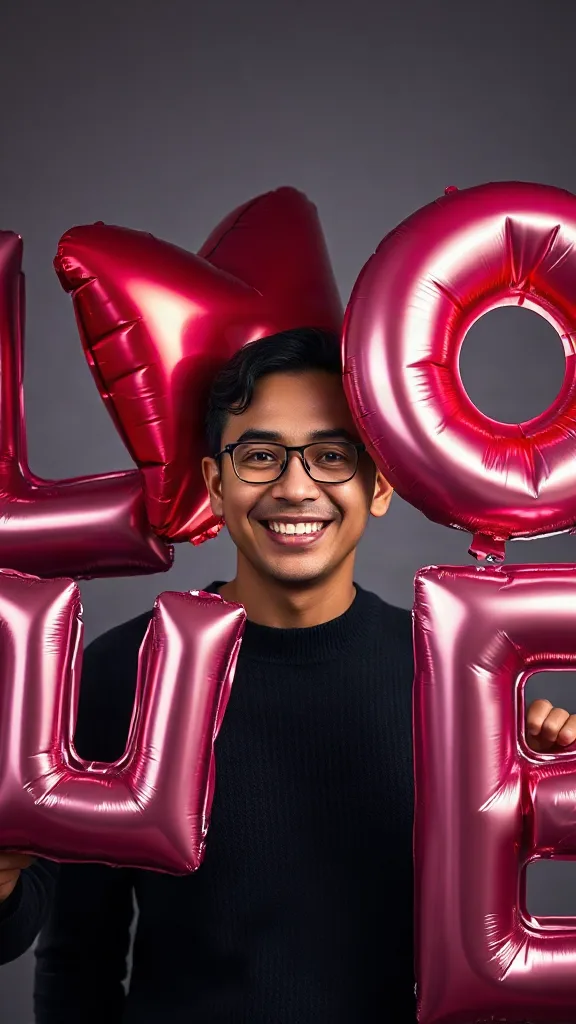
Giant glossy 3D letters L, V and E float in around you — and the round object you hold completes LOVE.
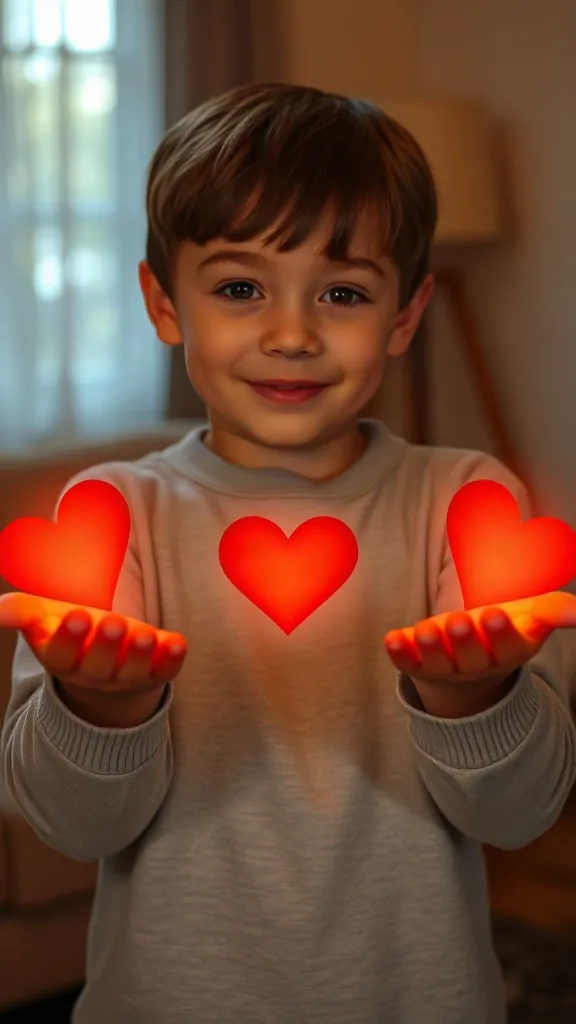
Flick little red hearts to Mom, Dad and Sister — then hand Brother your entire glowing heart. One photo.
How to Use
A real example made with the generator above: two everyday portraits become a rap-duo performance in the orange hotel lobby booth. Follow the same flow to make yours.
Add one clear, front-facing portrait of each performer — shoulders up, decent light. Prefer a single shot of both? Switch to One Photo mode.
Using the first uploaded image as the identity reference for the left performer and the second uploaded image as the identity reference for the right performer, place them side by side in a vast monochrome orange room with a high ceiling and the wall sweeping far back behind them, like two rappers trading verses on a live music showcase
The Hotel Lobby prompt is prefilled for you. Expand the Prompt panel to tweak the booth color, vibe, or choreography — or leave it exactly as it is.
Press Generate and wait about two minutes. You get a vertical MP4 with sound — download it or share it straight to social.
Make yours now실제 데모
아래 모든 hotel lobby ai 영상은 사진 두 장만으로 생성한 결과입니다. 크로마키도, 편집도 없이요. 이 호텔 로비 생성기는 바이럴 호텔 로비 트렌드의 핵심인 오렌지 COLORS 스테이지, 매달린 마이크 하나, 두 퍼포머가 담긴 타이트한 투샷을 그대로 만들어 냅니다.
hotel lobby ai 영상 데모 — 사진 두 장이 COLORS 스테이지 랩 듀오 퍼포먼스로 변신합니다.
hotel lobby ai 영상 데모 — 왼쪽 퍼포머가 첫 벌스를 맡고, 오른쪽이 훅에서 화답합니다.
hotel lobby ai 영상 데모 — 절친이 상징적인 오렌지 부스에서 매달린 마이크를 잡고 랩합니다.
hotel lobby ai 영상 데모 — TikTok, Reels, Shorts에 바로 올릴 수 있는 9:16 세로 HD 클립.
🎃 Halloween edition · until Oct 31
Same orange booth, same moves — now in costume. Photo 1 becomes the vampire, photo 2 the skeleton, and both faces stay yours. Pets get dressed up too.
Make the Halloween version예시
아래 모든 hotel lobby ai 영상은 같은 레시피를 따릅니다. 사진 두 장, 오렌지 부스, 매달린 마이크 하나. 나와 가장 닮은 듀오를 고르고, 같은 느낌의 인물 사진을 업로드한 뒤, 프롬프트 아이디어를 위의 생성기에 그대로 복사해 넣어 보세요.
전체 템플릿 갤러리가 궁금하신가요? 모든 hotel lobby ai 템플릿 컬렉션을 한눈에 살펴보고 원클릭으로 적용해 보세요.
The trend
The Hotel Lobby AI trend recreates Quavo and Takeoff's 2022 “Hotel Lobby (Unc & Phew)” performance on A COLORS SHOW — two people singing side by side in an orange booth with a single microphone hanging between them. It went viral on TikTok and X in 2026, with people swapping in best friends, couples, siblings and parents. Hotel Lobby AI turns two ordinary photos into a short vertical 9:16 video of the two of you in that booth, matching the trend's moves and lip sync so the sound lines up — no original footage and no one else's face.
Updated October 11, 2026 · Sources: Quavo & Takeoff – “Hotel Lobby” | A COLORS SHOW (official), TikTok – Community Guidelines: AI-generated content
Hotel Lobby AI is an independent tool, not affiliated with Quavo, Takeoff, their label or COLORS.
You may also see this trend called Migos AI or the AI rap duo trend.
튜토리얼
hotel lobby ai 영상 제작 전 과정은 2분 정도면 충분합니다. 호텔 로비 트렌드 튜토리얼 영상들이 하나같이 알려주는 바로 그 3단계 과정을 소개합니다.
퍼포머 한 명당 선명한 정면 사진 한 장씩을 추가하세요. 친구, 가족, 반려동물, 또는 사용 권한을 가진 어떤 듀오든 좋습니다. 따로 찍은 인물 사진 두 장일 때 닮은 정도가 가장 뛰어납니다.
오렌지 부스 듀오 템플릿을 선택하세요. 크로마키 없이도 순수한 오렌지 배경, 매달린 마이크 하나, 두 사람이 꽉 차게 담기는 미디엄 투샷을 그대로 재현합니다.
Generate를 눌러 Hotel Lobby AI 영상을 무료로 미리 보세요. HD 세로 클립을 다운로드한 뒤 CapCut이나 TikTok 편집기로 노래를 다시 입히고, #hotellobby #genjutsu 해시태그와 함께 게시하세요.
프롬프트와 캐릭터 아이디어가 담긴 긴 버전이 필요하신가요? 전체 hotel lobby ai 영상 만드는 방법 가이드를 읽어 보세요.
템플릿
이 호텔 로비 생성기 템플릿은 스테이지, 마이크, 프레이밍, 모션을 미리 세팅해 둡니다. 여러분은 얼굴 두 개만 준비하면 됩니다. 모든 카드는 원클릭 적용이 되는 전체 템플릿 갤러리로 이어집니다.
원조 COLORS 세팅: 오렌지 스테이지, 매달린 마이크 하나, 미디엄 투샷, 9:16.
hotel lobby ai 템플릿 열기 →랩 배틀 듀오에 추천왼쪽 퍼포머가 첫 벌스를, 오른쪽이 두 번째 벌스에서 화답하며 반응을 살린 컷으로 이어집니다.
hotel lobby ai 템플릿 열기 →반려동물 듀오에 추천살랑거리는 고개 흔들기, 비트에 맞춘 눈 깜빡임, 한 마리가 드롭 순간 마이크에 기대어듭니다.
hotel lobby ai 템플릿 열기 →오피스 밈에 추천비즈니스 캐주얼 스타일링에 자신감 넘치는 손동작과 축하 훅이 더해집니다.
hotel lobby ai 템플릿 열기 →애니메이션 듀오에 추천같은 오렌지 스테이지 위 듀오를 감각적인 애니메이션으로 렌더링, #genjutsu 준비 완료.
hotel lobby ai 템플릿 열기 →생일에 추천클래식 스테이지 위 축하 스타일링 — 한 명이 생일 벌스를 랩하면 다른 한 명이 박수로 맞춰 줍니다.
hotel lobby ai 템플릿 열기 →Want every viral trend in one place? Browse all AI tools.
Compared
The main ways to make the trend, side by side.
| Hotel Lobby AI | Face-swap onto the clip | Subscription AI apps | CapCut / manual edit | |
|---|---|---|---|---|
| What you upload | 2 photos | 1–2 photos | 2 photos | Your own footage |
| Original COLORS footage or the artists' likeness in your video | No | Yes | Varies | No |
| Price | Free to try + one-time credit packs | ~$5 per clip | Weekly or monthly plan | Free but hours of work |
| Subscription | No | Sometimes | Yes | No |
| Both people need to film | No | Yes | Varies | Yes |
| Audio | Add “original sound - COLORS” in TikTok | Original song | Varies | Whatever you record |
Pricing
Every plan is a one-time purchase — no subscription and credits never expire. A 5s clip costs 2 credits and a 15s clip costs 6, so here is how many clips each pack gets you.
2 credits ≈ 1× 5s clip · 6 credits ≈ 1× 15s clip
See full pricing and all packs사진 두 장이면 호텔 로비 생성기가 필요로 하는 전부입니다. Hotel Lobby AI 영상을 무료로 만들어 보세요. 크로마키도, 편집 기술도, 미리보기용 로그인도 필요 없습니다.
내 Hotel Lobby AI 영상 생성하기