
1
Upload two portraits
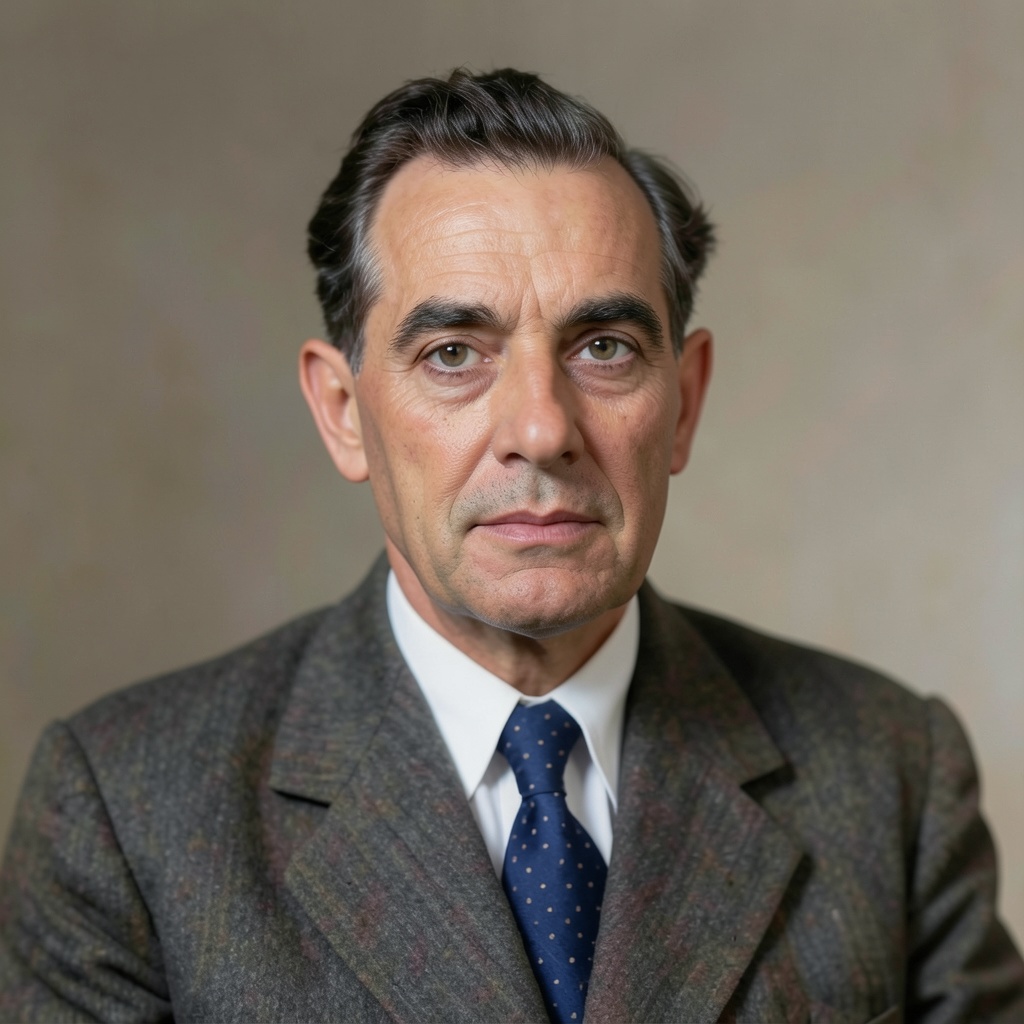
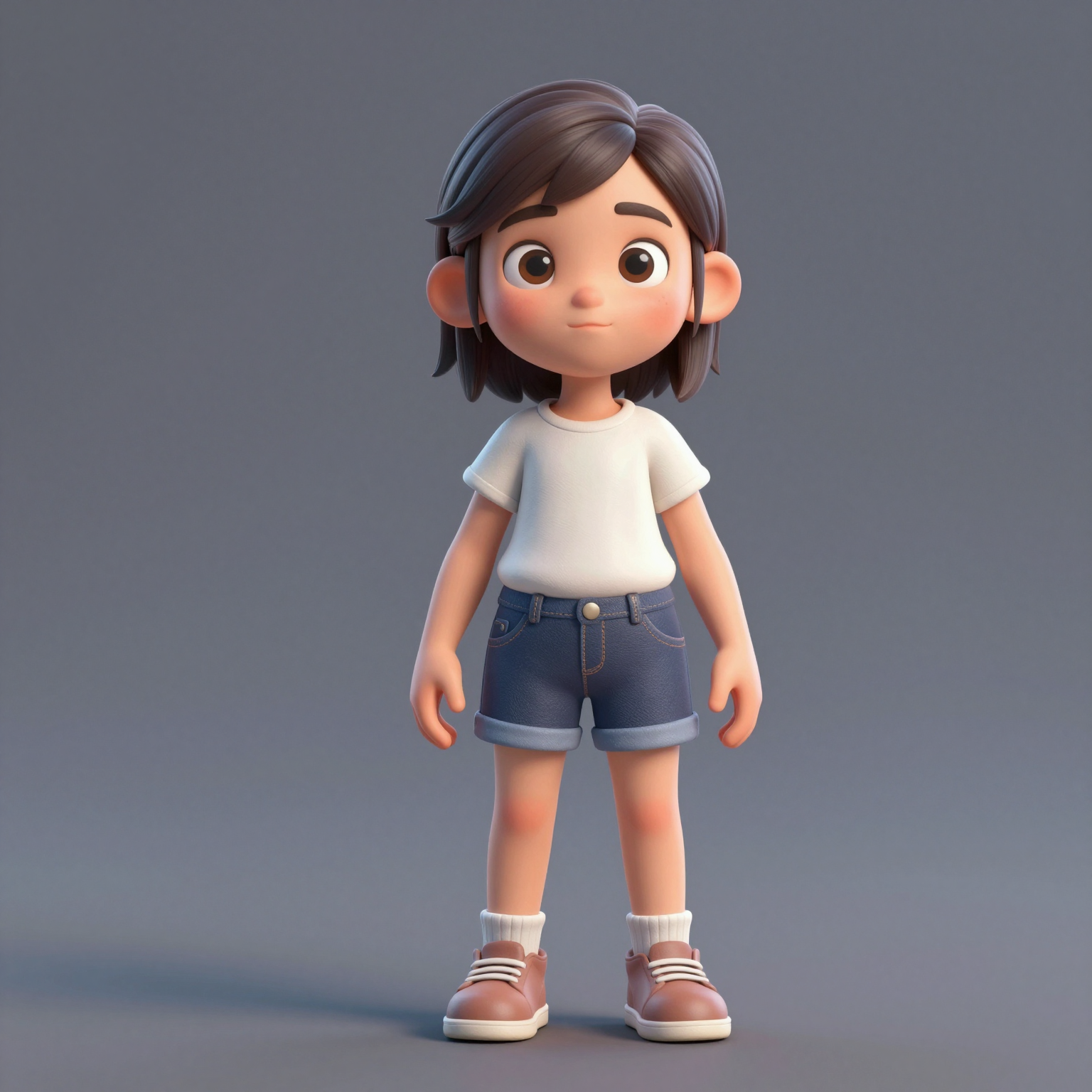
Add one clear, front-facing portrait of each performer — shoulders up, decent light. Prefer a single shot of both? Switch to One Photo mode.
Zamień dwa zdjęcia w viralowe wideo hotel lobby ai — rapowy duet występujący w pomarańczowej budce, znany z COLORS. Wypróbuj za darmo — bez zielonego ekranu i bez umiejętności montażu.
Your video may be selected and published to the public Explore feed to inspire other creators.
Trend templates
Generate the classic orange-booth video above, or pick a viral template — Halloween, gas station dance, money flex, werewolf and more — each with its own playground.
New templates
The 16 latest generator pages added to the hub — newest first. Pick a trend and make your own clip in minutes.
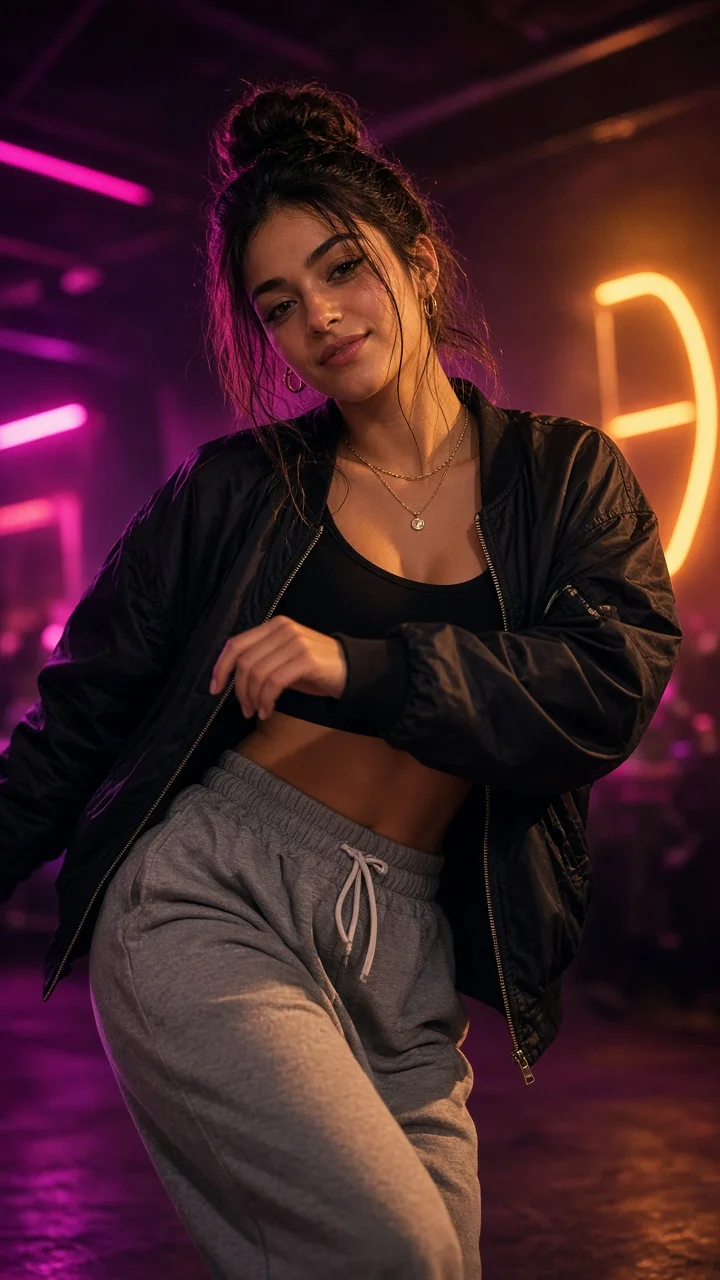
Playful sassy nightclub dance remake from one photo — confident hip sways, sass-face attitude and a fierce crouch-pose finish under club lights.
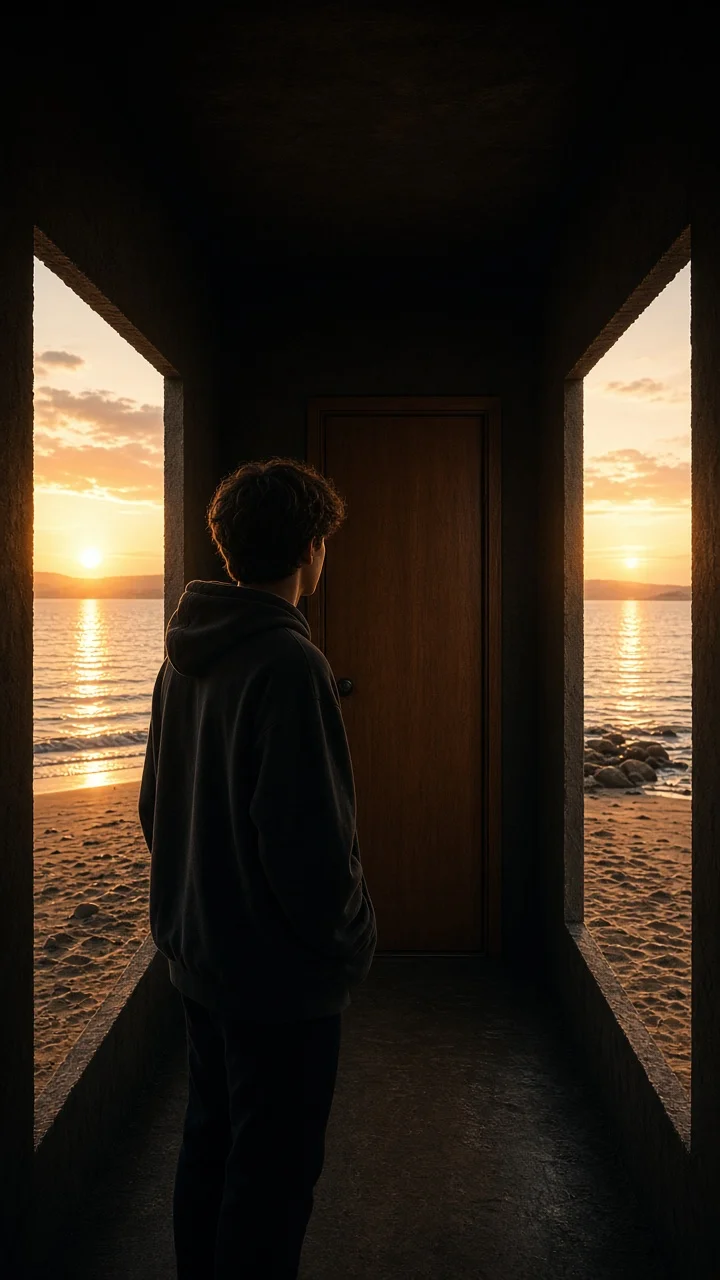
Dark hallway, three knocks, and the walls swing open onto a lake-and-sunset world while the door stays shut — surreal hopeful reveal from one photo.
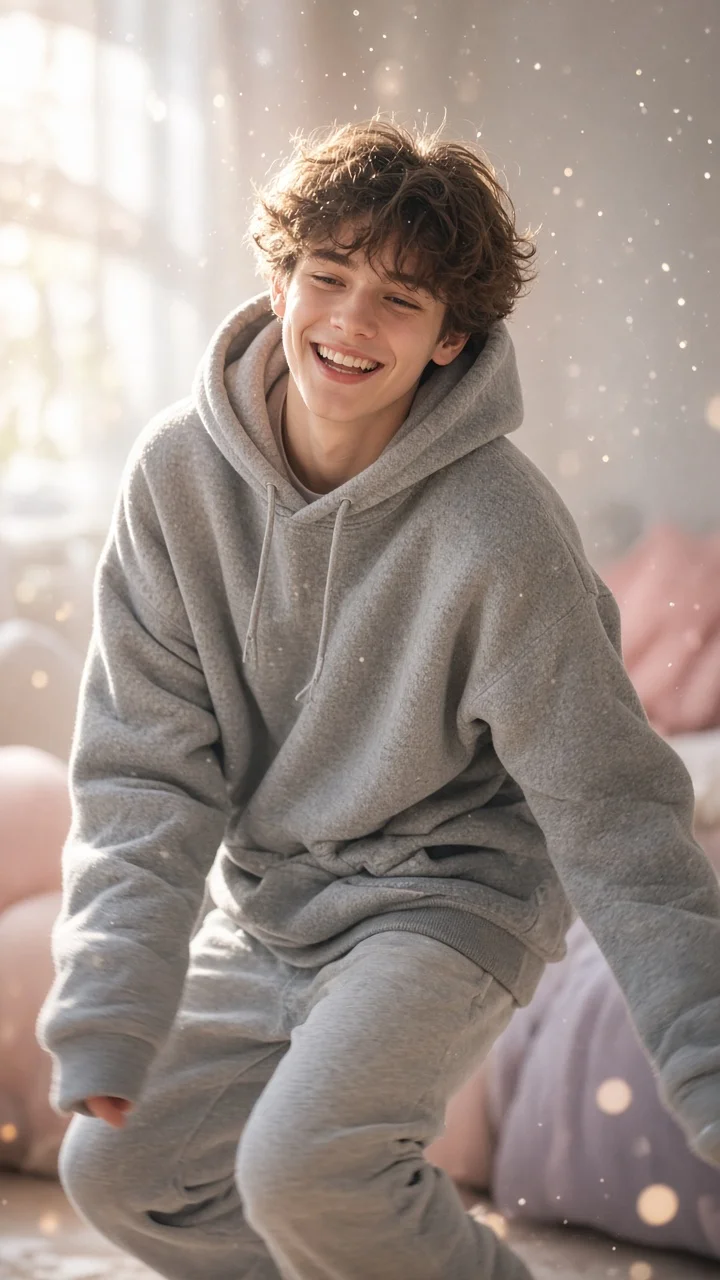
Soft dreamy squat-bounce-shake dance from one photo — cozy oversized hoodie, pastel morning light and a sleepy little smile.
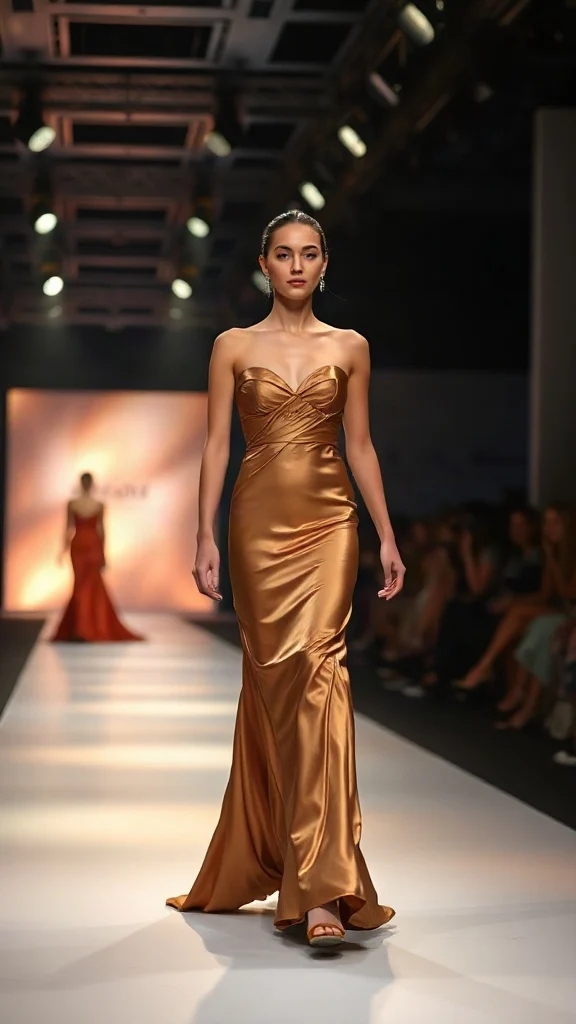
Not all angels walk the runway — upload one photo and transform into a glamorous high-fashion runway walk in a sleek evening look with flash-popping catwalk lighting.
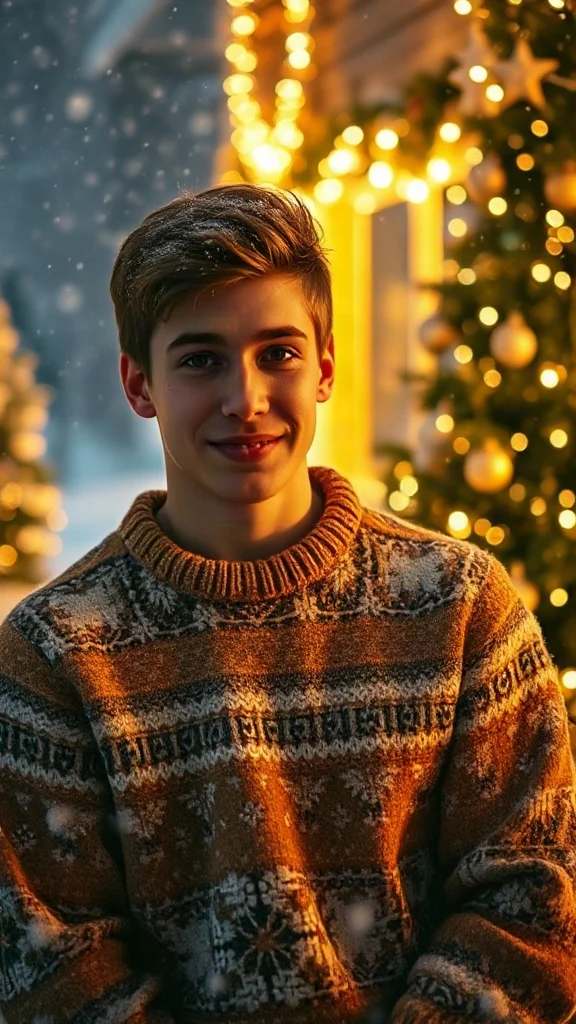
Cozy 90s holiday rom-com remake from one photo — chunky knit sweater, soft snowfall, golden fairy lights and a playful snowball meet-cute.
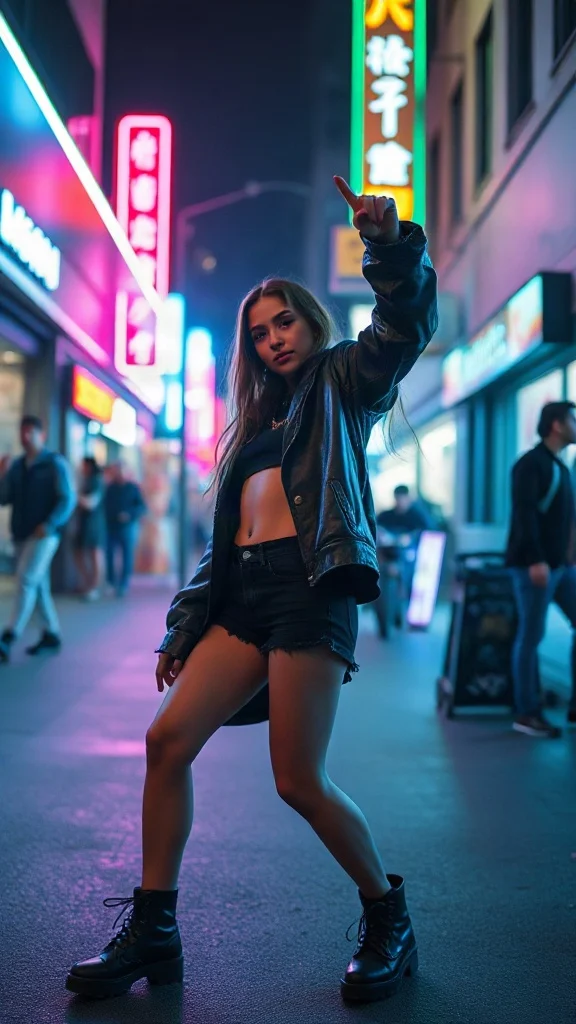
Empowered breakup-anthem dance remake from one photo — confident walk-away, freestyle dance energy, outfit glow-up and sassy neon night vibes.
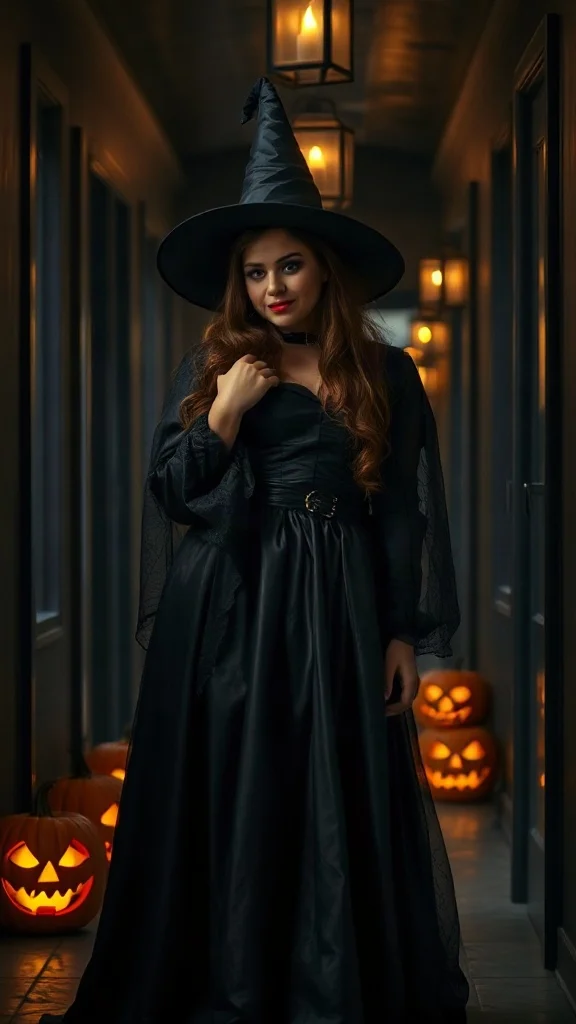
Halloween 2026 costume reveal — sweet innocent look first, then a dramatic witch, vampire or ghost-bride transformation from one photo.
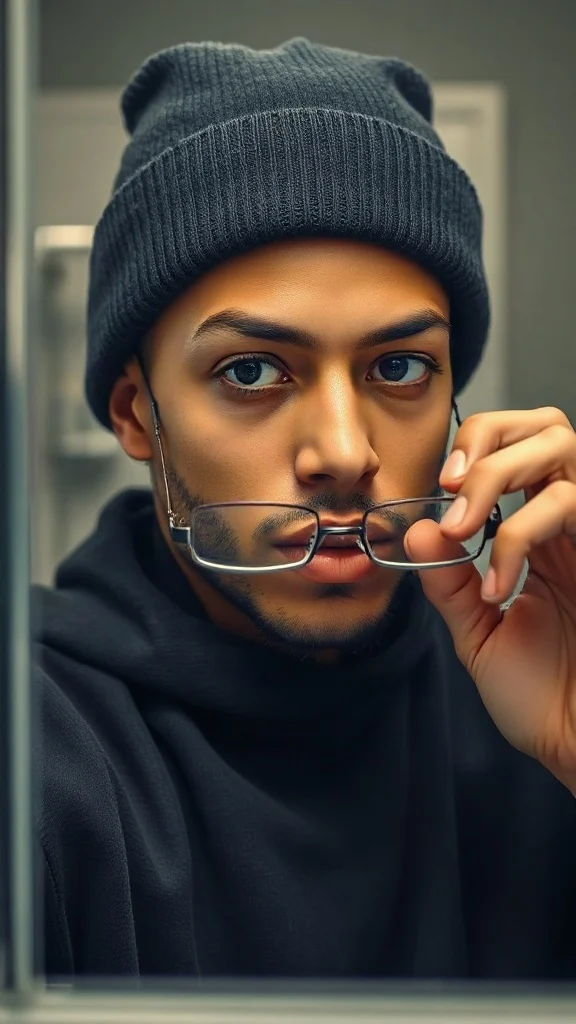
Glasses off, knit skull cap on — glow up into a chiseled confident version of yourself under dramatic light.
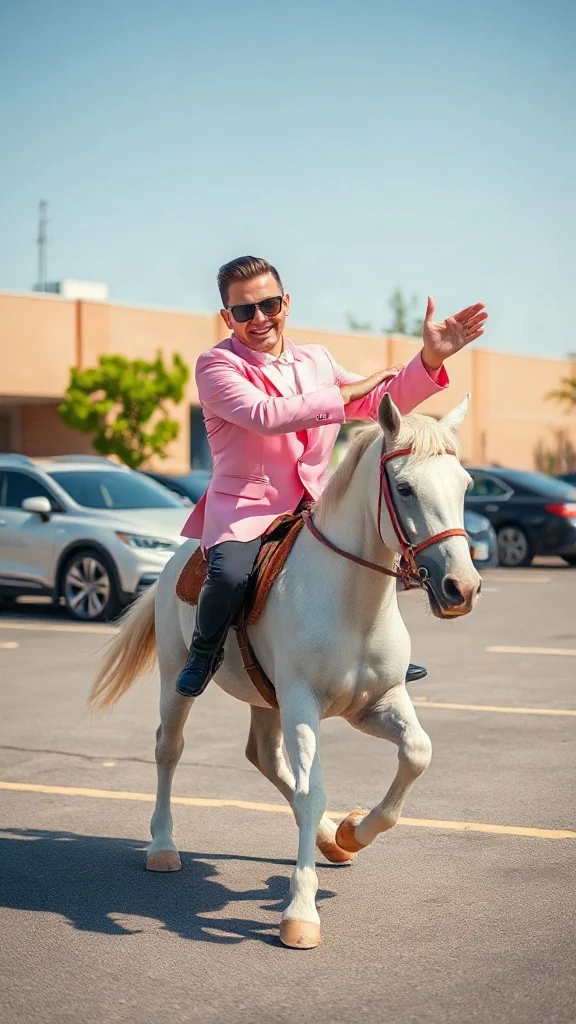
Pastel tux, sunglasses, crossed-wrist horse gallops — remake the retro party dance trend from one photo on an original beat.
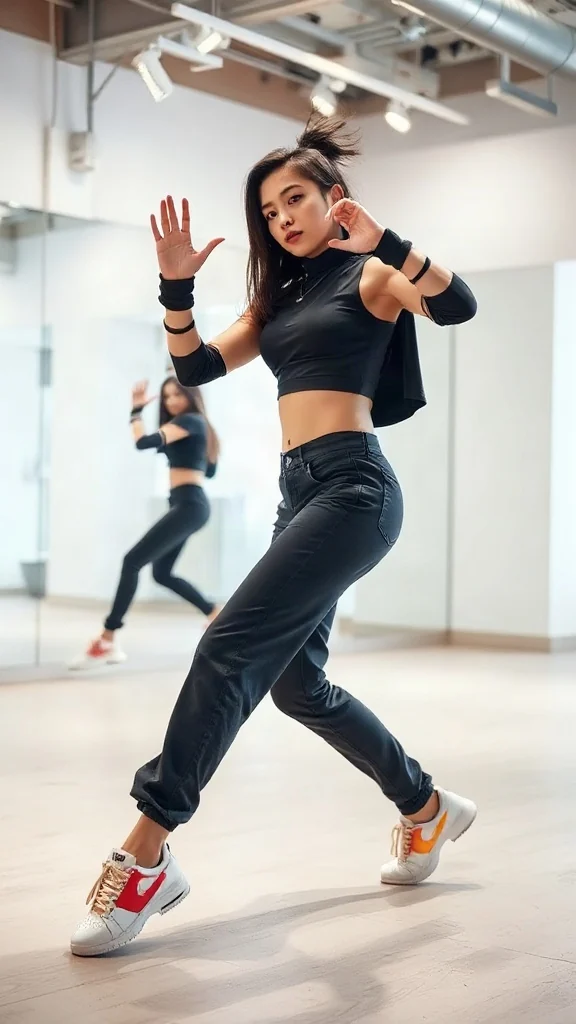
One photo, sharp idol-style streetwear moves — snap-freezes on every beat with a fully original instrumental.
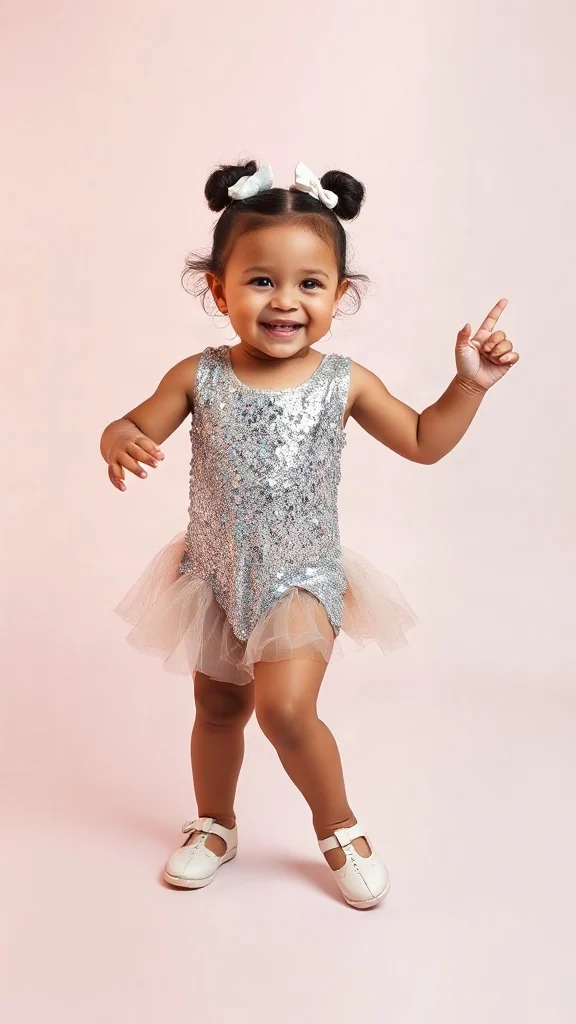
Become an adorable glam toddler mini-diva — sunglasses up, feather boa spinning, sassy runway struts.
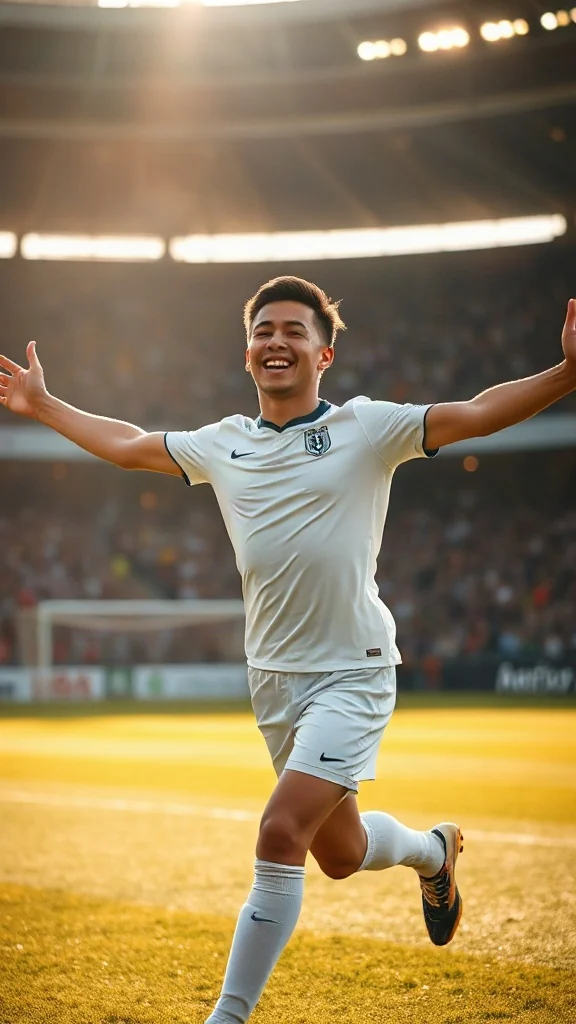
Score in a plain white kit and wheel away arms-wide under the floodlights — the classic celebration from one photo.
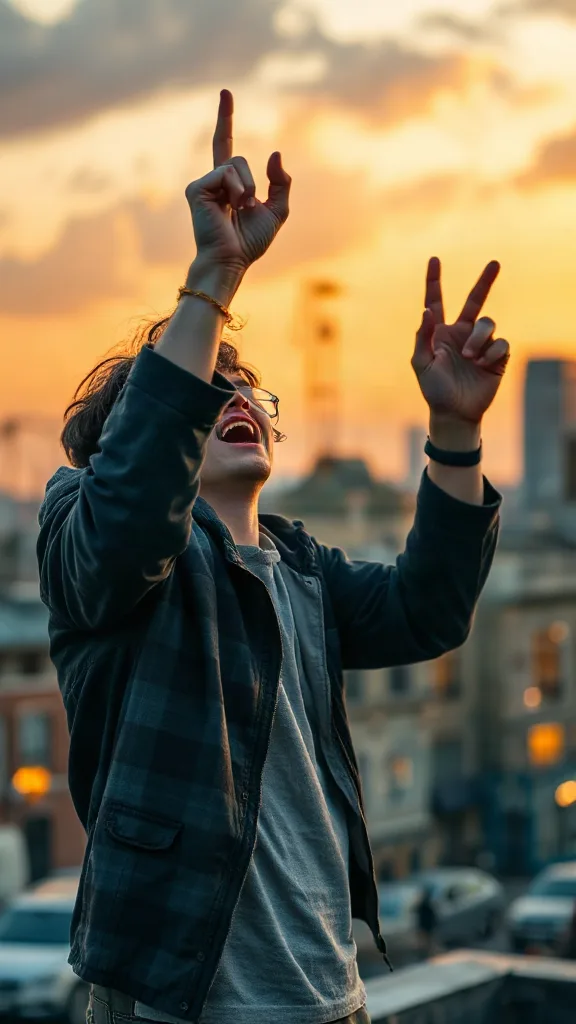
Rooftop at dusk, rock horns up — belt an original emo anthem from one photo. No real songs, just glory.
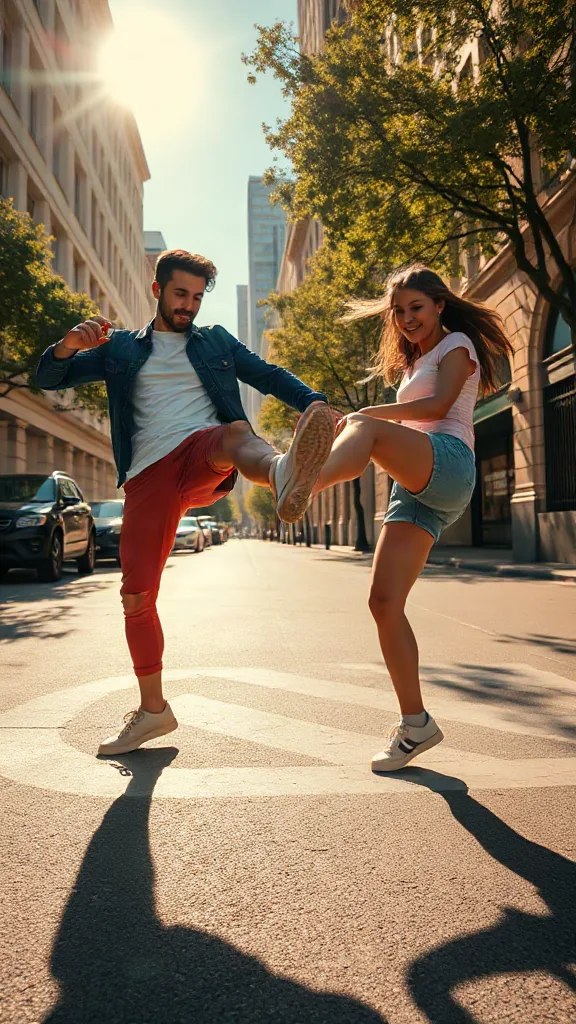
You and a friend — or two pets — take turns kicking toward the camera, every strike landing on a bing hit.
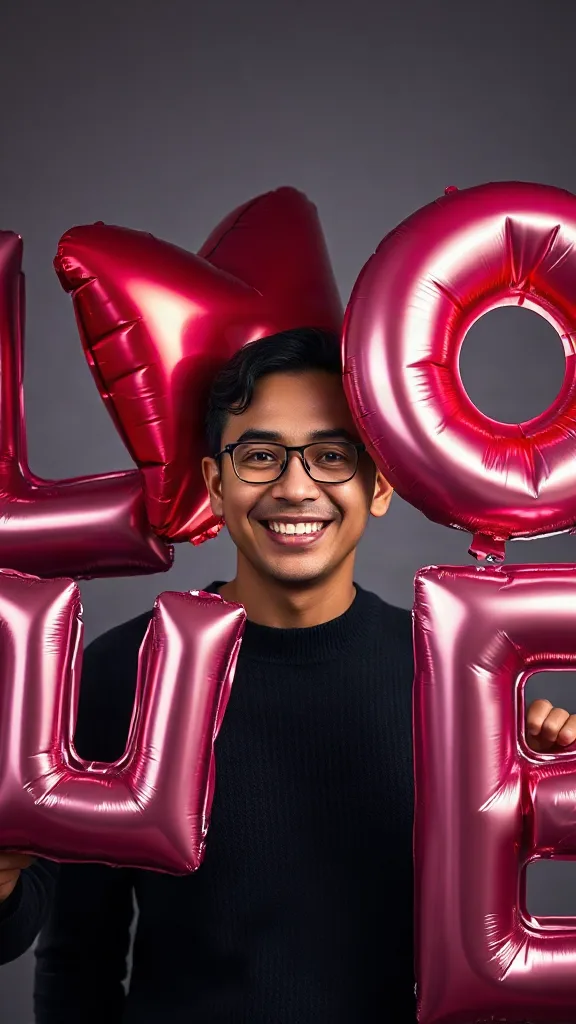
Giant glossy 3D letters L, V and E float in around you — and the round object you hold completes LOVE.
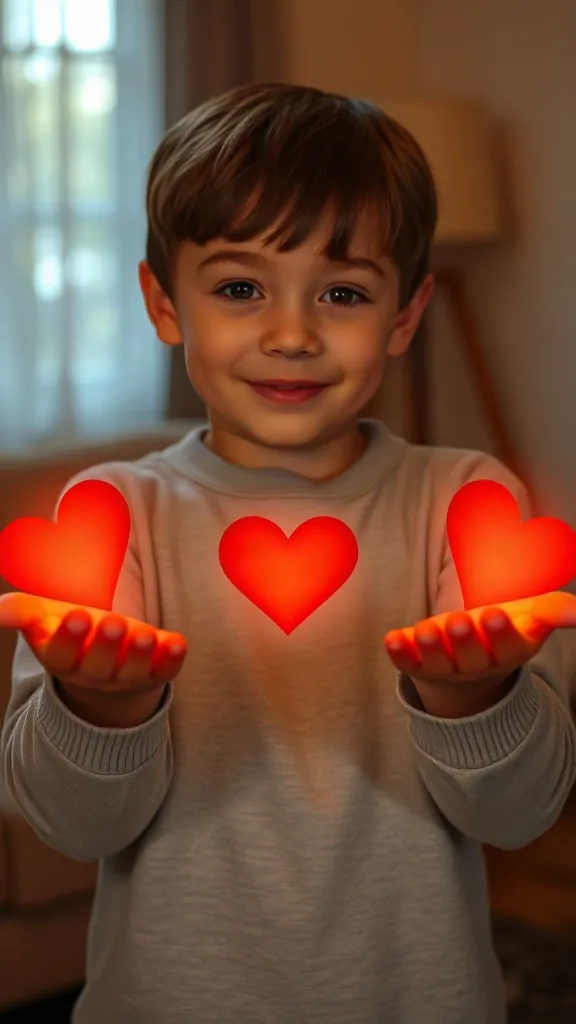
Flick little red hearts to Mom, Dad and Sister — then hand Brother your entire glowing heart. One photo.
How to Use
A real example made with the generator above: two everyday portraits become a rap-duo performance in the orange hotel lobby booth. Follow the same flow to make yours.
Add one clear, front-facing portrait of each performer — shoulders up, decent light. Prefer a single shot of both? Switch to One Photo mode.
Using the first uploaded image as the identity reference for the left performer and the second uploaded image as the identity reference for the right performer, place them side by side in a vast monochrome orange room with a high ceiling and the wall sweeping far back behind them, like two rappers trading verses on a live music showcase
The Hotel Lobby prompt is prefilled for you. Expand the Prompt panel to tweak the booth color, vibe, or choreography — or leave it exactly as it is.
Press Generate and wait about two minutes. You get a vertical MP4 with sound — download it or share it straight to social.
Make yours nowPrawdziwe dema
Każde wideo hotel lobby ai poniżej wygenerowano z samych dwóch zdjęć — bez zielonego ekranu i bez montażu. Dokładnie to tworzy generator hotel lobby dla viralowego trendu hotel lobby: pomarańczowa scena colors, pojedynczy wiszący mikrofon i Twoi dwaj wykonawcy w ciasnym dwuosobowym ujęciu.
Demo wideo hotel lobby ai — dwa zdjęcia zamienione w występ rapowego duetu na scenie colors.
Demo wideo hotel lobby ai — wykonawca po lewej prowadzi pierwszą zwrotkę, prawy odpowiada w refrenie.
Demo wideo hotel lobby ai — przyjaciele rapujący w kultowej pomarańczowej budce z wiszącym mikrofonem.
Demo wideo hotel lobby ai — pionowy klip HD 9:16 gotowy na TikTok, Reels i Shorts.
🎃 Halloween edition · until Oct 31
Same orange booth, same moves — now in costume. Photo 1 becomes the vampire, photo 2 the skeleton, and both faces stay yours. Pets get dressed up too.
Make the Halloween versionPrzykłady
Każde wideo hotel lobby ai poniżej powstaje według tej samej recepty — dwa zdjęcia, pomarańczowa budka, jeden wiszący mikrofon. Wybierz duet podobny do Twojego, wgraj portrety w podobnym stylu i skopiuj pomysł na prompt prosto do generatora powyżej.
Lewy gestykuluje podczas rapowania, prawy kiwa głową w rytm, luźny styl uliczny.
Stwórz ten duetSwag prosto z Suits: pewna pierwsza zwrotka i odpowiedź w drugiej.
Stwórz ten duetPrezydencki duet wymieniający się zwrotkami z figlarnym spojrzeniem z ukosa.
Stwórz ten duetParodia założycieli tech: kamienna mina i konkurencyjna energia.
Stwórz ten duetBohater i złoczyńca odpowiadają sobie zwrotkami przy jednym mikrofonie.
Stwórz ten duetDuet z Muppetów: chaotyczna energia, jeden nie odstępuje mikrofonu.
Stwórz ten duetChcesz pełną galerię szablonów? Zobacz każdy szablon hotel lobby ai i zastosuj go jednym kliknięciem.
The trend
The Hotel Lobby AI trend recreates Quavo and Takeoff's 2022 “Hotel Lobby (Unc & Phew)” performance on A COLORS SHOW — two people singing side by side in an orange booth with a single microphone hanging between them. It went viral on TikTok and X in 2026, with people swapping in best friends, couples, siblings and parents. Hotel Lobby AI turns two ordinary photos into a short vertical 9:16 video of the two of you in that booth, matching the trend's moves and lip sync so the sound lines up — no original footage and no one else's face.
Updated October 11, 2026 · Sources: Quavo & Takeoff – “Hotel Lobby” | A COLORS SHOW (official), TikTok – Community Guidelines: AI-generated content
Hotel Lobby AI is an independent tool, not affiliated with Quavo, Takeoff, their label or COLORS.
You may also see this trend called Migos AI or the AI rap duo trend.
Tutorial
Cały proces tworzenia wideo hotel lobby ai zajmuje około dwóch minut. Oto dokładna procedura — te same 3 kroki, które pokazuje każdy poradnik wideo o trendzie hotel lobby.
Dodaj jedno wyraźne zdjęcie en face każdego wykonawcy — przyjaciele, rodzina, zwierzaki albo dowolny duet, do którego masz prawa. Dwa osobne portrety dają najlepsze podobieństwo.
Wybierz szablon duetu w pomarańczowej budce. Odtwarza on jednolicie pomarańcowe tło, pojedynczy wiszący mikrofon i ciasne dwuosobowe ujęcie średnie — bez żadnego zielonego ekranu.
Kliknij Generuj i podejrzyj swoje wideo Hotel Lobby AI za darmo. Pobierz pionowy klip HD, dodaj piosenkę w CapCut lub edytorze TikToka i opublikuj z #hotellobby i #genjutsu.
Potrzebujesz dłuższej wersji z promptami i pomysłami na postacie? Przeczytaj pełny poradnik jak zrobić wideo hotel lobby ai od początku do końca.
Szablony
Te szablony generatora hotel lobby mają już ustawioną scenę, mikrofon, kadr i ruch — Ty dostarczasz tylko dwie twarze. Każda karta prowadzi do pełnej galerii szablonów z zastosowaniem jednym kliknięciem.
Oryginalne ustawienie COLORS: pomarańczowa scena, jeden wiszący mikrofon, dwuosobowe ujęcie średnie, 9:16.
Otwórz szablon hotel lobby ai →Najlepsze dla duetów typu rap battleWykonawca po lewej prowadzi pierwszą zwrotkę, prawy odpowiada w drugiej z dynamicznymi cięciami.
Otwórz szablon hotel lobby ai →Najlepsze dla zwierzęcych duetówDelikatne kiwanie głową, mruganie w rytm, jedno ze zwierzaków pochyla się do mikrofonu w dropie.
Otwórz szablon hotel lobby ai →Najlepsze do memów biurowychStylizacja business casual z pewnymi gestami rąk i radosnym refrenem.
Otwórz szablon hotel lobby ai →Najlepsze dla anime duetówStylizowana anime odsłona duetu na tej samej pomarańczowej scenie, gotowa pod #genjutsu.
Otwórz szablon hotel lobby ai →Najlepsze na urodzinyŚwiąteczna stylizacja na klasycznej scenie — jeden rapuje urodzinową zwrotkę, drugi przyklaskuje.
Otwórz szablon hotel lobby ai →Want every viral trend in one place? Browse all AI tools.
Compared
The main ways to make the trend, side by side.
| Hotel Lobby AI | Face-swap onto the clip | Subscription AI apps | CapCut / manual edit | |
|---|---|---|---|---|
| What you upload | 2 photos | 1–2 photos | 2 photos | Your own footage |
| Original COLORS footage or the artists' likeness in your video | No | Yes | Varies | No |
| Price | Free to try + one-time credit packs | ~$5 per clip | Weekly or monthly plan | Free but hours of work |
| Subscription | No | Sometimes | Yes | No |
| Both people need to film | No | Yes | Varies | Yes |
| Audio | Add “original sound - COLORS” in TikTok | Original song | Varies | Whatever you record |
Pricing
Every plan is a one-time purchase — no subscription and credits never expire. A 5s clip costs 2 credits and a 15s clip costs 6, so here is how many clips each pack gets you.
2 credits ≈ 1× 5s clip · 6 credits ≈ 1× 15s clip
See full pricing and all packsGenerator hotel lobby potrzebuje tylko dwóch zdjęć. Stwórz swoje wideo Hotel Lobby AI za darmo — bez zielonego ekranu, bez umiejętności montażu i bez logowania do podglądu.
Wygeneruj swoje wideo Hotel Lobby AI