Plug Walk Filter
One photo, dance magic
Plug Walk Filter AI: upload one photo — catch the floating dollar then hit the Plug Walk swagger with your face locked. Vertical 9:16, free to preview.
Plug Walk Filter AI: upload one photo — catch the floating dollar then hit the Plug Walk swagger with your face locked. Vertical 9:16, free to preview.
Upload one full-body photo. Catch the dollar then do the Plug Walk with your likeness.
Your video may be selected and published to the public Explore feed to inspire other creators.
Made with this generator
Static preview still for the Dollar then Walk layout. Generate above for the full motion clip.
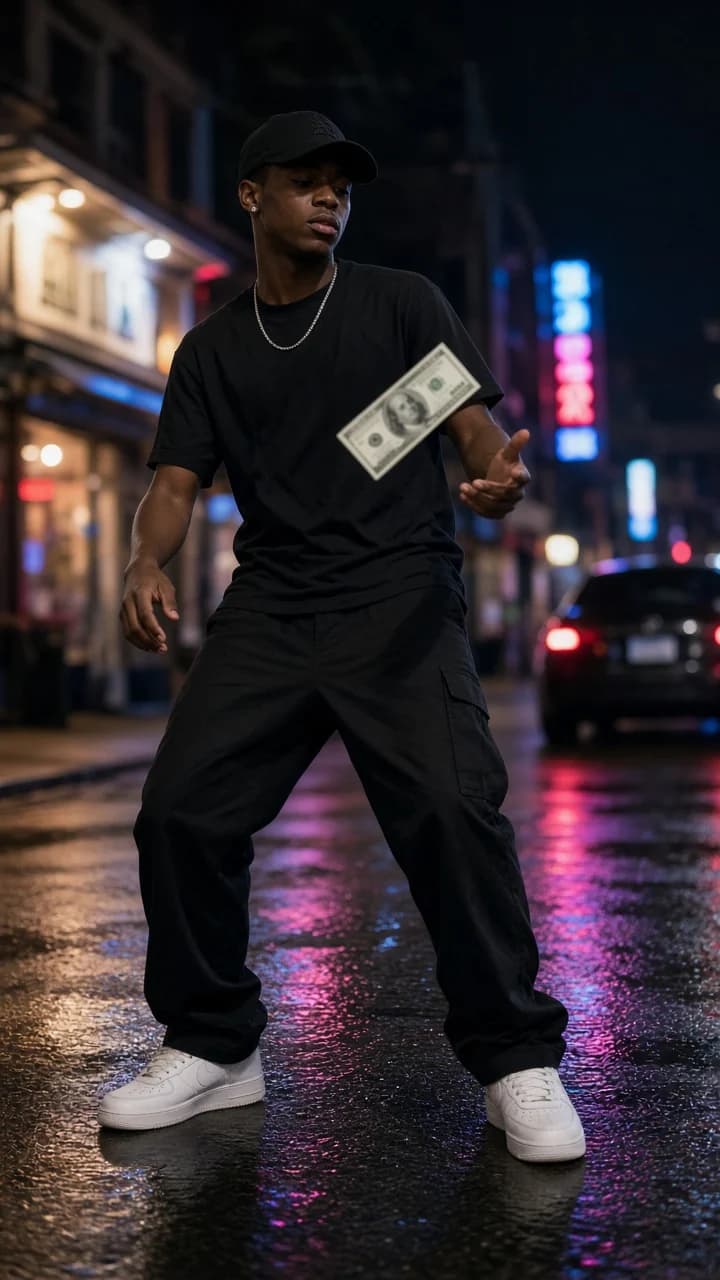
Example still: night-street dollar catch before the Plug Walk — upload your photo for the full filter clip.
Plug Walk Filter AI: upload one photo — catch the floating dollar then hit the Plug Walk swagger with your face locked. Vertical 9:16, free to preview. AI remixes start from one photo and keep your likeness consistent through every beat.
Beat 1 · 0:00
A dollar drifts into frame.
Beat 2 · 0:02
You snatch it clean.
Beat 3 · 0:05
Hit the Plug Walk swagger steps.
Beat 4 · 0:08
Freeze cool to camera.
Step 1
A clear shot works best. Full body helps for dance and challenge themes; portraits are ideal for filters.
Step 2
Choose the vibe that matches the trend — same choreography or filter, different atmosphere.
Step 3
Preview free, download when happy, and share to TikTok, Reels or Shorts.
Wet neon night street.
Neon Street preset
Night block corner.
Block Corner preset
Garage sodium light.
Garage Light preset
Alley pink glow.
Alley Glow preset
1.Reproduce only the listed Dollar then Walk beats — no freestyle extras.
Add to prompt2.SAME IDENTITY — face, hairstyle, skin tone and outfit locked on every frame unless the theme explicitly transforms a listed prop or filter layer.
Add to prompt3.Vertical 9:16, locked camera, clean framing.
Add to prompt4.PG energy — no weapons, no explicit content, no on-screen text.
Add to prompt