Skyfall
One photo, fall from heaven
Skyfall AI: upload one photo and fall gracefully from heaven through sunlit clouds in slow motion — weightless, serene, god rays. Dreamlike fantasy, never harmed. Vertical 9:16, free to preview.
Skyfall AI: upload one photo and fall gracefully from heaven through sunlit clouds in slow motion — weightless, serene, god rays. Dreamlike fantasy, never harmed. Vertical 9:16, free to preview.
Upload one clear full-body photo. You fall gracefully from heaven through sunlit clouds in slow motion — serene, weightless, dreamlike.
Your video may be selected and published to the public Explore feed to inspire other creators.
Made with this generator
Static preview still for the cloud fall. Generate above for the full motion clip.
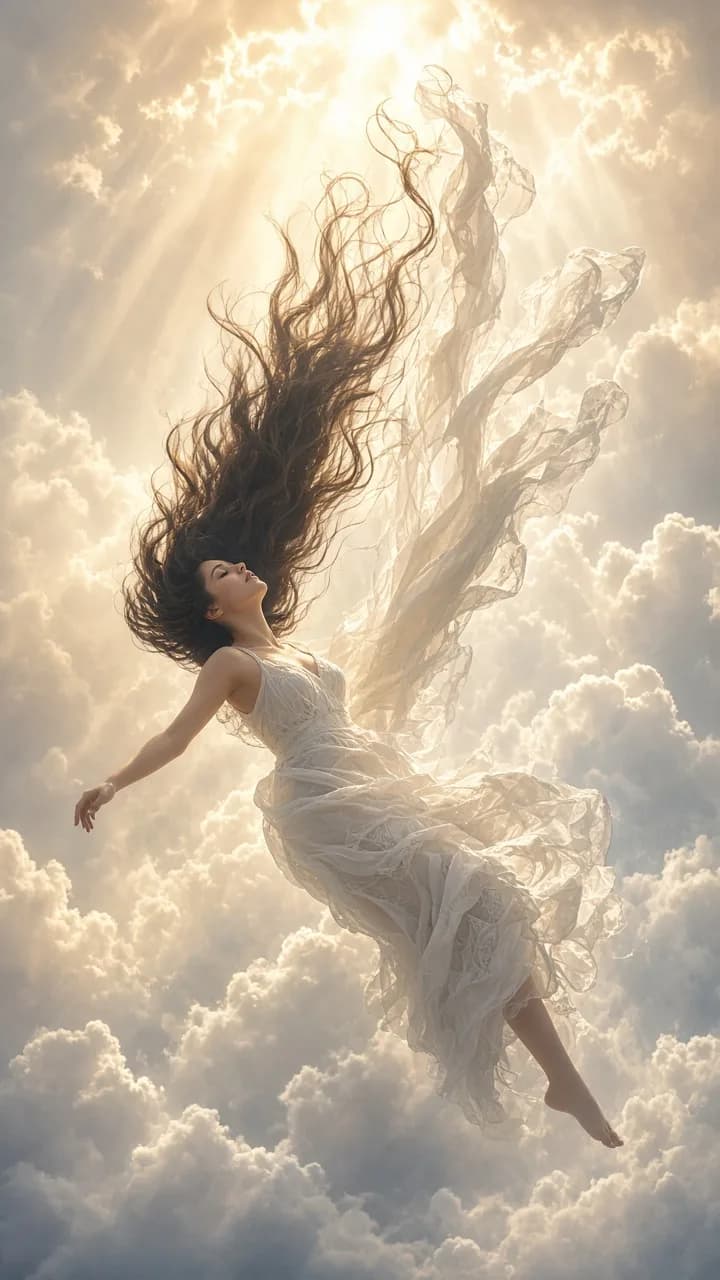
Example still: the cloud fall — upload your photo for the full motion clip.
Skyfall AI: upload one photo and fall gracefully from heaven through sunlit clouds in slow motion — weightless, serene, god rays. Dreamlike fantasy, never harmed. Vertical 9:16, free to preview. AI remixes start from one photo and keep your likeness consistent through every beat.
Beat 1 · 0:00
You hang poised among sunlit clouds, eyes closed in perfect serenity.
Beat 2 · 0:03
Slow-motion freefall begins — arms loosely open, hair and clothes rippling upward.
Beat 3 · 0:06
Clouds stream past in soft layers as you tilt and turn with balletic grace, light blooming through gaps.
Beat 4 · 0:11
Arms spread wide, face lifted, a peaceful half smile — the fall continues into a bright cloud bank.
Step 1
Full body works best — flowing clothes catch the slow-mo drift beautifully.
Step 2
Sunlit clouds, golden sunset, starry night or soft aurora — same graceful fall.
Step 3
Preview free, download when happy, and share to TikTok, Reels or Shorts.
Towering white clouds with god rays breaking through.
Sunlit Clouds preset
Warm amber light wrapping the silhouette.
Golden Sunset Clouds preset
Deep star field with soft moonlight and silver mist.
Starry Night Sky preset
Rippling green and violet aurora ribbons above.
Soft Aurora preset
1.Reproduce only the listed Skyfall beats — no freestyle extras.
Add to prompt2.SAME IDENTITY — face, hairstyle, skin tone, body proportions and outfit locked on every frame.
Add to prompt3.Dreamlike fantasy only — no ground, no impact, no danger; the person stays serene and unharmed.
Add to prompt4.Vertical 9:16, locked camera, clean framing — weightless and graceful throughout.
Add to prompt