
1
Upload two portraits
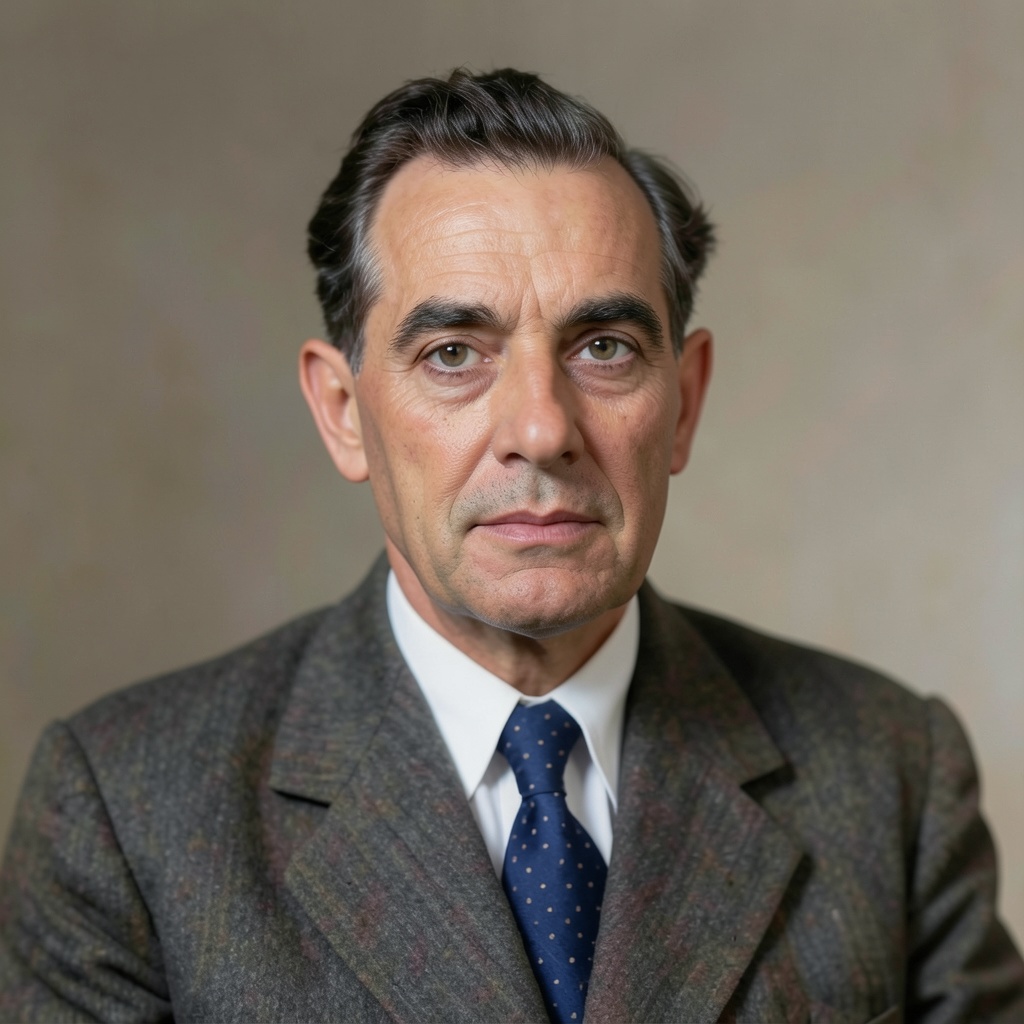
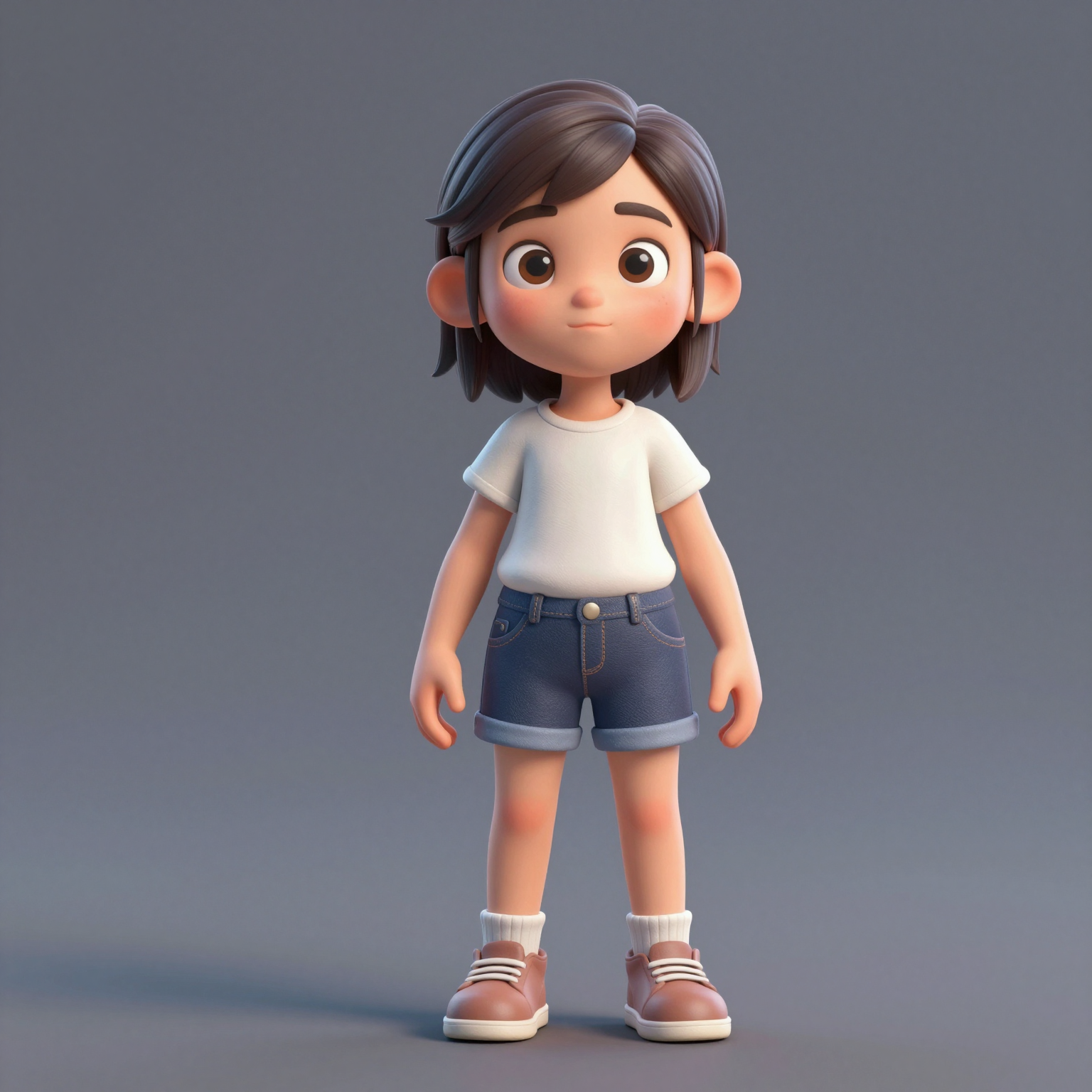
Add one clear, front-facing portrait of each performer — shoulders up, decent light. Prefer a single shot of both? Switch to One Photo mode.
把兩張照片變成爆紅的 hotel lobby ai 影片 — 來自 COLORS 的橘色錄音亭饒舌雙人組演出。免費試用,不需要綠幕,也不需要剪輯技巧。
Your video may be selected and published to the public Explore feed to inspire other creators.
Trend templates
Generate the classic orange-booth video above, or pick a viral template — Halloween, gas station dance, money flex, werewolf and more — each with its own playground.
New templates
The 16 latest generator pages added to the hub — newest first. Pick a trend and make your own clip in minutes.
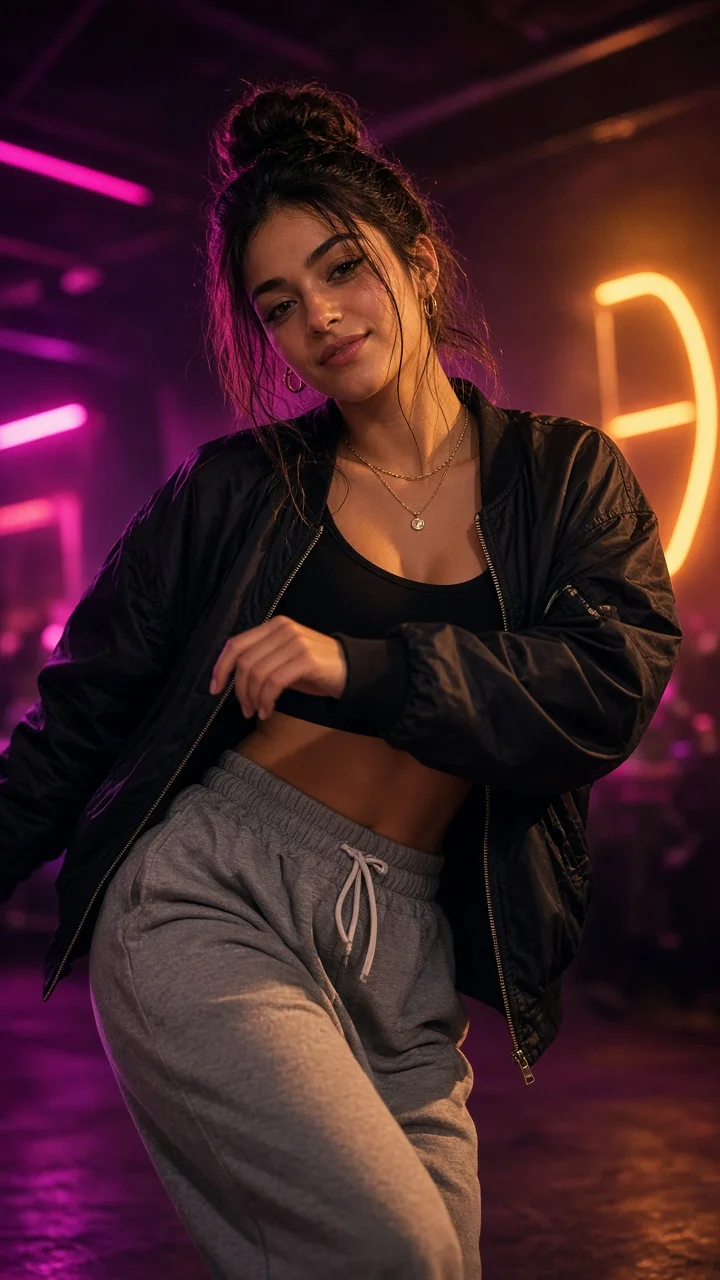
Playful sassy nightclub dance remake from one photo — confident hip sways, sass-face attitude and a fierce crouch-pose finish under club lights.
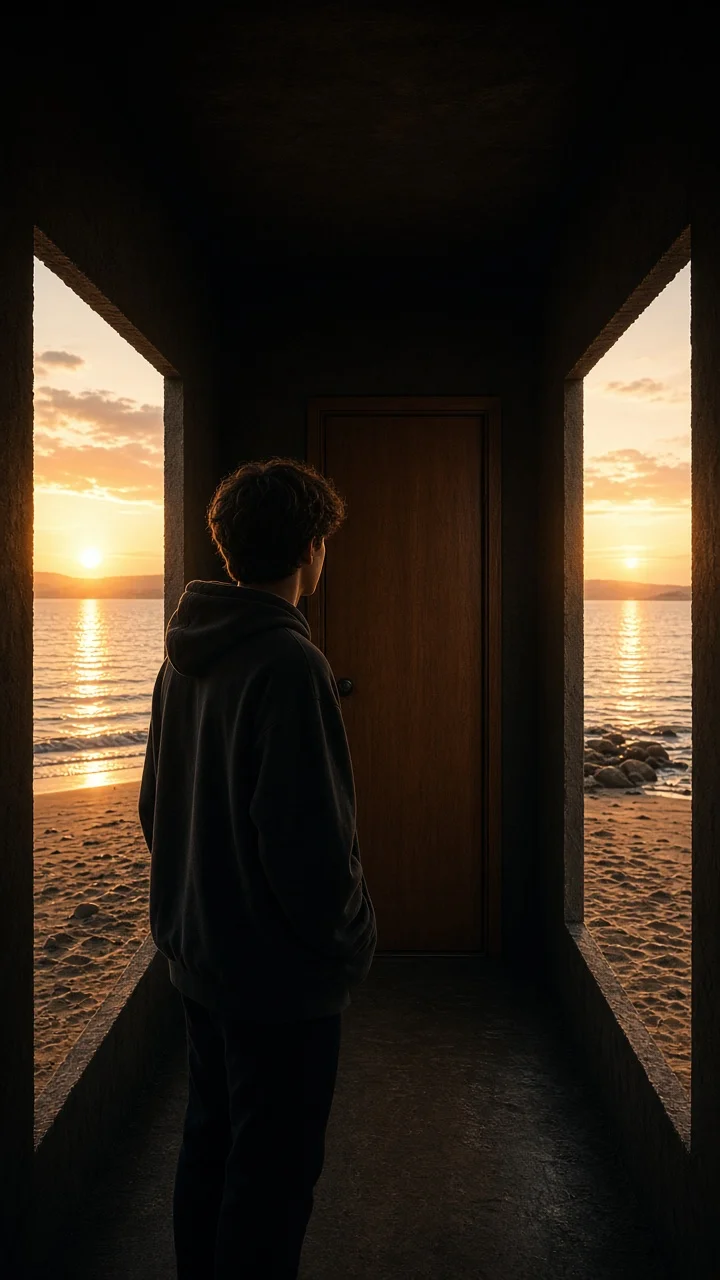
Dark hallway, three knocks, and the walls swing open onto a lake-and-sunset world while the door stays shut — surreal hopeful reveal from one photo.
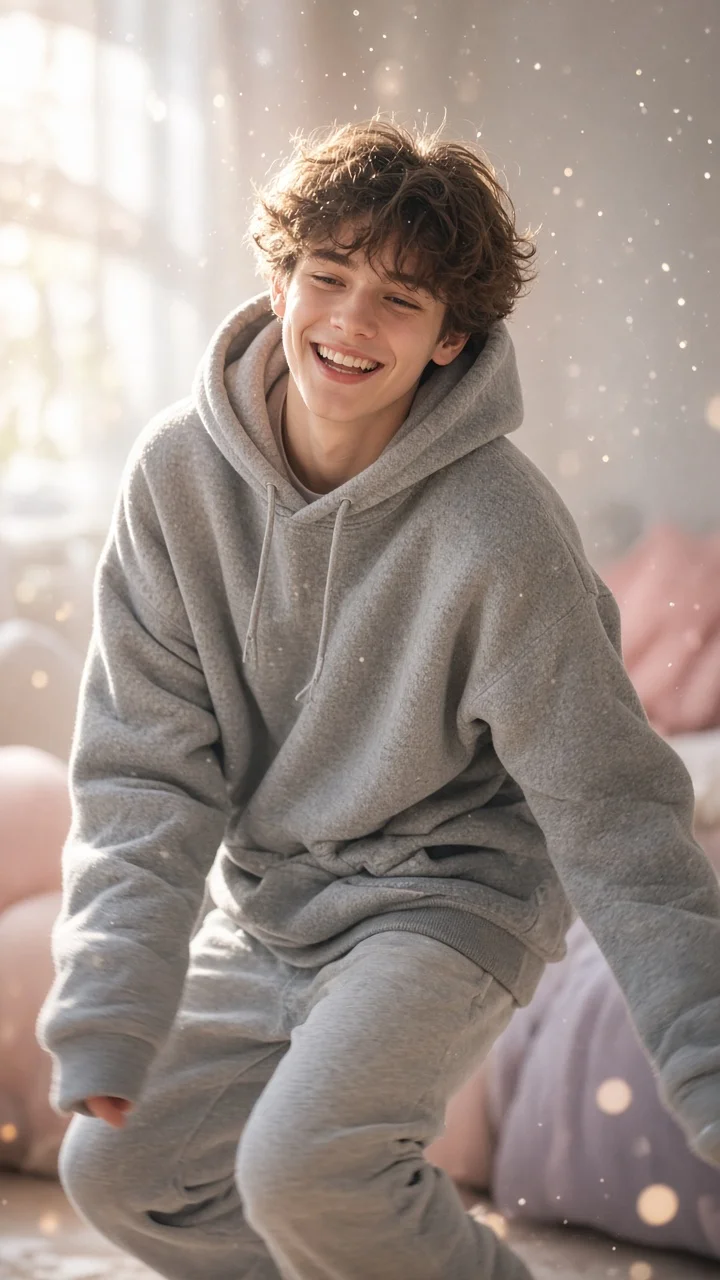
Soft dreamy squat-bounce-shake dance from one photo — cozy oversized hoodie, pastel morning light and a sleepy little smile.
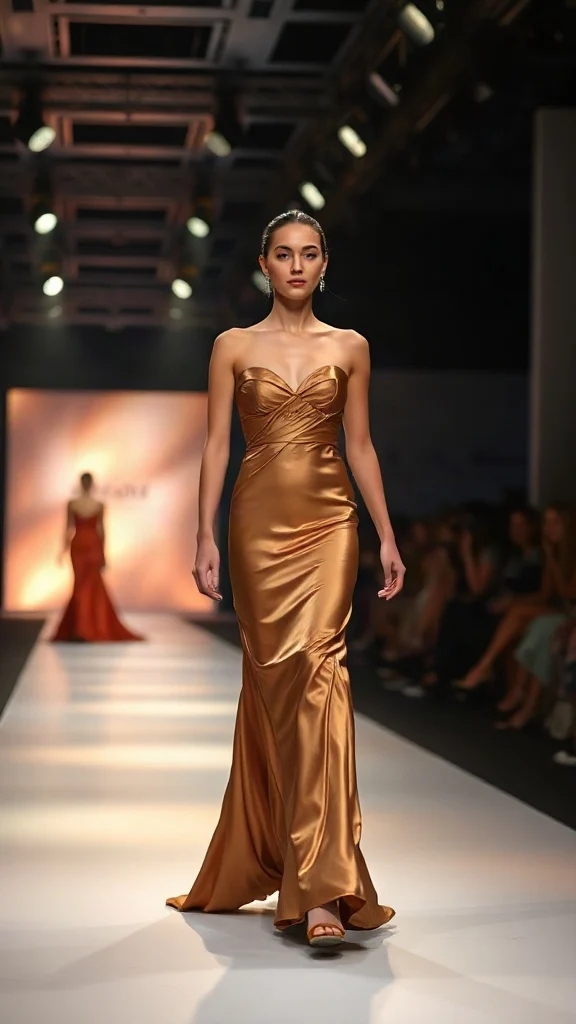
Not all angels walk the runway — upload one photo and transform into a glamorous high-fashion runway walk in a sleek evening look with flash-popping catwalk lighting.
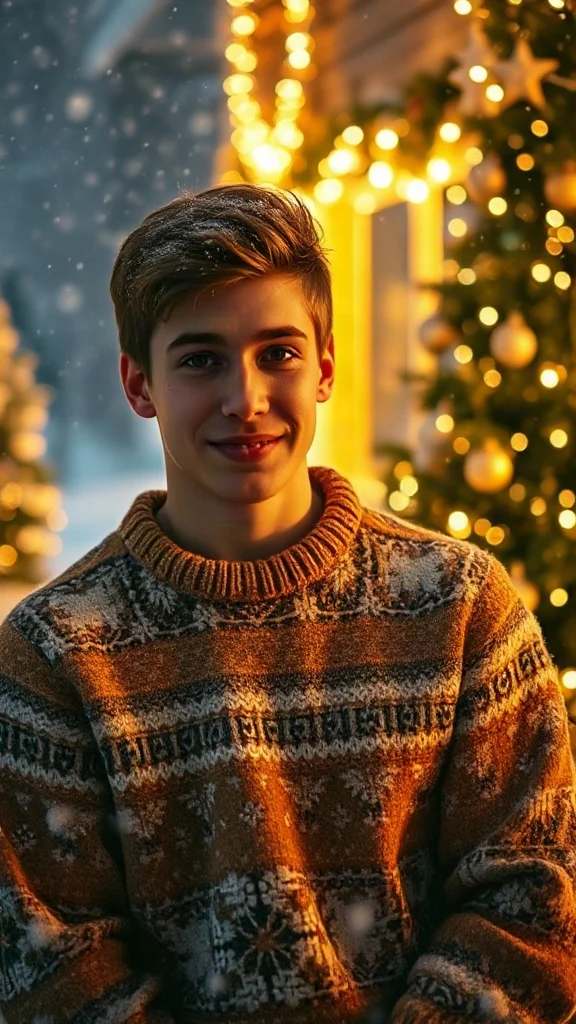
Cozy 90s holiday rom-com remake from one photo — chunky knit sweater, soft snowfall, golden fairy lights and a playful snowball meet-cute.
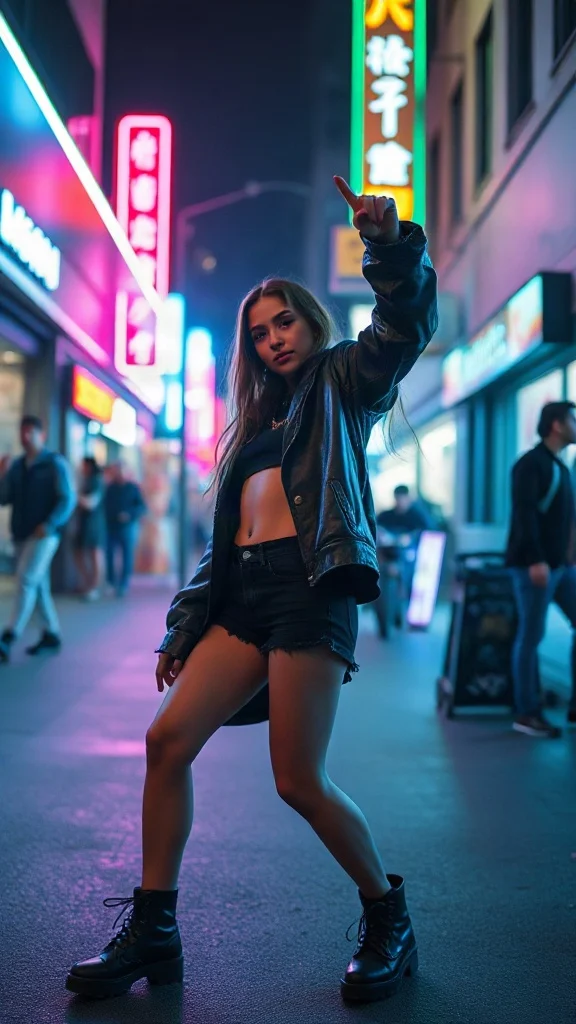
Empowered breakup-anthem dance remake from one photo — confident walk-away, freestyle dance energy, outfit glow-up and sassy neon night vibes.
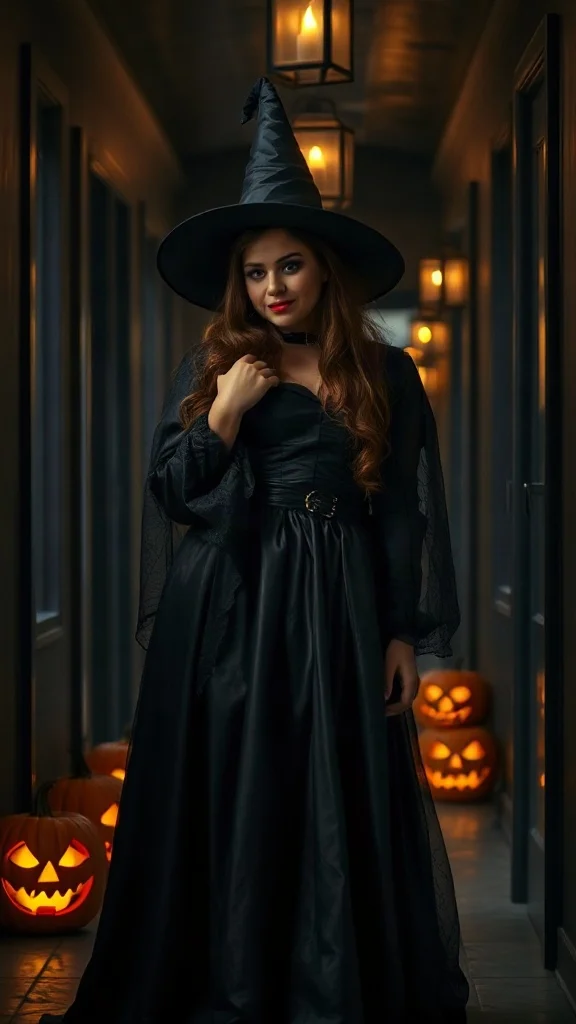
Halloween 2026 costume reveal — sweet innocent look first, then a dramatic witch, vampire or ghost-bride transformation from one photo.
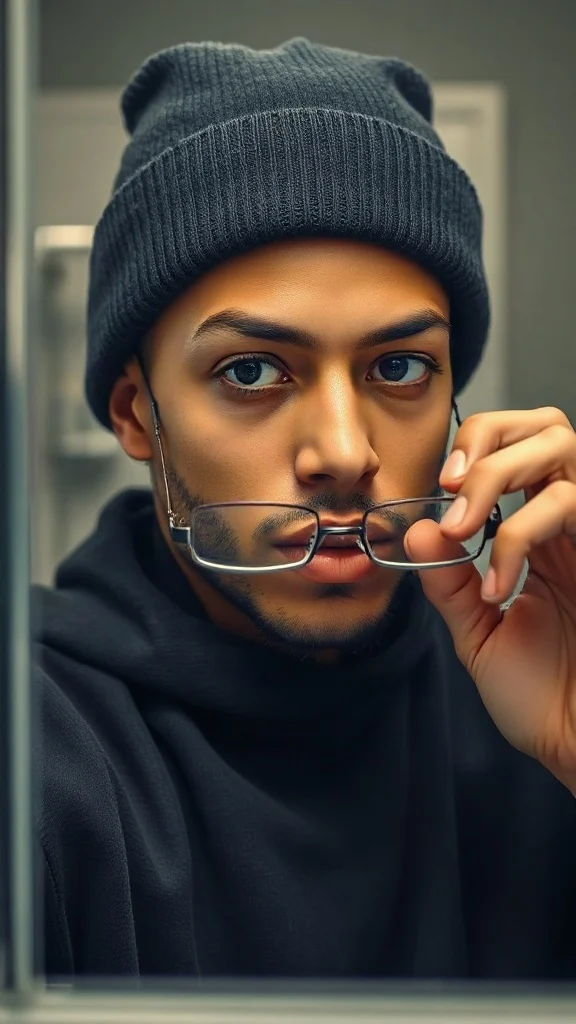
Glasses off, knit skull cap on — glow up into a chiseled confident version of yourself under dramatic light.
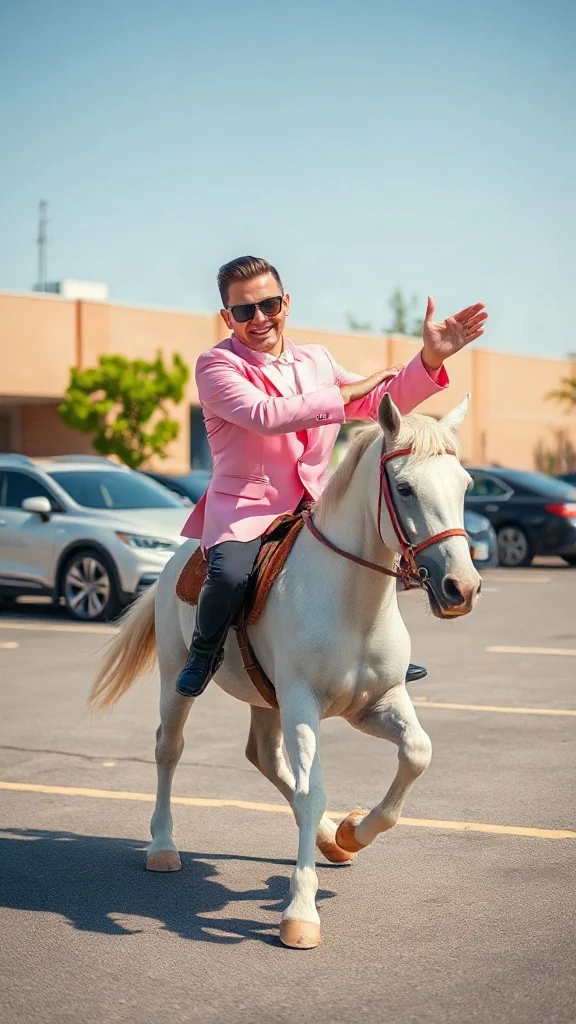
Pastel tux, sunglasses, crossed-wrist horse gallops — remake the retro party dance trend from one photo on an original beat.
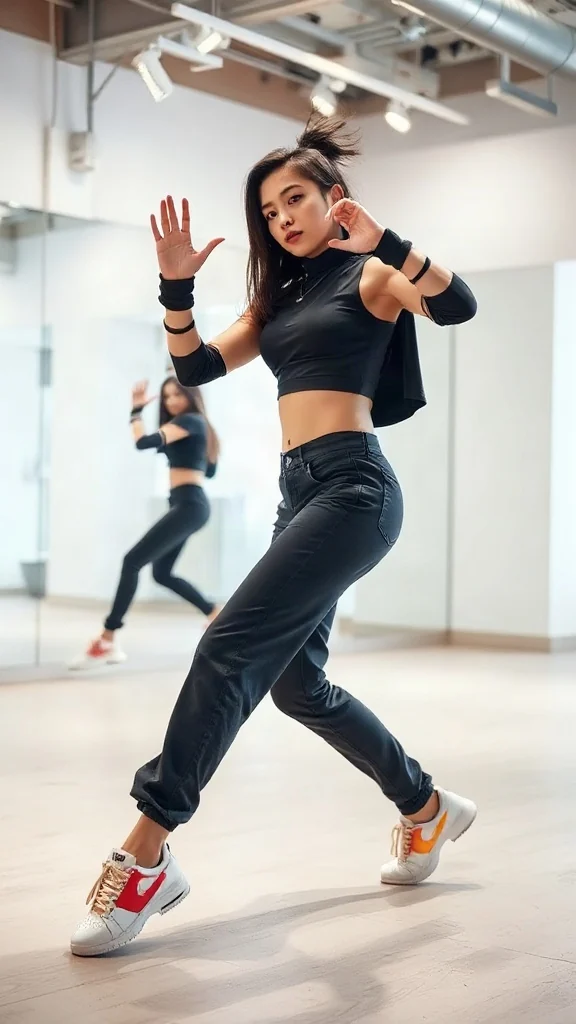
One photo, sharp idol-style streetwear moves — snap-freezes on every beat with a fully original instrumental.
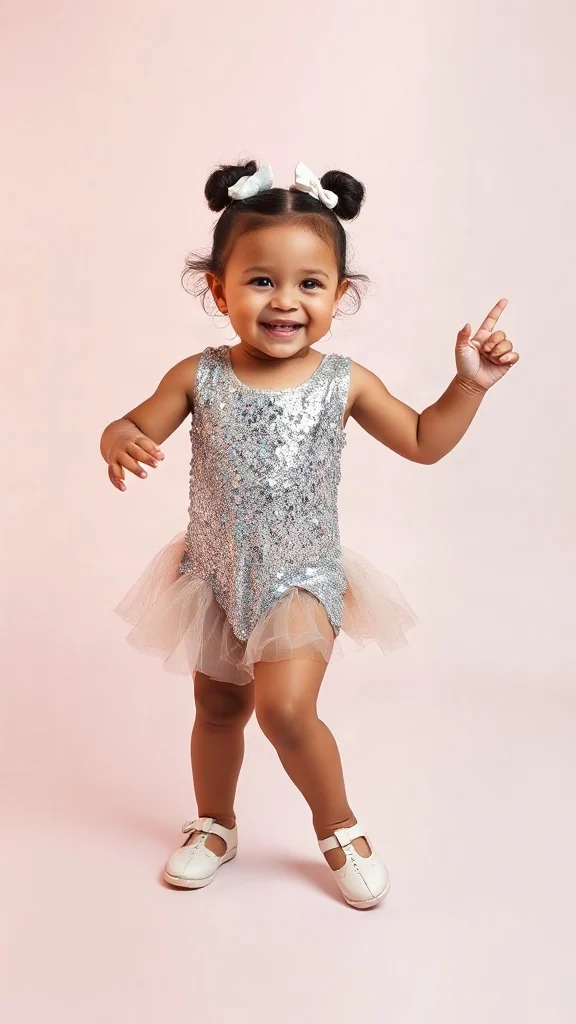
Become an adorable glam toddler mini-diva — sunglasses up, feather boa spinning, sassy runway struts.
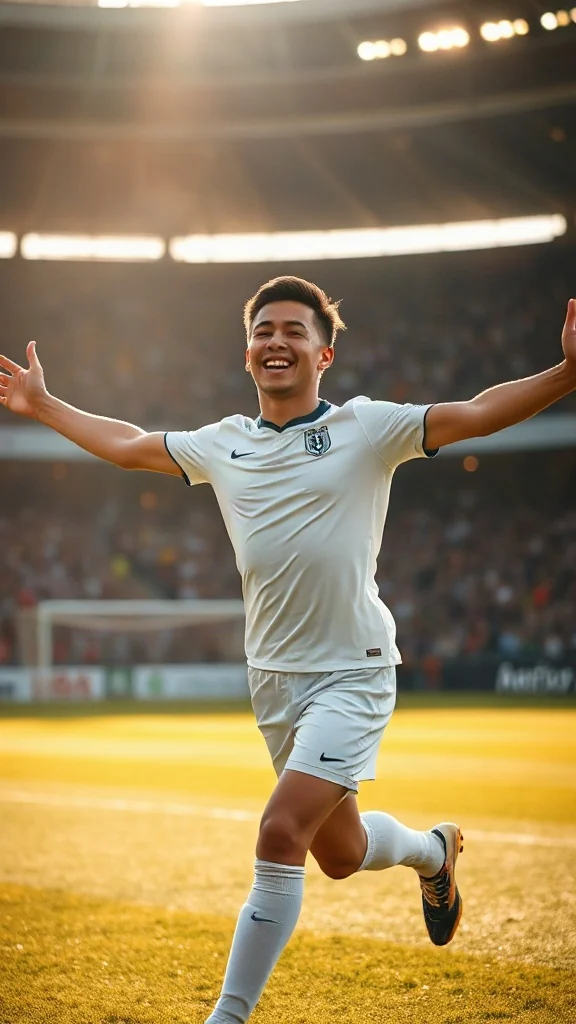
Score in a plain white kit and wheel away arms-wide under the floodlights — the classic celebration from one photo.
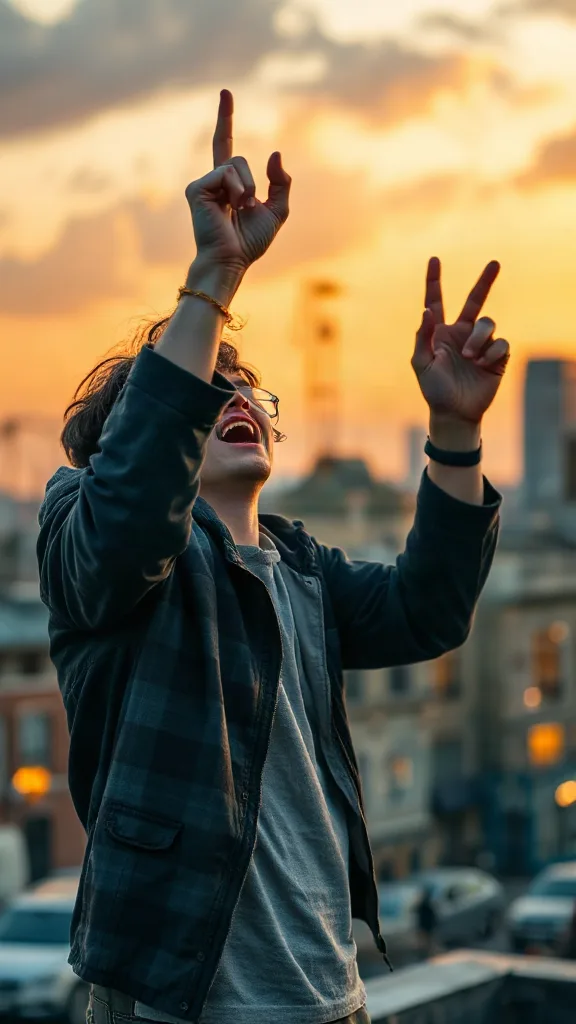
Rooftop at dusk, rock horns up — belt an original emo anthem from one photo. No real songs, just glory.
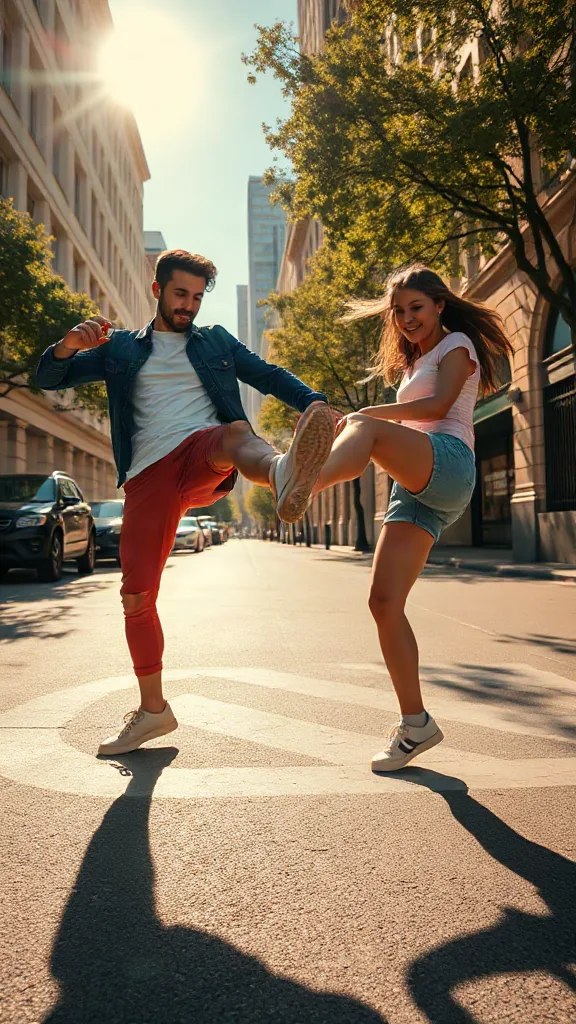
You and a friend — or two pets — take turns kicking toward the camera, every strike landing on a bing hit.
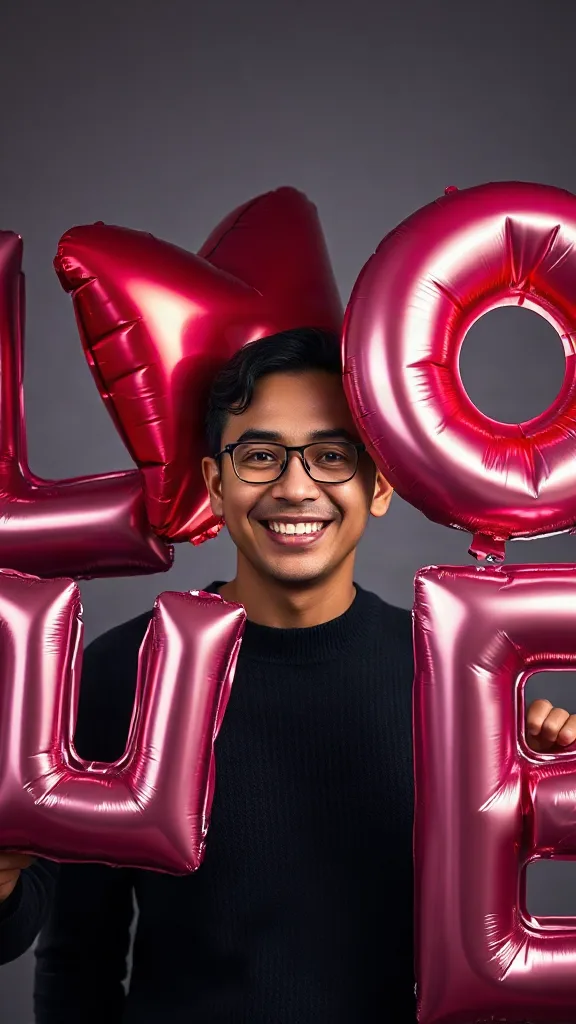
Giant glossy 3D letters L, V and E float in around you — and the round object you hold completes LOVE.
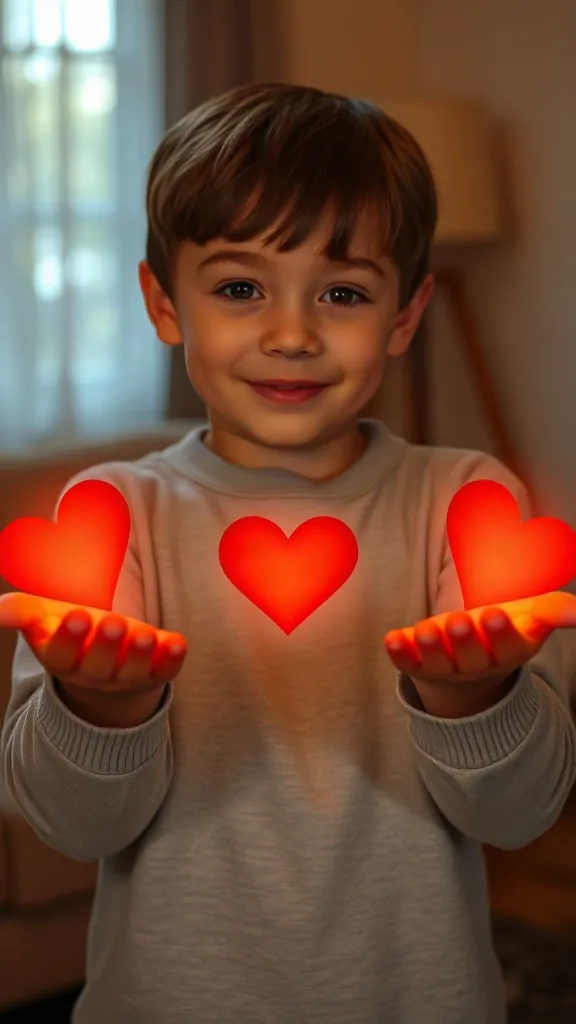
Flick little red hearts to Mom, Dad and Sister — then hand Brother your entire glowing heart. One photo.
How to Use
A real example made with the generator above: two everyday portraits become a rap-duo performance in the orange hotel lobby booth. Follow the same flow to make yours.
Add one clear, front-facing portrait of each performer — shoulders up, decent light. Prefer a single shot of both? Switch to One Photo mode.
Using the first uploaded image as the identity reference for the left performer and the second uploaded image as the identity reference for the right performer, place them side by side in a vast monochrome orange room with a high ceiling and the wall sweeping far back behind them, like two rappers trading verses on a live music showcase
The Hotel Lobby prompt is prefilled for you. Expand the Prompt panel to tweak the booth color, vibe, or choreography — or leave it exactly as it is.
Press Generate and wait about two minutes. You get a vertical MP4 with sound — download it or share it straight to social.
Make yours now實際示範
下面每一支 hotel lobby ai 影片都只用兩張照片就產生出來 — 不用綠幕、不用剪輯。這正是這個 hotel lobby 產生器為爆紅 hotel lobby 潮流所做的:橘色 COLORS 舞台、單一支懸掛麥克風,以及近距離雙人鏡頭裡你的兩位演出者。
Hotel lobby ai 影片示範 — 兩張照片變成 COLORS 舞台上的饒舌雙人組演出。
Hotel lobby ai 影片示範 — 左邊的演出者唱第一段,右邊在副歌回應。
Hotel lobby ai 影片示範 — 好友們在經典橘色錄音亭裡,對著懸掛麥克風饒舌。
Hotel lobby ai 影片示範 — 9:16 直式 HD 短片,可直接發到 TikTok、Reels 和 Shorts。
🎃 Halloween edition · until Oct 31
Same orange booth, same moves — now in costume. Photo 1 becomes the vampire, photo 2 the skeleton, and both faces stay yours. Pets get dressed up too.
Make the Halloween version範例
下面每一支 hotel lobby ai 影片用的都是同一套配方 — 兩張照片、橘色錄音亭、單一支懸掛麥克風。挑一個最像你們的雙人組,上傳同風格的人像照,再把提示詞想法直接複製到上面的產生器。
想要完整的範本圖庫嗎?瀏覽所有 hotel lobby ai 範本 ,都能一鍵套用。
The trend
The Hotel Lobby AI trend recreates Quavo and Takeoff's 2022 “Hotel Lobby (Unc & Phew)” performance on A COLORS SHOW — two people singing side by side in an orange booth with a single microphone hanging between them. It went viral on TikTok and X in 2026, with people swapping in best friends, couples, siblings and parents. Hotel Lobby AI turns two ordinary photos into a short vertical 9:16 video of the two of you in that booth, matching the trend's moves and lip sync so the sound lines up — no original footage and no one else's face.
Updated October 11, 2026 · Sources: Quavo & Takeoff – “Hotel Lobby” | A COLORS SHOW (official), TikTok – Community Guidelines: AI-generated content
Hotel Lobby AI is an independent tool, not affiliated with Quavo, Takeoff, their label or COLORS.
You may also see this trend called Migos AI or the AI rap duo trend.
教學
整個 hotel lobby ai 影片流程大約只要兩分鐘。以下是確切的做法 — 跟每一支 hotel lobby 潮流教學影片教的都是同樣三個步驟。
每位演出者各加一張清晰的正面照 — 朋友、家人、寵物,或任何你有權使用的雙人組。兩張分開的人像照相似度最高。
選擇橘色錄音亭雙人組範本。它會重現純橘色背景、單一支懸掛麥克風,以及緊湊的雙人中景 — 完全不需要綠幕。
按下「產生」,免費預覽你的 Hotel Lobby AI 影片。下載 HD 直式短片後,用 CapCut 或 TikTok 編輯器把歌配回去,再加上 #hotellobby 和 #genjutsu 發布。
需要附提示詞和角色點子的完整版嗎?請閱讀完整的 如何做出 hotel lobby ai 影片 指南。
範本
這些 hotel lobby 產生器範本已經預設好舞台、麥克風、構圖和運鏡 — 你只需要帶兩張臉來。每張卡片都會連到完整範本圖庫,一鍵套用。
最原始的 COLORS 配置:橘色舞台、一支懸掛麥克風、雙人中景、9:16。
開啟 hotel lobby ai 範本 →最適合饒舌對戰雙人組左邊演出者唱第一段,右邊在第二段回應,配上即時反應切鏡。
開啟 hotel lobby ai 範本 →最適合寵物雙人組輕輕點頭、跟著節奏眨眼,一隻寵物在重拍落下的瞬間湊向麥克風。
開啟 hotel lobby ai 範本 →最適合辦公室迷因商務休閒造型,搭配自信的手勢和慶祝感的副歌。
開啟 hotel lobby ai 範本 →最適合動漫雙人組雙人組以風格化動漫渲染呈現在同一個橘色舞台上,#genjutsu 就緒。
開啟 hotel lobby ai 範本 →最適合生日在經典舞台上加上節慶造型 — 一個饒出生日段落,另一個拍手打拍子。
開啟 hotel lobby ai 範本 →Want every viral trend in one place? Browse all AI tools.
Compared
The main ways to make the trend, side by side.
| Hotel Lobby AI | Face-swap onto the clip | Subscription AI apps | CapCut / manual edit | |
|---|---|---|---|---|
| What you upload | 2 photos | 1–2 photos | 2 photos | Your own footage |
| Original COLORS footage or the artists' likeness in your video | No | Yes | Varies | No |
| Price | Free to try + one-time credit packs | ~$5 per clip | Weekly or monthly plan | Free but hours of work |
| Subscription | No | Sometimes | Yes | No |
| Both people need to film | No | Yes | Varies | Yes |
| Audio | Add “original sound - COLORS” in TikTok | Original song | Varies | Whatever you record |
Pricing
Every plan is a one-time purchase — no subscription and credits never expire. A 5s clip costs 2 credits and a 15s clip costs 6, so here is how many clips each pack gets you.
2 credits ≈ 1× 5s clip · 6 credits ≈ 1× 15s clip
See full pricing and all packs這個 hotel lobby 產生器只需要兩張照片。免費做出你的 Hotel Lobby AI 影片 — 不用綠幕、不用剪輯技巧,預覽也不用登入。
產生你的 Hotel Lobby AI 影片