
1
Upload two portraits
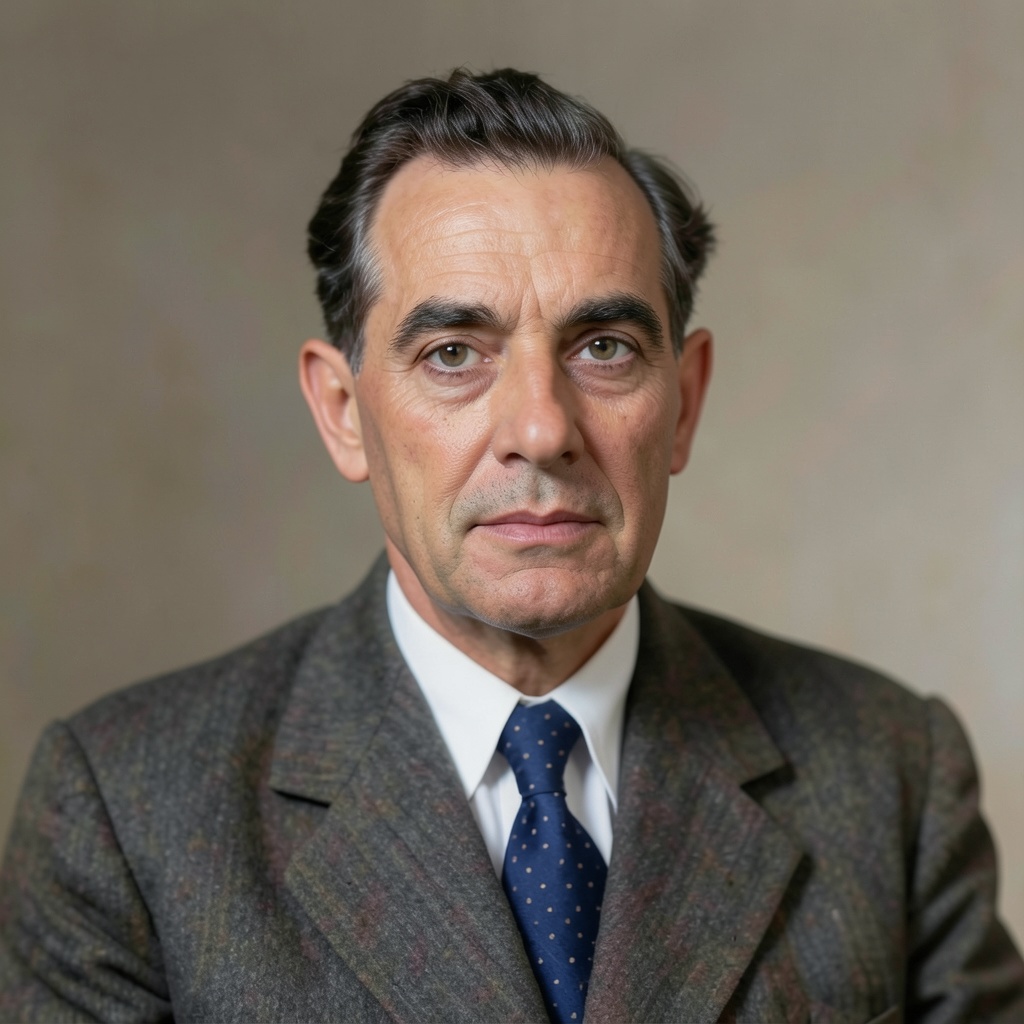
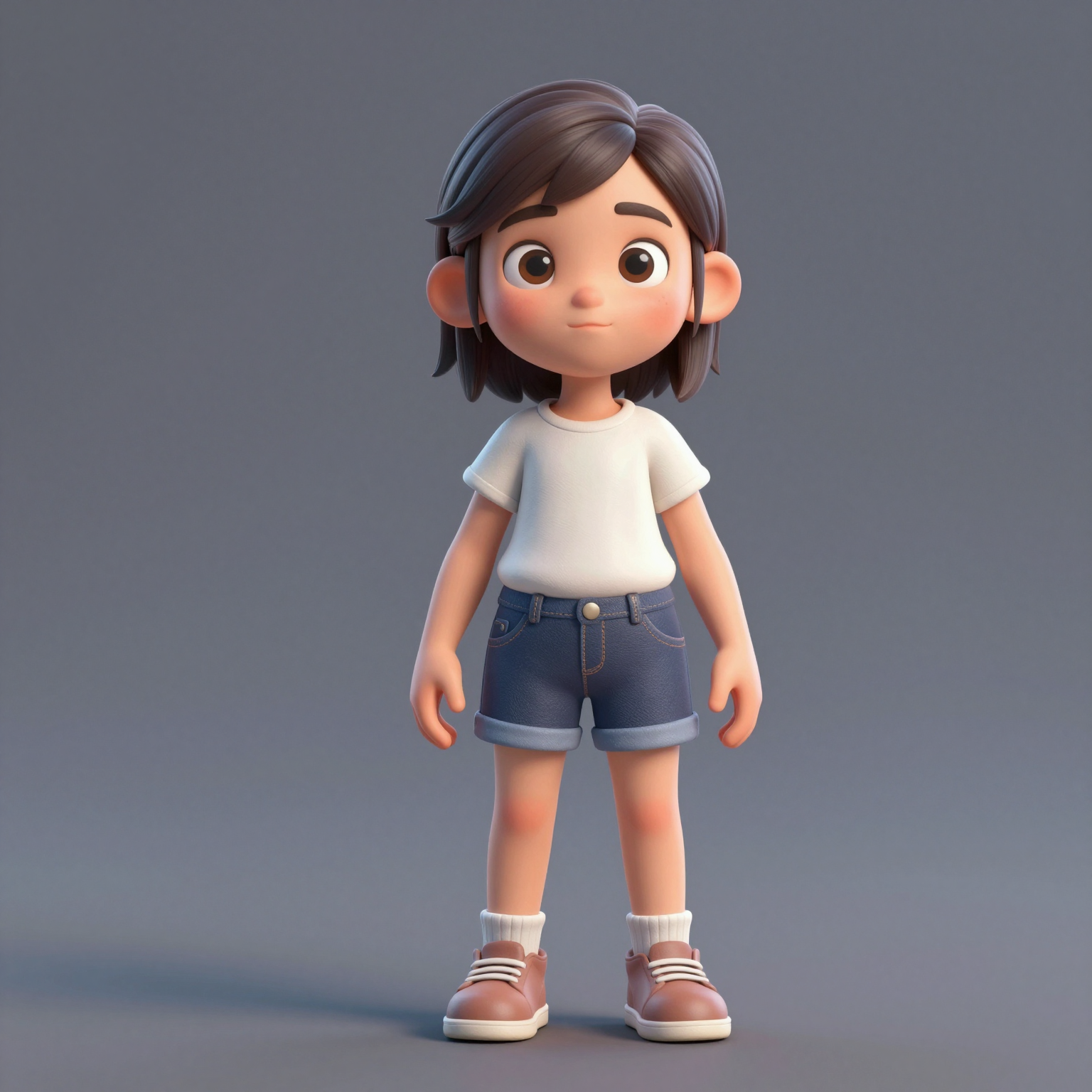
Add one clear, front-facing portrait of each performer — shoulders up, decent light. Prefer a single shot of both? Switch to One Photo mode.
Biến hai tấm ảnh thành video hotel lobby ai viral — màn trình diễn rap đôi trong cabin màu cam nổi tiếng từ COLORS. Dùng thử miễn phí, không cần màn hình xanh, không cần biết chỉnh sửa.
Your video may be selected and published to the public Explore feed to inspire other creators.
Trend templates
Generate the classic orange-booth video above, or pick a viral template — Halloween, gas station dance, money flex, werewolf and more — each with its own playground.
New templates
The 16 latest generator pages added to the hub — newest first. Pick a trend and make your own clip in minutes.
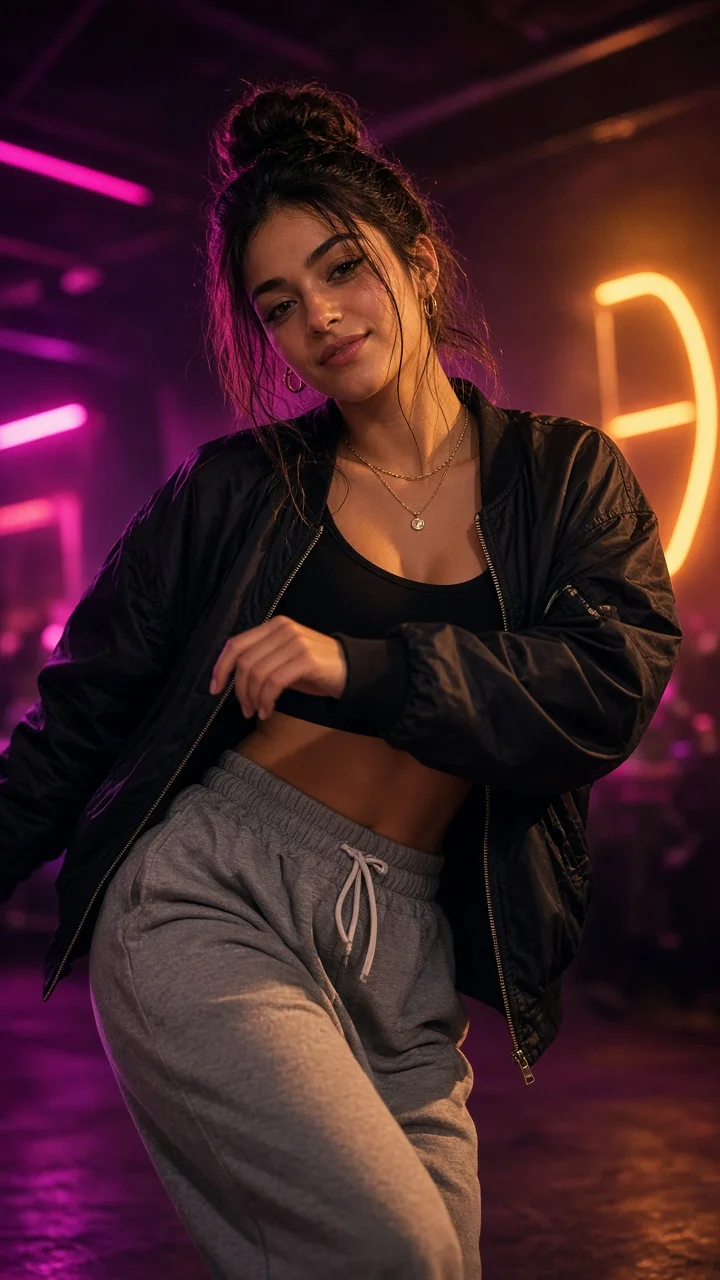
Playful sassy nightclub dance remake from one photo — confident hip sways, sass-face attitude and a fierce crouch-pose finish under club lights.
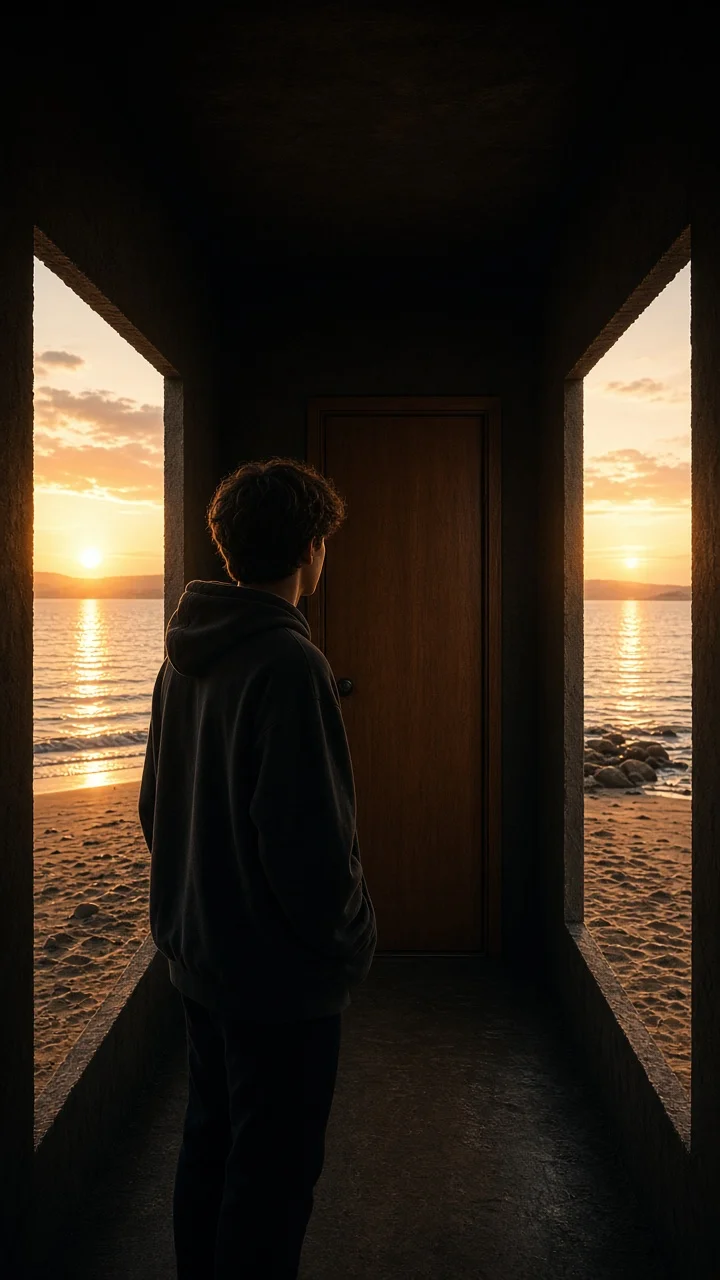
Dark hallway, three knocks, and the walls swing open onto a lake-and-sunset world while the door stays shut — surreal hopeful reveal from one photo.
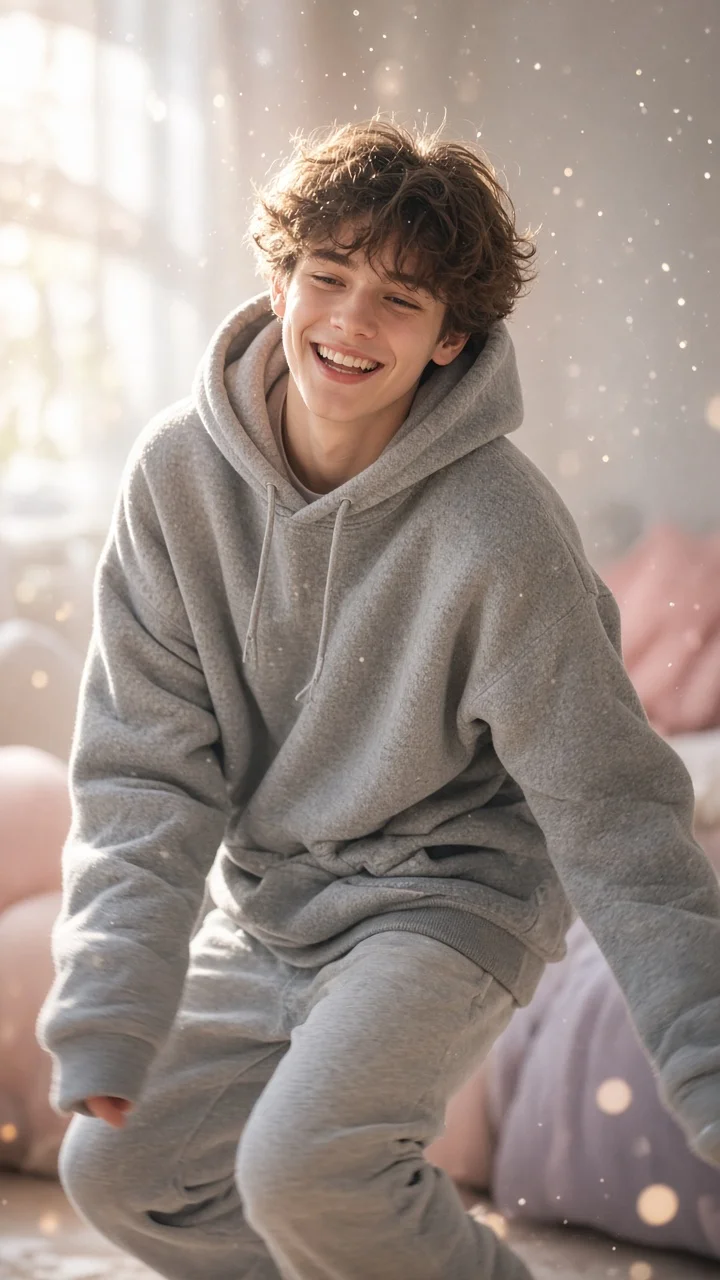
Soft dreamy squat-bounce-shake dance from one photo — cozy oversized hoodie, pastel morning light and a sleepy little smile.
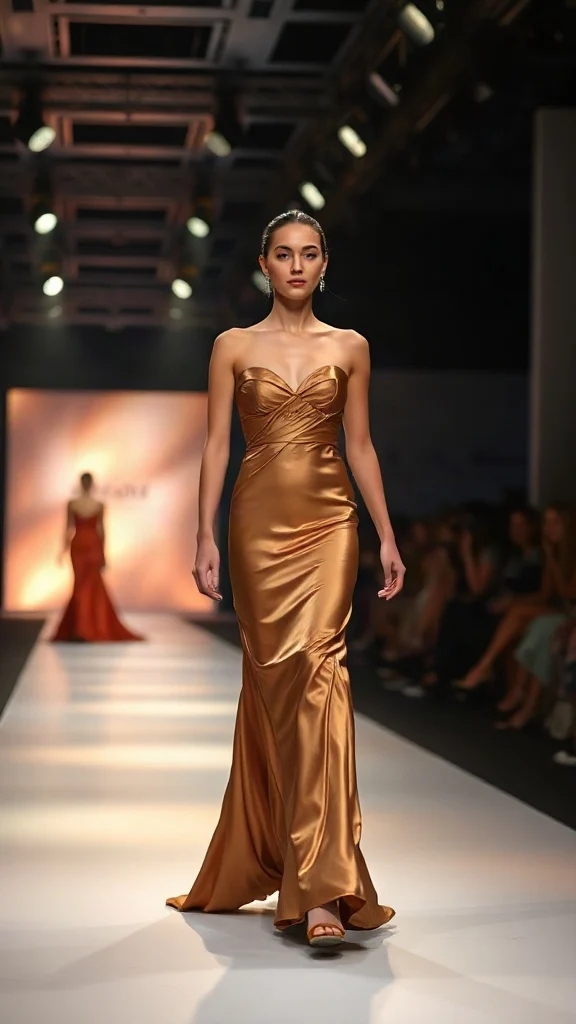
Not all angels walk the runway — upload one photo and transform into a glamorous high-fashion runway walk in a sleek evening look with flash-popping catwalk lighting.
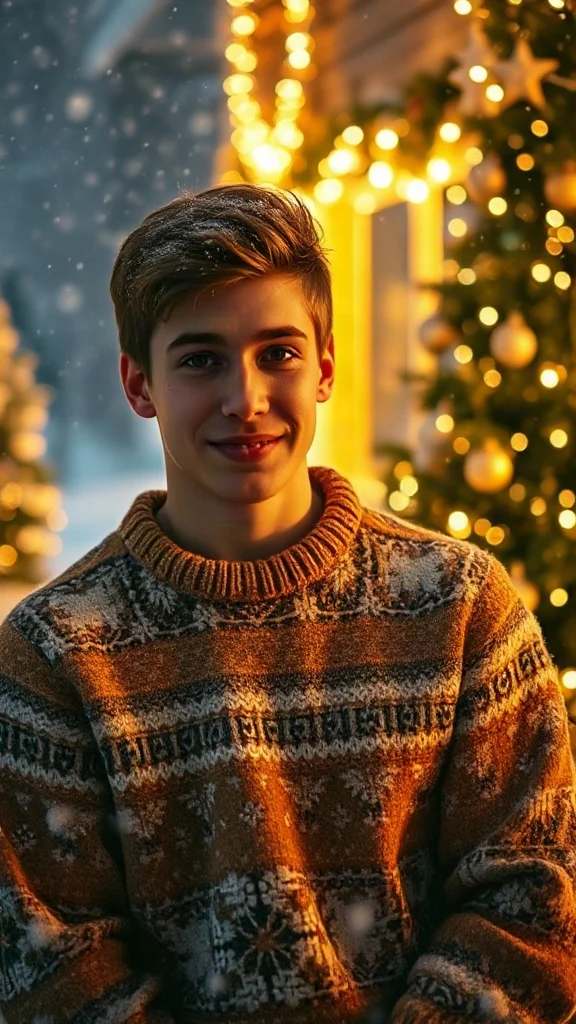
Cozy 90s holiday rom-com remake from one photo — chunky knit sweater, soft snowfall, golden fairy lights and a playful snowball meet-cute.
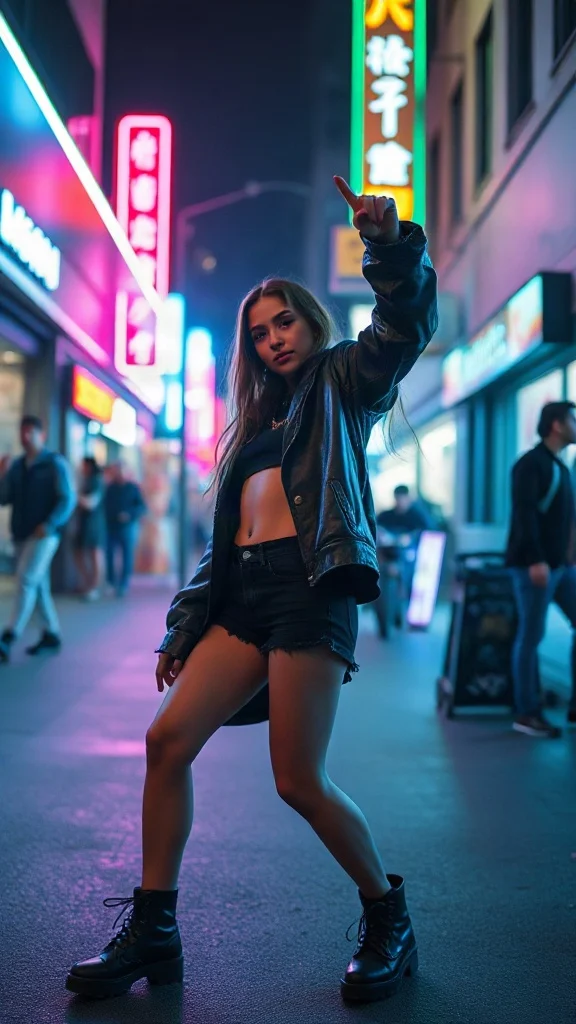
Empowered breakup-anthem dance remake from one photo — confident walk-away, freestyle dance energy, outfit glow-up and sassy neon night vibes.
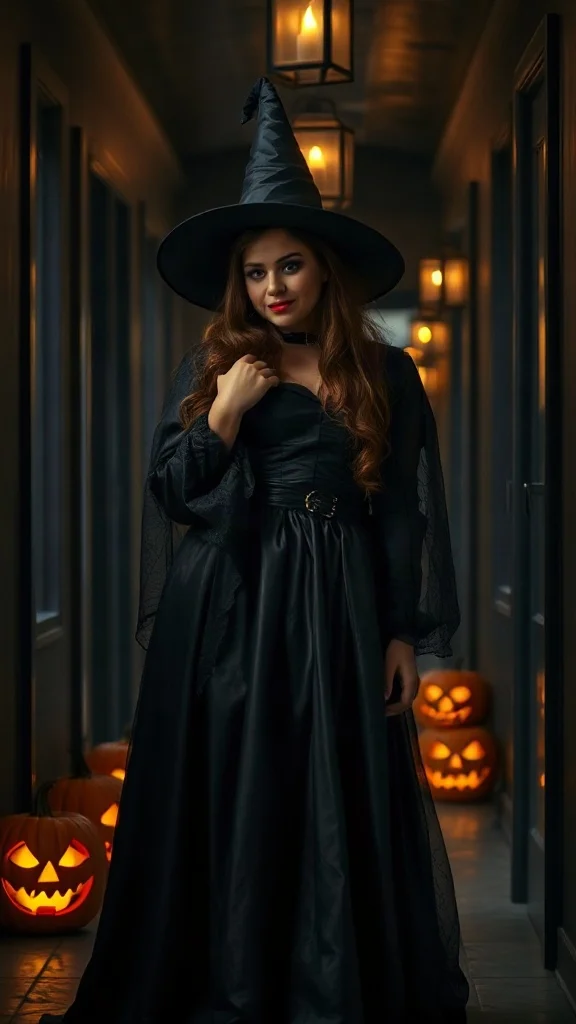
Halloween 2026 costume reveal — sweet innocent look first, then a dramatic witch, vampire or ghost-bride transformation from one photo.
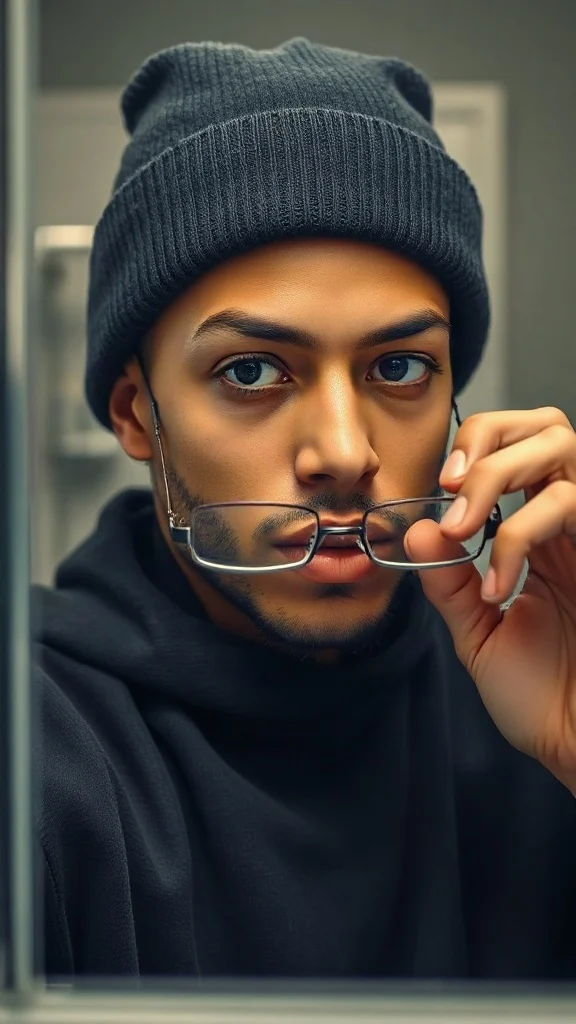
Glasses off, knit skull cap on — glow up into a chiseled confident version of yourself under dramatic light.
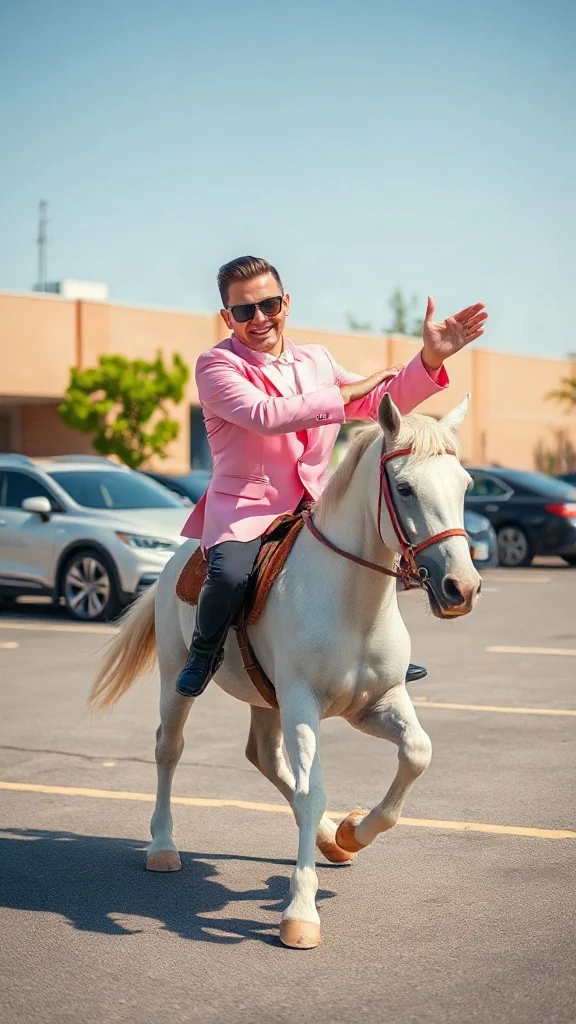
Pastel tux, sunglasses, crossed-wrist horse gallops — remake the retro party dance trend from one photo on an original beat.
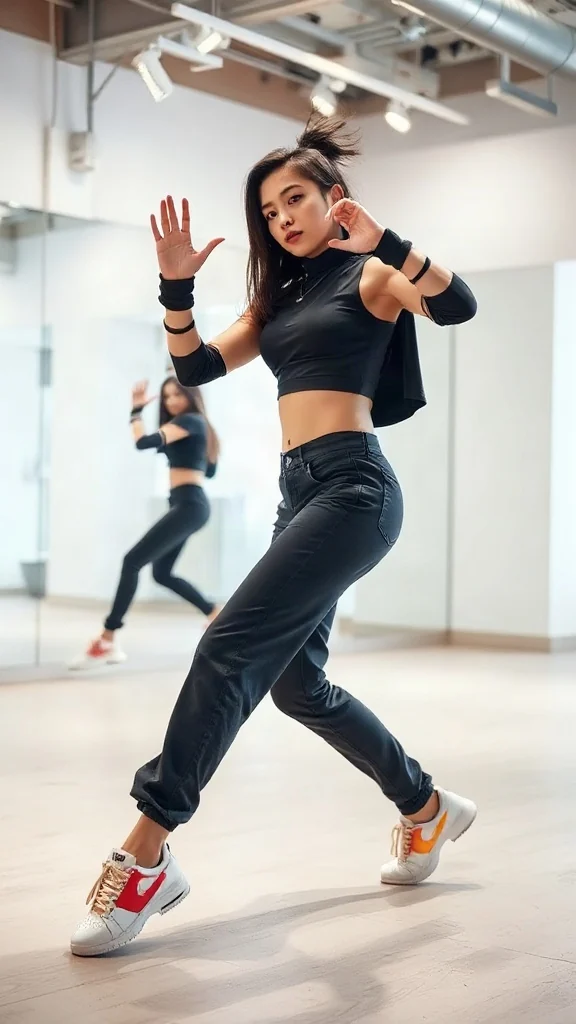
One photo, sharp idol-style streetwear moves — snap-freezes on every beat with a fully original instrumental.
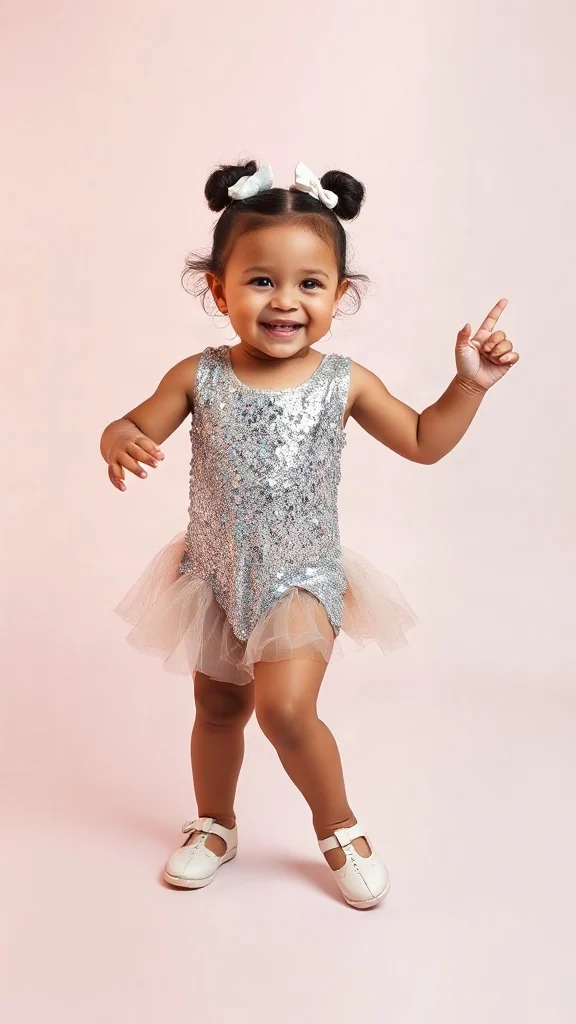
Become an adorable glam toddler mini-diva — sunglasses up, feather boa spinning, sassy runway struts.
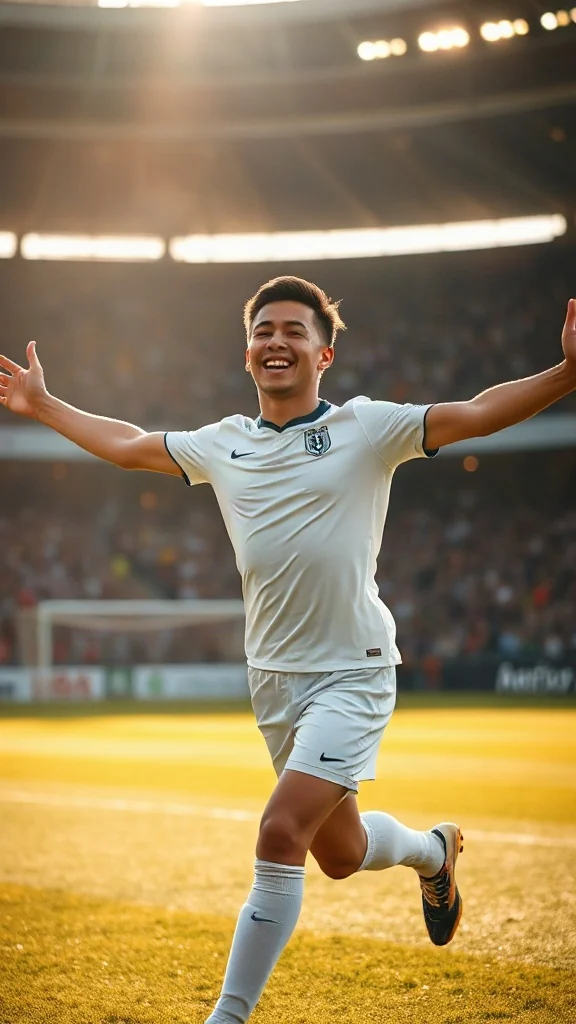
Score in a plain white kit and wheel away arms-wide under the floodlights — the classic celebration from one photo.
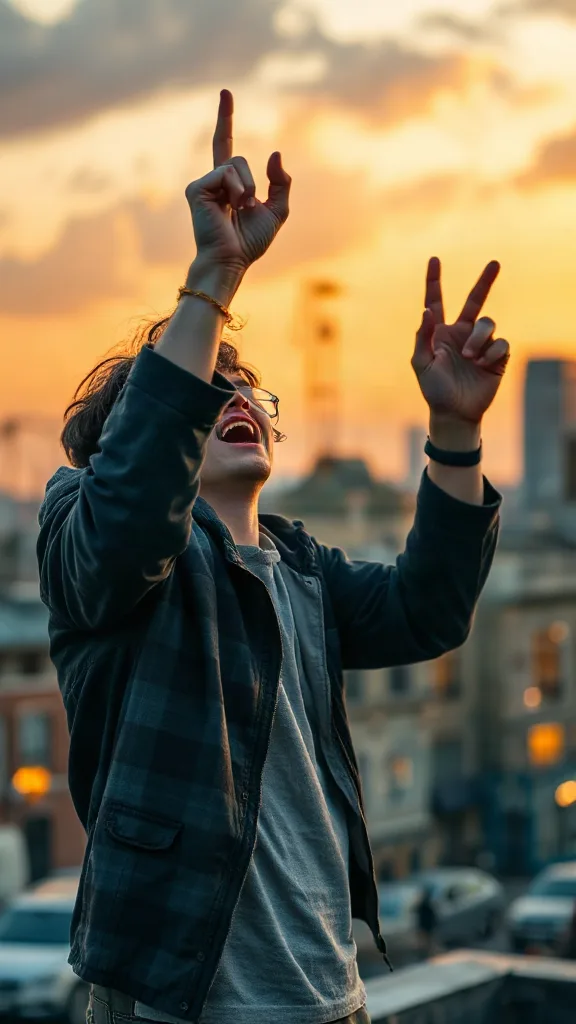
Rooftop at dusk, rock horns up — belt an original emo anthem from one photo. No real songs, just glory.
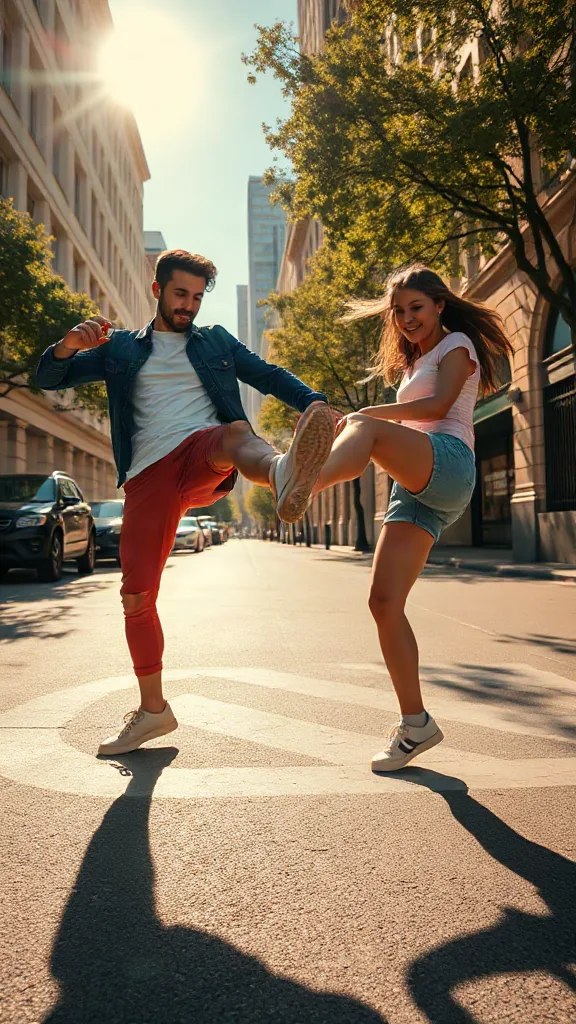
You and a friend — or two pets — take turns kicking toward the camera, every strike landing on a bing hit.
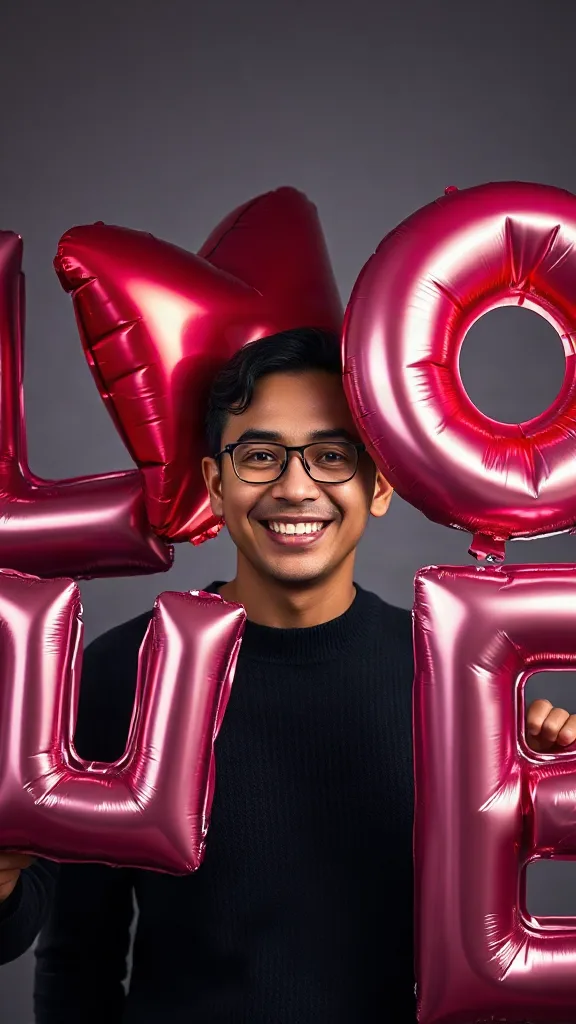
Giant glossy 3D letters L, V and E float in around you — and the round object you hold completes LOVE.
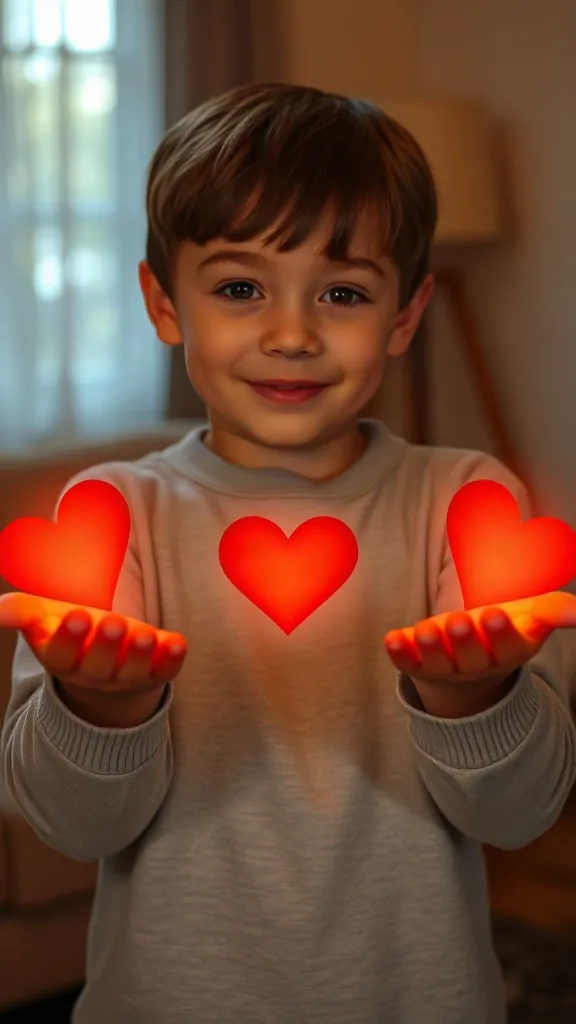
Flick little red hearts to Mom, Dad and Sister — then hand Brother your entire glowing heart. One photo.
How to Use
A real example made with the generator above: two everyday portraits become a rap-duo performance in the orange hotel lobby booth. Follow the same flow to make yours.
Add one clear, front-facing portrait of each performer — shoulders up, decent light. Prefer a single shot of both? Switch to One Photo mode.
Using the first uploaded image as the identity reference for the left performer and the second uploaded image as the identity reference for the right performer, place them side by side in a vast monochrome orange room with a high ceiling and the wall sweeping far back behind them, like two rappers trading verses on a live music showcase
The Hotel Lobby prompt is prefilled for you. Expand the Prompt panel to tweak the booth color, vibe, or choreography — or leave it exactly as it is.
Press Generate and wait about two minutes. You get a vertical MP4 with sound — download it or share it straight to social.
Make yours nowDemo thực tế
Mỗi video hotel lobby ai dưới đây đều được tạo chỉ từ hai tấm ảnh — không màn hình xanh, không chỉnh sửa. Đó chính xác là những gì trình tạo hotel lobby tạo ra cho xu hướng hotel lobby: sân khấu màu cam, chiếc micro treo duy nhất và hai người biểu diễn của bạn trong khung hình hai người cận cảnh.
Demo video hotel lobby ai — hai tấm ảnh biến thành màn trình diễn rap đôi trên sân khấu màu cam.
Demo video hotel lobby ai — người bên trái rap câu đầu, người bên phải đáp lại ở đoạn hook.
Demo video hotel lobby ai — bạn bè rap trong cabin màu cam kinh điển với chiếc micro treo.
Demo video hotel lobby ai — clip dọc HD tỉ lệ 9:16 sẵn sàng cho TikTok, Reels và Shorts.
🎃 Halloween edition · until Oct 31
Same orange booth, same moves — now in costume. Photo 1 becomes the vampire, photo 2 the skeleton, and both faces stay yours. Pets get dressed up too.
Make the Halloween versionVí dụ
Mỗi video hotel lobby ai dưới đây đều theo đúng một công thức — hai tấm ảnh, cabin màu cam, chiếc micro treo duy nhất. Chọn cặp đôi giống với cặp của bạn, tải lên chân dung cùng phong cách, rồi sao chép ý tưởng prompt thẳng vào trình tạo phía trên.
Người bên trái vung tay khi rap, người bên phải gật đầu theo nhịp, trang phục đường phố thoải mái.
Tạo cặp đôi nàyCặp nhà sáng lập công nghệ dí dỏm: giọng rap mặt lạnh, khí thế đối đầu.
Tạo cặp đôi nàyMuốn xem thư viện mẫu đầy đủ? Duyệt qua mọi mẫu hotel lobby ai với tính năng áp dụng chỉ với một cú nhấp.
The trend
The Hotel Lobby AI trend recreates Quavo and Takeoff's 2022 “Hotel Lobby (Unc & Phew)” performance on A COLORS SHOW — two people singing side by side in an orange booth with a single microphone hanging between them. It went viral on TikTok and X in 2026, with people swapping in best friends, couples, siblings and parents. Hotel Lobby AI turns two ordinary photos into a short vertical 9:16 video of the two of you in that booth, matching the trend's moves and lip sync so the sound lines up — no original footage and no one else's face.
Updated October 11, 2026 · Sources: Quavo & Takeoff – “Hotel Lobby” | A COLORS SHOW (official), TikTok – Community Guidelines: AI-generated content
Hotel Lobby AI is an independent tool, not affiliated with Quavo, Takeoff, their label or COLORS.
You may also see this trend called Migos AI or the AI rap duo trend.
Hướng dẫn
Toàn bộ quy trình làm video hotel lobby ai chỉ mất khoảng hai phút. Đây chính là các bước cụ thể — cũng là ba bước mà mọi video hướng dẫn về xu hướng hotel lobby đang dạy.
Thêm một tấm ảnh rõ nét, chụp chính diện của từng người biểu diễn — bạn bè, gia đình, thú cưng, hoặc bất kỳ cặp đôi nào bạn có quyền sử dụng. Hai tấm chân dung riêng biệt sẽ cho độ giống cao nhất.
Chọn mẫu cặp đôi trong cabin màu cam. Mẫu này tái hiện nền cam đặc, chiếc micro treo duy nhất và khung hình hai người cỡ trung — không cần màn hình xanh.
Nhấn Generate để xem trước video Hotel Lobby AI miễn phí. Tải xuống clip dọc HD, ghé lại bài hát bằng CapCut hoặc trình chỉnh sửa TikTok, rồi đăng kèm #hotellobby và #genjutsu.
Cần bản đầy đủ kèm prompt và ý tưởng nhân vật? Đọc toàn bộ hướng dẫn cách tạo video hotel lobby ai của chúng tôi.
Mẫu
Các mẫu của trình tạo hotel lobby này cài sẵn sân khấu, micro, khung hình và chuyển động — bạn chỉ cần mang đến hai gương mặt. Mỗi thẻ đều dẫn đến thư viện mẫu đầy đủ với tính năng áp dụng một cú nhấp.
Bố cục COLORS nguyên bản: sân khấu màu cam, một micro treo, khung hình hai người cỡ trung, tỉ lệ 9:16.
Mở mẫu hotel lobby ai →Phù hợp nhất cho các cặp đấu rapNgười bên trái rap câu thứ nhất, người bên phải đáp lại ở câu thứ hai kèm các cú cắt tương tác.
Mở mẫu hotel lobby ai →Phù hợp nhất cho cặp thú cưngNhẹ nhàng gật đầu theo nhịp, chớp mắt đúng beat, một bé thú cưng nghiêng vào micro ở đoạn drop.
Mở mẫu hotel lobby ai →Phù hợp nhất cho meme văn phòngPhong cách công sở năng động với cử chỉ tay tự tin và đoạn hook ăn mừng.
Mở mẫu hotel lobby ai →Phù hợp nhất cho cặp đôi animeKết xuất phong cách anime của cặp đôi trên cùng sân khấu màu cam, sẵn sàng cho #genjutsu.
Mở mẫu hotel lobby ai →Phù hợp nhất cho dịp sinh nhậtPhong cách lễ hội trên sân khấu kinh điển — một người rap lời chúc sinh nhật, người kia vỗ tay theo.
Mở mẫu hotel lobby ai →Want every viral trend in one place? Browse all AI tools.
Compared
The main ways to make the trend, side by side.
| Hotel Lobby AI | Face-swap onto the clip | Subscription AI apps | CapCut / manual edit | |
|---|---|---|---|---|
| What you upload | 2 photos | 1–2 photos | 2 photos | Your own footage |
| Original COLORS footage or the artists' likeness in your video | No | Yes | Varies | No |
| Price | Free to try + one-time credit packs | ~$5 per clip | Weekly or monthly plan | Free but hours of work |
| Subscription | No | Sometimes | Yes | No |
| Both people need to film | No | Yes | Varies | Yes |
| Audio | Add “original sound - COLORS” in TikTok | Original song | Varies | Whatever you record |
Pricing
Every plan is a one-time purchase — no subscription and credits never expire. A 5s clip costs 2 credits and a 15s clip costs 6, so here is how many clips each pack gets you.
2 credits ≈ 1× 5s clip · 6 credits ≈ 1× 15s clip
See full pricing and all packsTrình tạo hotel lobby chỉ cần hai tấm ảnh là đủ. Tạo video Hotel Lobby AI miễn phí — không màn hình xanh, không cần biết chỉnh sửa, không cần đăng nhập để xem trước.
Tạo video Hotel Lobby AI của bạnCó câu hỏi hoặc góp ý về Hotel Lobby AI? Hãy gửi email cho chúng tôi — chúng tôi đọc tất cả.